
SLIDE 1
Course 02429 Analysis of correlated data: Mixed Linear Models Module 11: Repeated measures I, simple methods Per Bruun Brockhoff
DTU Compute Building 324 - room 220 Technical University of Denmark 2800 Lyngby – Denmark e-mail: perbb@dtu.dk
Per Bruun Brockhoff (perbb@dtu.dk) Mixed Linear Models, Module 11 Fall 2014 1 / 18 Overview of this module
Overview of this module
1
The repeated measurements setup Example: Activity of rats
2
Separate analysis for each time–point Example: rats data
3
Analysis of summary statistic Example: rats data
4
Random effects model Example: rats data
5
Pros and cons of simple approaches
Per Bruun Brockhoff (perbb@dtu.dk) Mixed Linear Models, Module 11 Fall 2014 2 / 18 Aim of this module
Aim of this module
Present some simple methods for dealing with repeated measurements Easy to use and a lot better than pretending to have independent
- bservations
Useful even after more advanced models are presented See how to specify these models in R
Per Bruun Brockhoff (perbb@dtu.dk) Mixed Linear Models, Module 11 Fall 2014 3 / 18 The repeated measurements setup
The repeated measurements setup
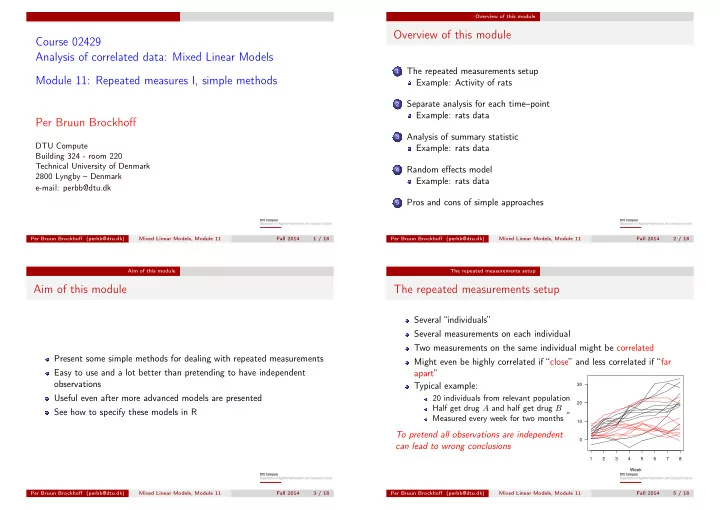
Several “individuals” Several measurements on each individual Two measurements on the same individual might be correlated Might even be highly correlated if “close” and less correlated if “far apart” Typical example:
20 individuals from relevant population Half get drug A and half get drug B Measured every week for two months
To pretend all observations are independent can lead to wrong conclusions
1 2 3 4 5 6 7 8 10 20 30 Week Y
Per Bruun Brockhoff (perbb@dtu.dk) Mixed Linear Models, Module 11 Fall 2014 5 / 18