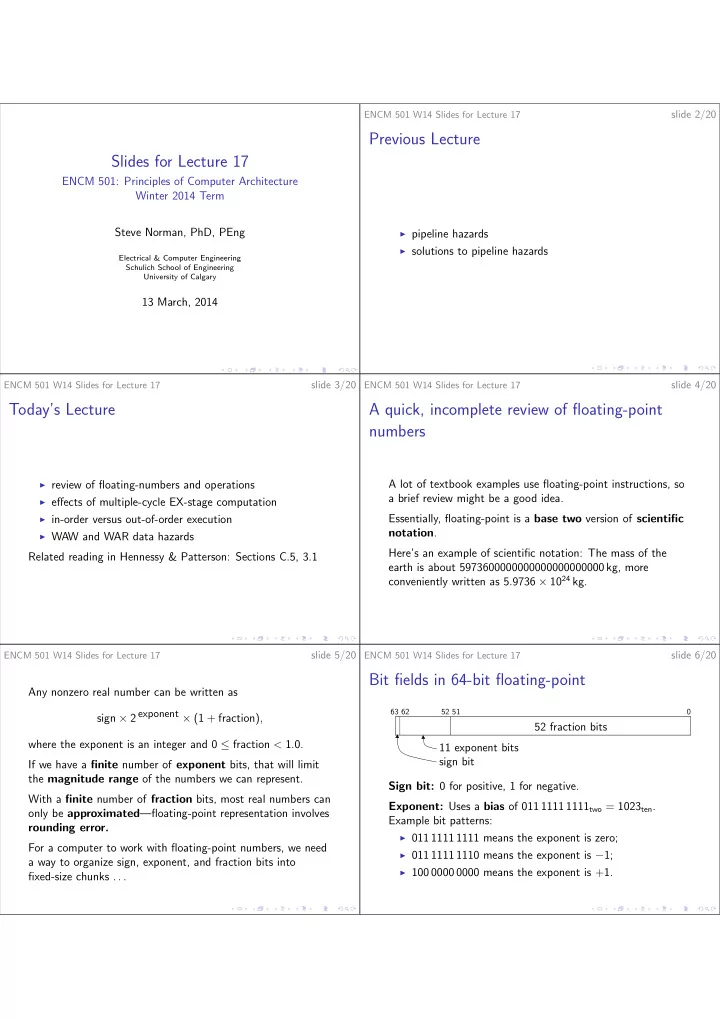

SLIDE 1
Slides for Lecture 17
ENCM 501: Principles of Computer Architecture Winter 2014 Term Steve Norman, PhD, PEng
Electrical & Computer Engineering Schulich School of Engineering University of Calgary
13 March, 2014
ENCM 501 W14 Slides for Lecture 17
slide 2/20
Previous Lecture
◮ pipeline hazards ◮ solutions to pipeline hazards
ENCM 501 W14 Slides for Lecture 17
slide 3/20
Today’s Lecture
◮ review of floating-numbers and operations ◮ effects of multiple-cycle EX-stage computation ◮ in-order versus out-of-order execution ◮ WAW and WAR data hazards
Related reading in Hennessy & Patterson: Sections C.5, 3.1
ENCM 501 W14 Slides for Lecture 17
slide 4/20
A quick, incomplete review of floating-point numbers
A lot of textbook examples use floating-point instructions, so a brief review might be a good idea. Essentially, floating-point is a base two version of scientific notation. Here’s an example of scientific notation: The mass of the earth is about 5973600000000000000000000 kg, more conveniently written as 5.9736 × 1024 kg.
ENCM 501 W14 Slides for Lecture 17
slide 5/20
Any nonzero real number can be written as sign × 2 exponent × (1 + fraction), where the exponent is an integer and 0 ≤ fraction < 1.0. If we have a finite number of exponent bits, that will limit the magnitude range of the numbers we can represent. With a finite number of fraction bits, most real numbers can
- nly be approximated—floating-point representation involves
rounding error. For a computer to work with floating-point numbers, we need a way to organize sign, exponent, and fraction bits into fixed-size chunks . . .
ENCM 501 W14 Slides for Lecture 17
slide 6/20
Bit fields in 64-bit floating-point
63 62 52 51
52 fraction bits 11 exponent bits sign bit Sign bit: 0 for positive, 1 for negative. Exponent: Uses a bias of 011 1111 1111two = 1023ten. Example bit patterns:
◮ 011 1111 1111 means the exponent is zero; ◮ 011 1111 1110 means the exponent is −1; ◮ 100 0000 0000 means the exponent is +1.