
SLIDE 1
10/1/20 1
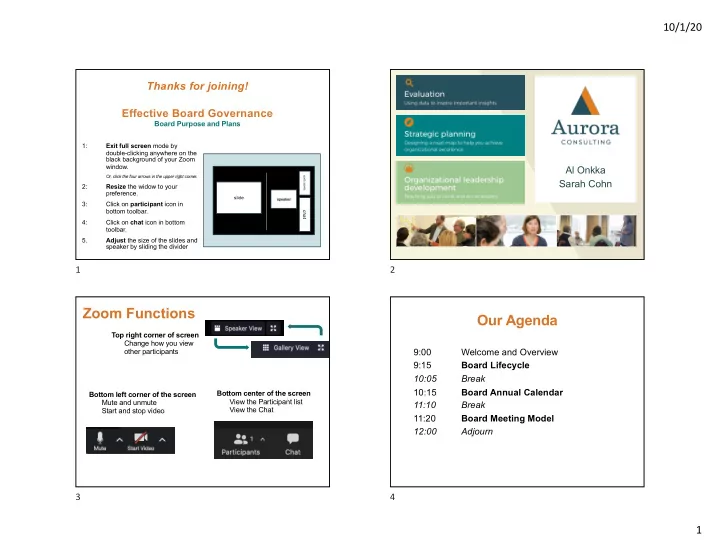
1: Exit full screen mode by double-clicking anywhere on the black background of your Zoom window.
Or, click the four arrows in the upper right corner.
2: Resize the widow to your preference. 3: Click on participant icon in bottom toolbar. 4: Click on chat icon in bottom toolbar. 5. Adjust the size of the slides and speaker by sliding the divider
slide
speaker
participants
chat
Thanks for joining! Effective Board Governance
Board Purpose and Plans
1 Al Onkka Sarah Cohn 2
Zoom Functions
Bottom left corner of the screen Mute and unmute Start and stop video Bottom center of the screen View the Participant list View the Chat Top right corner of screen Change how you view
- ther participants