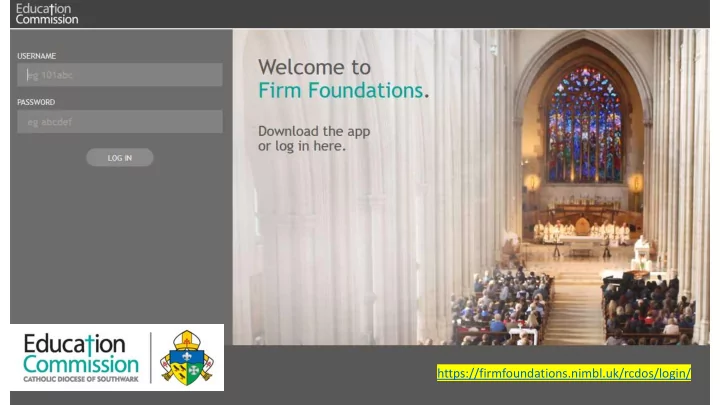
https://firmfoundations.nimbl.uk/rcdos/login/ Android version - - PowerPoint PPT Presentation

https firmfoundations nimbl uk rcdos login android version
SMART_READER_LITE
LIVE PREVIEW

https://firmfoundations.nimbl.uk/rcdos/login/ Android version - - PowerPoint PPT Presentation

https://firmfoundations.nimbl.uk/rcdos/login/ Android version available Apple products version available There is menu of publications to access. Each person can monitor their Four are written by the Education Commission. own progress. The


slide-1
SLIDE 1

https://firmfoundations.nimbl.uk/rcdos/login/

slide-2
SLIDE 2

Android version available Apple products version available

slide-3
SLIDE 3

Each person can monitor their

  • wn progress.

There is menu of publications to access. Four are written by the Education Commission. The others are generic governance publications. Some particularly relevant to voluntary aided

  • schools. Some refer specifically to academies.
slide-4
SLIDE 4

One person per school can monitor progress for a specific school or several schools. It is possible to monitor progress as a whole group It is possible to monitor progress for individual governors This facility best accessed via the website

slide-5
SLIDE 5

To set up logins for governors we need each school to send us the following information: School Name/URN/Postcode: Governor details listed under these headings First name Surname Category of governor Information should be sent to ecenquiries@rcaos.org.uk Direct any questions to patrickharrison@rcaos.org.uk

Thank you