
SLIDE 1
3/22/20 1
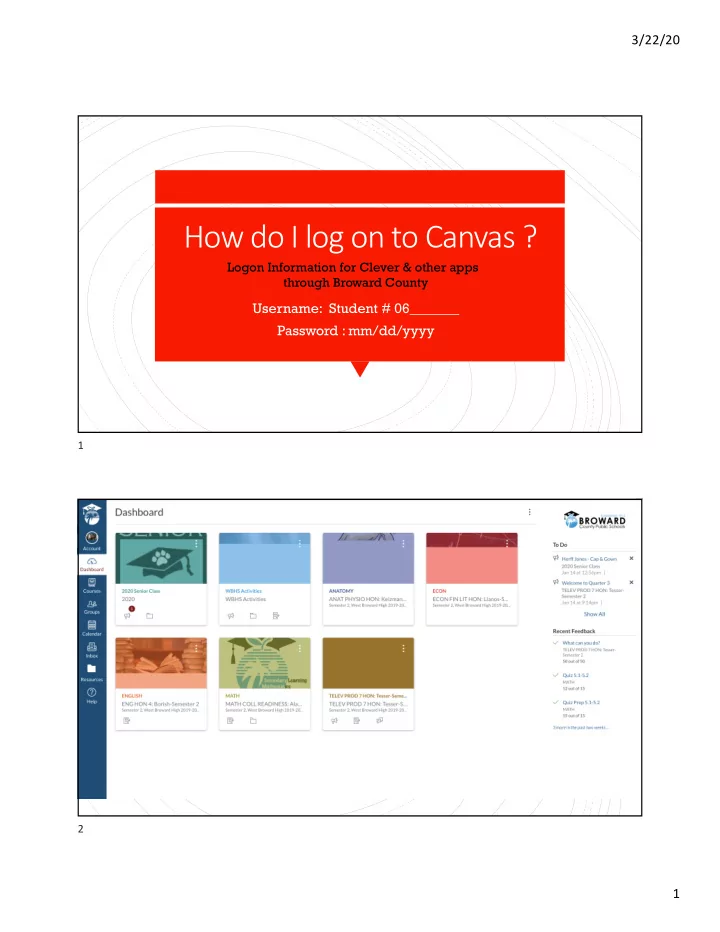
How do I log on to Canvas ?
Username: Student # 06_______ Password : mm/dd/yyyy
Logon Information for Clever & other apps through Broward County
1 2
How do I log on to Canvas ? Logon Information for Clever & other - - PDF document
3/22/20 How do I log on to Canvas ? Logon Information for Clever & other apps through Broward County Username: Student # 06_______ Password : mm/dd/yyyy 1 2 1 3/22/20 What your child sees when they log on to Canvas and selects a
3/22/20 1
Username: Student # 06_______ Password : mm/dd/yyyy
Logon Information for Clever & other apps through Broward County
1 2
3/22/20 2 What your child sees when they log on to Canvas and selects a certain class. To the right there is a To Do list with point values and due dates. This list disappears when the assignments are completed. Above the child sees a list of assignments as well.
3
Students can collaborate with the teacher and other students in the class by answering discussion questions and posing other questions to be answered.
4
3/22/20 3 When a student submits an assignment to the teacher, they can verify that it is submitted by going to the assignment tab on the left-hand side and it will show ‘Submitted’ on the top right. It is time stamped.
5
When all assignments are completed, nothing will show on the Home Page.
6
3/22/20 4 When the teacher grades the assignments or writes comments they can be viewed under the ’Course Progress’ tab on the left-hand side.
7