the CnC Programming Model Nick Vrvilo, Two Sigma Investments - - PowerPoint PPT Presentation

the cnc programming model
SMART_READER_LITE
LIVE PREVIEW

the CnC Programming Model Nick Vrvilo, Two Sigma Investments - - PowerPoint PPT Presentation

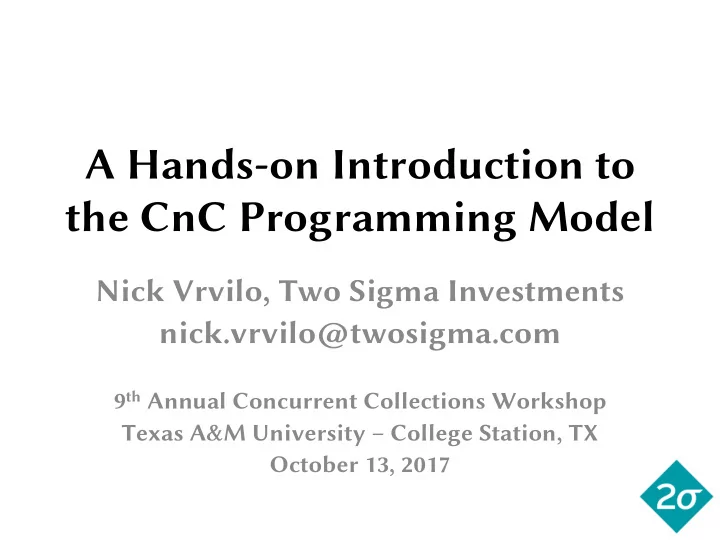
A Hands-on Introduction to the CnC Programming Model Nick Vrvilo, Two Sigma Investments nick.vrvilo@twosigma.com 9 th Annual Concurrent Collections Workshop Texas A&M University College Station, TX October 13, 2017 The CnC programming


slide-1
SLIDE 1

A Hands-on Introduction to the CnC Programming Model

Nick Vrvilo, Two Sigma Investments nick.vrvilo@twosigma.com

9th Annual Concurrent Collections Workshop Texas A&M University – College Station, TX October 13, 2017

slide-2
SLIDE 2

The CnC programming model

  • Programming model (not a language)
  • Graph coordination

– Declare data items and computation steps – Similar computation/data instances grouped into collections

  • Data items use single assignment

– A given item’s value cannot be updated

  • Step functions written in host language

2

slide-3
SLIDE 3

Simple CnC graph sketch

Step X Data A Data B Step Y

initializer

“GET” “PRESCRIBE” “PUT”

finalizer

3

slide-4
SLIDE 4

Step X ⟨x⟩ Data A ⟨x-1⟩ Step Y ⟨x*2⟩ Data B ⟨x, 1..10⟩

CnC input/output relations

(“tag functions”)

4

slide-5
SLIDE 5

Benefits of the CnC model

  • Collection relationships are declarative
  • Exposes implicit parallelism
  • Program structure follows naturally from the

“whiteboard” design process

5

slide-6
SLIDE 6

Thanks to Kath Knobe for this LULESH sketch

6

slide-7
SLIDE 7

Thanks to Ellen Porter for this LULESH graph

7

slide-8
SLIDE 8

CnC-OCR workflow

  • 1. Specify CnC graph
  • Currently in text form
  • Ideally provide a graphical tool
  • 2. Run graph translator tool
  • Parses the textual graph specification
  • Provides step function skeleton (suggested code)
  • Generates makefile, scaffolding code
  • 3. Implement step function bodies
  • 4. Compile and run the application

8

slide-9
SLIDE 9

3-point 1D stencil

Hands-on example

9

slide-10
SLIDE 10

Stencil description

  • 3-point stencil over a vector of size N
  • ai,t  vector element at index i on timestep t

10

slide-11
SLIDE 11

Vector at t=0

1 1

11

slide-12
SLIDE 12

Tiling the vector

1 1 1 1

12

slide-13
SLIDE 13

Calculating values for t=1

1 1 1 1

t = 0 t = 1

¼ 0 ¼

13

slide-14
SLIDE 14

Time to code!

  • 1. Install Intel CnC:

https://icnc.github.io/

  • 2. Install the Habanero CnC Framework:

https://github.com/habanero-rice/cnc-framework

  • 3. Get CnC Framework dependencies

( just run the translator tool: ucnc_t)

14

slide-15
SLIDE 15

1 1 1 1

t = 0 t = 1

¼ 0 ¼

15