Lab 1 Introduction Bulletin Board System Architecture and - - PDF document

lab 1
SMART_READER_LITE
LIVE PREVIEW

Lab 1 Introduction Bulletin Board System Architecture and - - PDF document

Schedule The Ensemble system Lab 1 Introduction Bulletin Board System Architecture and Protocols How does Ensemble achieve the group communication properties ? The Bulletin Board System Andreas Larsson 2009-01-26 Lab 1


slide-1
SLIDE 1

Lab 1 Bulletin Board System

Andreas Larsson

2009-01-26

Lab 1 - Bulletin Board System 2

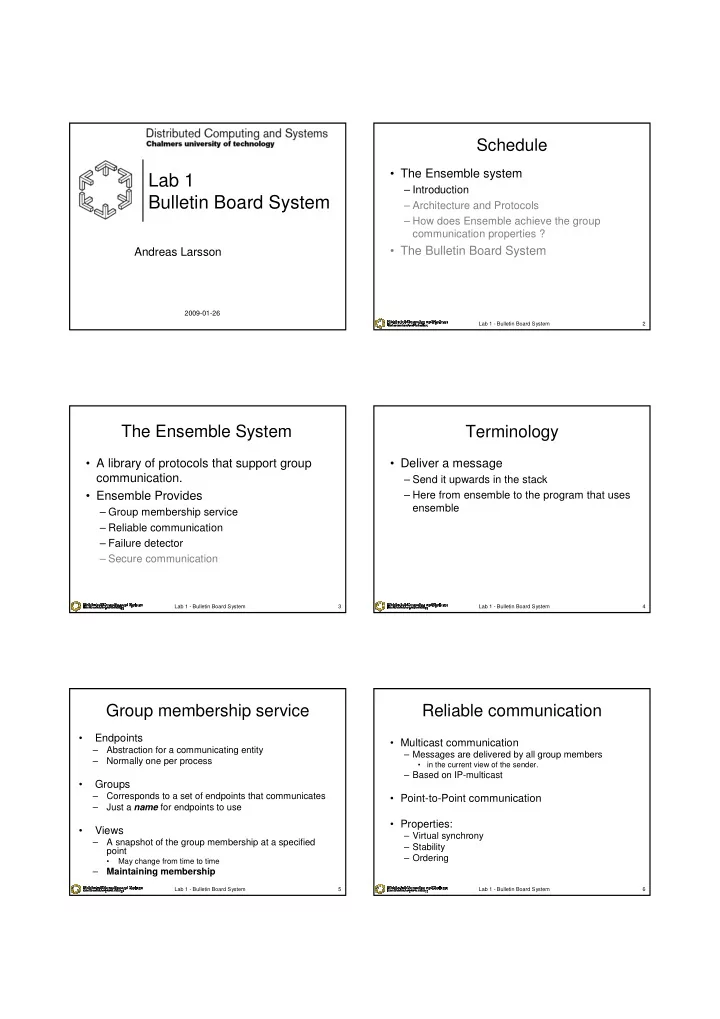
Schedule

  • The Ensemble system

– Introduction – Architecture and Protocols – How does Ensemble achieve the group communication properties ?

  • The Bulletin Board System

Lab 1 - Bulletin Board System 3

The Ensemble System

  • A library of protocols that support group

communication.

  • Ensemble Provides

– Group membership service – Reliable communication – Failure detector – Secure communication

Lab 1 - Bulletin Board System 4

Terminology

  • Deliver a message

– Send it upwards in the stack – Here from ensemble to the program that uses ensemble

Lab 1 - Bulletin Board System 5

Group membership service

  • Endpoints

– Abstraction for a communicating entity – Normally one per process

  • Groups

– Corresponds to a set of endpoints that communicates – Just a name for endpoints to use

  • Views

– A snapshot of the group membership at a specified point

  • May change from time to time

– Maintaining membership

Lab 1 - Bulletin Board System 6

Reliable communication

  • Multicast communication

– Messages are delivered by all group members

  • in the current view of the sender.

– Based on IP-multicast

  • Point-to-Point communication
  • Properties:

– Virtual synchrony – Stability – Ordering

slide-2
SLIDE 2

Lab 1 - Bulletin Board System 7

Virtual synchrony

  • AKA: View-synchronous group communication
  • Integrity

– A correct process delivers a message at most once.

  • Validity

– A message from a correct process will be delivered eventually by that process

  • Agreement

– A message delivered by one correct process will be delivered by all correct processes

Lab 1 - Bulletin Board System 8

Virtual Synchrony

crash

V0={a,b,c} V1={a,b,c,d} V2={b,c,d} V3={b,c,d,e}

a b c d e

d want to join e want to join

Lab 1 - Bulletin Board System 9

Schedule

  • The Ensemble system

– Introduction – Architecture & Protocols – How does Ensemble achieve the group communication properties ?

  • The Bulletin Board System

Lab 1 - Bulletin Board System 10

Infrastructure

  • Layered protocol architecture

– All features are implemented as micro- protocols/layers – A stack/combination ~ a high-level protocol

  • A new stack is created for a new

configuration at each endpoint

  • Ability to change the group protocol
  • n the fly

Lab 1 - Bulletin Board System 11

Layers

  • Layers are implemented as a set of

callbacks that handle events passed to them.

– Each layer gives the system 2 callbacks to handle events from its adjacent layers – Layers use 2 callbacks of its adjacent layers for passing events.

  • Each instance of a layer maintain a private

local state.

Lab 1 - Bulletin Board System 12

Stacks

  • Combinations of layers that work together to

provide high-level protocols

  • Stack creation:

– A new protocol stack is created at each endpoint of a group whenever the configuration (e.g. the view) of the group changes. – All endpoint in the same partition receive the same ViewState record to create their stack:

  • select appropriate layers according to the ViewState
  • create a new local state for each layer
  • compose the protocol layers
  • connect to the network
slide-3
SLIDE 3

Lab 1 - Bulletin Board System 13

Schedule

  • The Ensemble system

– Introduction – Architecture & Protocols – How does Ensemble achieve the group communication properties ?

  • The Bulletin Board System

Lab 1 - Bulletin Board System 14

The basic stack

  • Each group has a

leader for the membership protocol.

Bottom Interface to the network Mnak Reliable fifo Stable Stability detection Sequencer Total ordering Top_appl Interface to the application Synch Block during membership change Gmp Membership algorithm (7 layers) Layers Functionality Suspect Failure detector Slander Failure suspicion sharing

Lab 1 - Bulletin Board System 15

Failure detector

  • Suspect layer:

– Regularly ping other members to check for suspected failures – Protocol:

  • If (#unacknowledged Ping messages for a member > threshold)

send a Suspect event down

  • Slander layer:

– Share suspicions between members of a partition

  • The leader is informed so that faulty members are removed, even

if the leader does not detect the failures.

– Protocol:

  • The protocol multicasts slander messages to other members

whenever receiving a new Suspect event

Lab 1 - Bulletin Board System 16

Stability

  • Stable layer:

– Track the stability of multicast messages – Protocol:

  • Maintain Acks[N][N] by unreliable multicast:

– Acks[s][t]: #(s’ messages) that t has acknowledged – Stability vector StblVct = {(minimum of row s): ∀s} – NumCast vector NumCast = {(maximum of row s): ∀s}

  • Occasionally, recompute StblVct and NumCast, then

send them down in a Stable event.

Lab 1 - Bulletin Board System 17

Reliable multicast

  • Mnak layer:

– Implements a reliable FIFO-ordered multicast protocol

  • Messages from live members are delivered reliably
  • Messages from faulty members are retransmitted by live

members

– Protocol:

  • Keep a record of all multicast messages to retransmit on

demand

  • Use Stable event from Stable layer:

– StblVct vector is used for garbage collection – NumCast vector gives an indication to lost messages recover them

Lab 1 - Bulletin Board System 18

Ordering property

  • Sequencer layer:

– Provide total ordering – Protocol:

  • Members buffer all messages received from below in

a local buffer

  • The leader periodically multicasts an ordering

message

  • Members deliver the buffered messages according to

the leader’s instructions

  • See Causal layer for causal ordering
slide-4
SLIDE 4

Lab 1 - Bulletin Board System 19

Maintaining membership (1)

  • Handle Failure by splitting a group into several subgroups: 1

primary and many non-primary (partitionable)

  • Protocol:

– Each member keeps a list of suspected members via Suspect layer – A member shares its suspicions via Slander layer – View leader l:

  • collect all suspicions
  • reliably multicast a fail(pi0,…,pik) message
  • synchronize the view via Synch layer
  • Install a new view without pi0,…,pik

– A new leader is elected for the view without leader

  • If pk in view V1 suspects that all lower ranked members are faulty, it

elects itself as leader and does like l.

  • A member that agrees with pk, continues with pk to the new view V2 with

pk as the leader.

  • A member that disagrees with pk, suspects pk.

Lab 1 - Bulletin Board System 20

Maintaining membership (2)

  • Recover failure by merging non-primary

subgroups to the primary subgroup

  • Protocol:

l: local leader, r: remote leader

  • 1. l synchronizes its view
  • 2. l sends a merge request to r
  • 3. r synchronizes its view
  • 4. r installs a new view with its mergers and sends the

view to l

  • 5. l installs the new view in its subgroup

Lab 1 - Bulletin Board System 21

Join Group

crash

V0={a,b,c} V1={a,b,c,d} V2={b,c,d} V3={b,c,d,e}

a b c d e

d want to join e want to join

Lab 1 - Bulletin Board System 22

Virtual synchrony

  • Achieved by a simple leader-based protocol:

– Idea:

  • Before a membership change from V1 to V2 all

messages in V1 must become stable

– Protocol: before any membership change

  • The leader activates the Synch protocol the set,

MV1, of messages needed to deliver in V1 is bounded.

  • The leader waits until live members agree on MV1 via

sending negative acknowledgements and recovering lost messages (i.e. StblVct = NumCast)

Lab 1 - Bulletin Board System 23

Virtual Synchrony

crash

V0={a,b,c} V1={a,b,c,d} V2={b,c,d} V3={b,c,d,e}

a b c d e

d want to join e want to join

Lab 1 - Bulletin Board System 24

Schedule

  • The Ensemble system

– Introduction – Architecture and Protocols – How does Ensemble achieve the group communication properties ?

  • The Bulletin Board System
slide-5
SLIDE 5

Lab 1 - Bulletin Board System 25

The Bulletin Board System

  • Bulletin board with messages

– Subject, ID, sender, time – Arriving messages shall be displayed immediately – No agreed order of messages is needed – But: Replies should always be after their parent

  • Take advantage of ensemble to do this
  • Peer to peer application

– The bulletin board is shared – No server that keeps the messages – Stability while endpoints join and leaves

  • The application should be able to stand the loss of any

client

– Except last one – Warn client when it is the only one left

Lab 1 - Bulletin Board System 26

Ensembled

  • An ensembled process needs to run at each

computer

– If none is running at your computer run /chalmers/users/larandr/ensemble/ensembled – Already runs on: remote{1,2,3,4,5}.student.chalmers.se

  • Ensembled is providing the ensemble service

– Ensemble servers are not centralized servers – The server serves one host – The servers connect to each other and form the network

Lab 1 - Bulletin Board System 27

Get to know the system

  • Look at the documentation:

– Ensemble tutorial

  • Chapter 8 for the java interface
  • 5.8 for quick view of properties/layers

– Ensemble reference manual

  • Chapter 11 for more details on the layers
  • For additional information

– client/java/ensemble/JoinOps.java

  • Under /chalmers/users/larandr/ensemble/
  • To see how to select layers
  • Understand the example program

– Get the Talk app from the course page – Get it to run and figure out how it works