
SLIDE 1
How to use Group make Flexible Animation
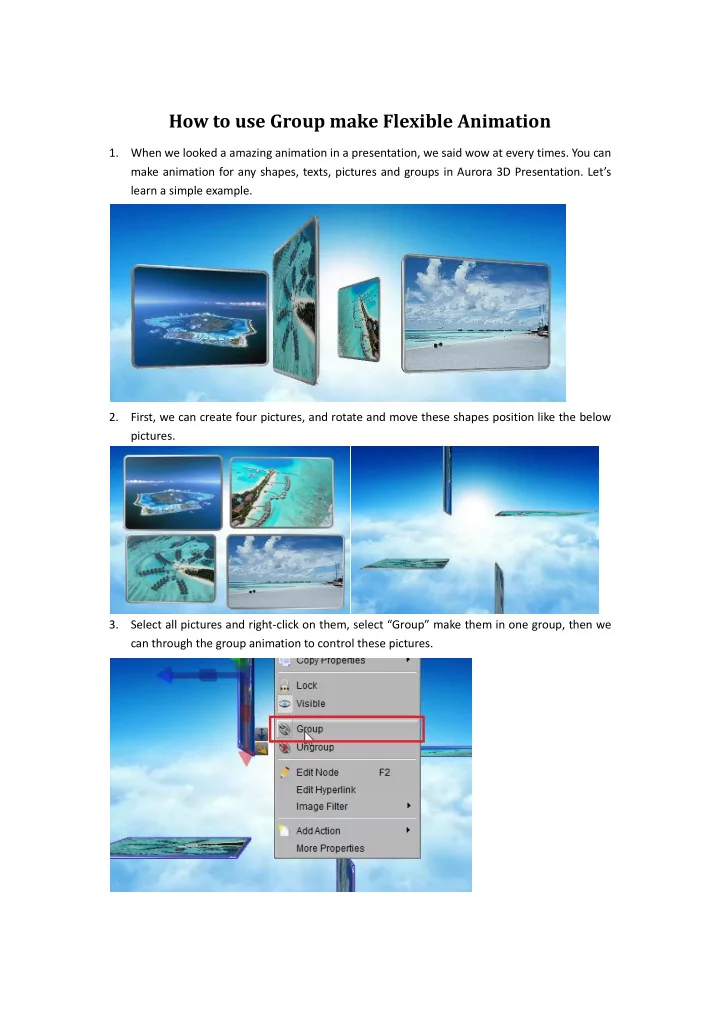
- 1. When we looked a amazing animation in a presentation, we said wow at every times. You can
make animation for any shapes, texts, pictures and groups in Aurora 3D Presentation. Let’s learn a simple example.
- 2. First, we can create four pictures, and rotate and move these shapes position like the below
pictures.
- 3. Select all pictures and right-click on them, select “Group” make them in one group, then we