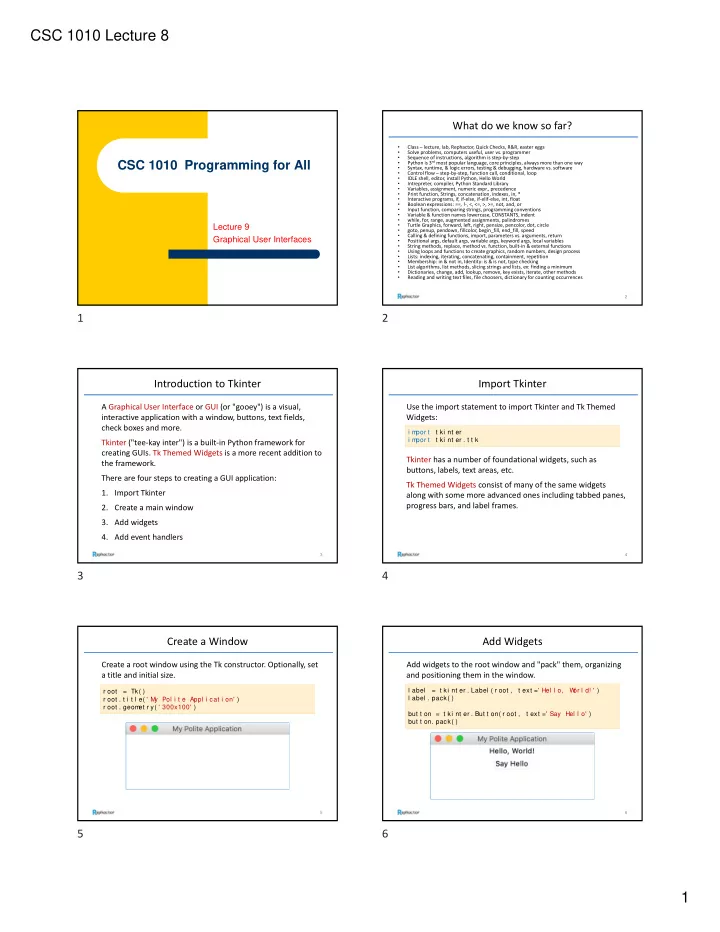

SLIDE 1
CSC 1010 Lecture 8 1
CSC 1010 Programming for All
Lecture 9 Graphical User Interfaces
What do we know so far?
- Class – lecture, lab, Rephactor, Quick Checks, R&R, easter eggs
- Solve problems, computers useful, user vs. programmer
- Sequence of instructions, algorithm is step‐by‐step
- Python is 3rd most popular language, core principles, always more than one way
- Syntax, runtime, & logic errors, testing & debugging, hardware vs. software
- Control flow – step‐by‐step, function call, conditional, loop
- IDLE shell, editor, install Python, Hello World
- Intrepreter, compiler, Python Standard Library
- Variables, assignment, numeric expr., precedence
- Print function, Strings, concatenation, indexes, in, *
- Interactive programs, if, if‐else, if‐elif‐else, int, float
- Boolean expressions: ==, !‐, <, <=, >, >=, not, and, or
- Input function, comparing strings, programming conventions
- Variable & function names lowercase, CONSTANTS, indent
- while, for, range, augmented assignments, palindromes
- Turtle Graphics, forward, left, right, pensize, pencolor, dot, circle
- goto, penup, pendown, fillcolor, begin_fill, end_fill, speed
- Calling & defining functions, import, parameters vs. arguments, return
- Positional args, default args, variable args, keyword args, local variables
- String methods, replace, method vs. function, built‐in & external functions
- Using loops and functions to create graphics, random numbers, design process
- Lists: indexing, iterating, concatenating, containment, repetition
- Membership: in & not in, Identity: is & is not, type checking
- List algorithms, list methods, slicing strings and lists, ex: finding a minimum
- Dictionaries, change, add, lookup, remove, key exists, iterate, other methods
- Reading and writing text files, file choosers, dictionary for counting occurrences
2
Introduction to Tkinter
A Graphical User Interface or GUI (or "gooey") is a visual, interactive application with a window, buttons, text fields, check boxes and more. Tkinter ("tee‐kay inter") is a built‐in Python framework for creating GUIs. Tk Themed Widgets is a more recent addition to the framework. There are four steps to creating a GUI application:
- 1. Import Tkinter
- 2. Create a main window
- 3. Add widgets
- 4. Add event handlers
3
Import Tkinter
Use the import statement to import Tkinter and Tk Themed Widgets:
4
i m por t t ki nt er i m por t t ki nt er . t t k
Tkinter has a number of foundational widgets, such as buttons, labels, text areas, etc. Tk Themed Widgets consist of many of the same widgets along with some more advanced ones including tabbed panes, progress bars, and label frames.
Create a Window
Create a root window using the Tk constructor. Optionally, set a title and initial size.
5
r oot = Tk( ) r oot . t i t l e( ' M y Pol i t e Appl i cat i on' ) r oot . geom et r y( ' 300x100' )
Add Widgets
Add widgets to the root window and "pack" them, organizing and positioning them in the window.
6
l abel = t ki nt er . Label ( r oot , t ext =' Hel l o, W
- r l d! ' )
l abel . pack( ) but t on = t ki nt er . But t on( r oot , t ext =' Say Hel l o' ) but t on. pack( )