
SLIDE 1
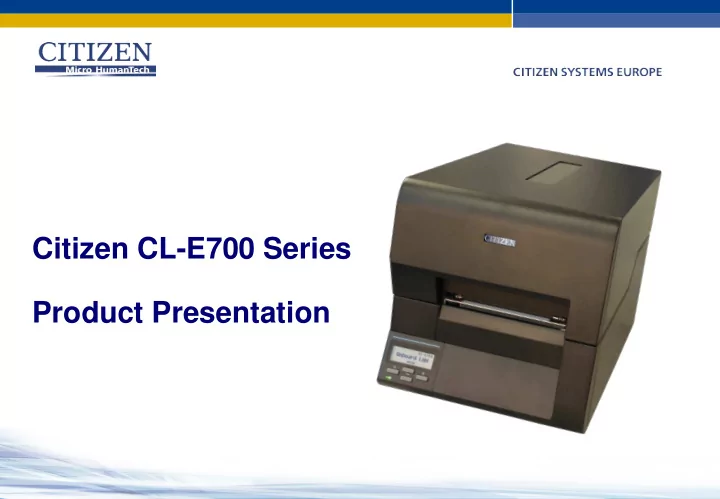
Citizen CL-E700 Series Product Presentation Citizen 4 Label Printer - - PowerPoint PPT Presentation
Citizen CL-E700 Series Product Presentation Citizen 4 Label Printer Family CL-S700R CL-S700 CL-E700 Series CL-S621 CL-S321 CL-S300 The CL-E700 series bridges CL-S621 and CL-S700 ranges Introducing the CL-E700 Series The next
CL-S321 CL-S300 CL-S621 CL-S700R CL-S700 CL-E700 Series
The next generation of label printers combining the performance and reliability of Citizen with new market leading features Up to 8 IPS print speed On board USB and LAN with LinkServer™ Full metal Hi-Open™ case All metal Hi-Lift™ mechanism Backlit graphic LCD and powerful VuePrint™ menu system 8” OD media with EasyLift loading
The CL-E700 series uses the same space-saving concept as the CL-S700 series: Angled control panel for easy viewing EasyLift media holder to install or change media rolls Safe Close hinges avoids the top cover slamming shut All metal case Media viewing window Footprint does not change when printer is opened
The CL-E700 mechanisms is based around an updated version of the CL-S621 design: Single ribbon drive motor for simpler design 74mm OD ribbon capacity (360 meter, 1180 feet) Ribbon clutch to adjust rear tension settings Easy-to-load ribbon holders Ink In or Ink Out Automatic selection
The CL-E700 mechanisms is based around an updated version of the CL-S621 design: Single moving bar for ARCP function Quieter operation Media damper for larger (heavier) rolls Ribbon low detection ARCP™ ribbon control system for precise imaging on specialist materials Adjustable Gap & black mark sensors Stiffer fixing!
On board LAN & USB Field installable options On board 10/100 Ethernet Parallel 1284 option LinkServer™ Management USB 2 connectivity Serial RS232C option Compact WiFi Wireless LAN Premium Ethernet LAN Premium WiFi Wireless LAN
Angled control panel for easy viewing Three ways to configure the CL-E700
and VuePrint™ commands
Error messages with Red LCD backlight Configure and control via the LCD menu
Connect to the printer via a web browser To adjust the printer’s setting, log in using “Admin” or “Operator” user names.
(Default password is the same as the user name)
As standard, you can view the printer status but not change
Remotely view the LCD and remotely press buttons. Click on links to setup or manage the printer’s settings Customise access levels for different users When logged in:
for the CL-E700 series
Operating Systems
– Port 9100 is also known as RAW data – Compatible with Windows and other O/S that use this port ( Generally AS/400 use Port 515 “LPR/LPD” and would need the Premium card )
menus and manage CBI – Citizen BASIC interpreter files remotely.
You can enable a new feature called “Ribbon Near End” – or Ribbon Low. The printer calculates based on diameter of ribbon remaining on the rear spool and creates a flashing alert on the LCD. ( This function is off by default )
Currently:-
Power switch Power inlet
Printer name DPI Max IPS Print Method Launch to End Users CL-E720DT 200 8 DT only June 2015 * CL-E720 200 8 / 6 DT and TT January 2015 CL-E730 300 6 / 6 * DT and TT June 2015 *
* Preliminary information
How does it work?
times from start to end of the ribbon Simpler to change ribbons
Improved Print Quality
Large unused ribbon Small used ribbon roll The variation in tension between ‘start’ and ‘end’ of the ribbon is related to the size of the rolls. Small unused Large used roll ARCP automatically balances this tension to give better print quality and no ribbon wrinkle
Active Ribbon Control & Positioning
Print speed: Up to 8 ips, 200 mm/s in Direct Thermal Up to 6 ips, 150 mm/s in Thermal Transfer Print width: 4.1 inches, 104.1 mm Resolution: 203 dpi (8 dots/mm) Case & Mechanism: Metal Hi-Open™ style with soft close Metal Hi-Lift™ vertical opening Control panel: Backlit 2-line LCD with easy-to-use menu system Ribbon: 360m (1181 ft) length, in- or outside wound with ARCP™ Interfaces: Standard: USB, Ethernet (LAN) Optional: Wireless LAN, Parallel, Serial Memory: 16 Mb of Flash (4 Mb for user applications) 32 Mb of SDRAM (4 Mb for user applications)