A Smart Port Card Update John DeHart Washington University - - PDF document

a smart port card update
SMART_READER_LITE
LIVE PREVIEW

A Smart Port Card Update John DeHart Washington University - - PDF document

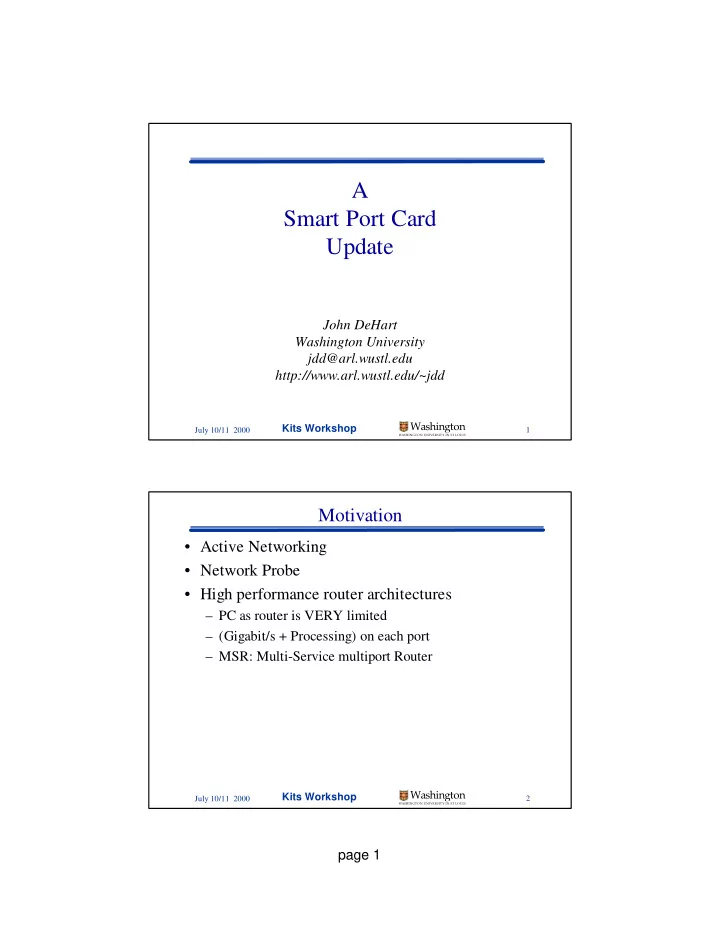
A Smart Port Card Update John DeHart Washington University jdd@arl.wustl.edu http://www.arl.wustl.edu/~jdd Washington Kits Workshop 1 July 10/11 2000 WASHINGTON UNIVERSITY IN ST LOUIS Motivation Active Networking Network Probe


slide-1
SLIDE 1

page 1

July 10/11 2000

Kits Workshop

1

Washington

WASHINGTON UNIVERSITY IN ST LOUIS

A Smart Port Card Update

John DeHart Washington University jdd@arl.wustl.edu http://www.arl.wustl.edu/~jdd

July 10/11 2000

Kits Workshop

2

Washington

WASHINGTON UNIVERSITY IN ST LOUIS

Motivation

  • Active Networking
  • Network Probe
  • High performance router architectures

– PC as router is VERY limited – (Gigabit/s + Processing) on each port – MSR: Multi-Service multiport Router

slide-2
SLIDE 2

page 2

July 10/11 2000

Kits Workshop

3

Washington

WASHINGTON UNIVERSITY IN ST LOUIS

Typical Pentium PC

CPU North- Bridge Cache DRAM SouthBridge (PIIX3) (PIC, PIT, …) PCI Bus ISA Bus PCI Devices ISA Devices BIOS Super-IO BIOS

RTC Uarts Kbd/Mse Floppy Parallel ...

Addr/Data Ctrl Ctrl Addr/Data/Ctrl Intr NMI INIT

CPU/Memory Bus

July 10/11 2000

Kits Workshop

4

Washington

WASHINGTON UNIVERSITY IN ST LOUIS

What SPC Needs

CPU North- Bridge Cache DRAM SouthBridge (PIC, PIT, …) PCI Bus APIC BIOS BIOS

Addr/Data Ctrl Ctrl Addr/Data/Ctrl Intr NMI INIT

RTC Uarts

CPU/Memory Bus

slide-3
SLIDE 3

page 3

July 10/11 2000

Kits Workshop

5

Washington

WASHINGTON UNIVERSITY IN ST LOUIS

System FPGA Intel Embedded Module

SPC Architecture

CPU North- Bridge Cache DRAM PCI Bus APIC

Addr/Data Ctrl Ctrl Addr/Data/Ctrl Intr NMI INIT

PIT PIC RTC’ BIOS ROM UART1 Interface UART2 Interface UART1 UART2

Link Interface Switch Interface

July 10/11 2000

Kits Workshop

6

Washington

WASHINGTON UNIVERSITY IN ST LOUIS

New Feature: System FPGA Reset

  • SPC needs a reset before every download:

– switch reset:

  • causes SPC to be reset
  • causes all connections in switch to be lost

– System FPGA reset

  • causes SPC to be reset
  • has no effect on the switch
slide-4
SLIDE 4

page 4

July 10/11 2000

Kits Workshop

7

Washington

WASHINGTON UNIVERSITY IN ST LOUIS

Software: SPC Kernel Modifications

  • Kernel Configuration File:

– Memory Disk – Serial Console – Most device drivers unneeded (e.g no Ethernet…)

  • Source Code Changes:

– PCI Device Configuration: ./dev/pci/if_apic_pci.c

  • APIC Specific configuration handled by driver

– Change some APIC defaults: ./dev/ic/apic.c

  • made switch port the default

– No HLT instruction: locore.s – Kernel Memory Page Allocation:

  • ./arch/i386/include/pmap.new.h

– RTC: ./arch/i386/isa/clock.c, ./ufs/ffs/ffs_vfsops.c

  • We still had to remove some RTC code...

July 10/11 2000

Kits Workshop

8

Washington

WASHINGTON UNIVERSITY IN ST LOUIS

Caveats

  • Intel Embedded Module problem

– Memory corruption caused by noise on M/A bus – Hopefully it will be fixed before we ship – We work around it with 25 MHz PCI and no HLT

  • This reduces the probability of noise on the bus
  • PCI Bus

– 33 MHz vs. 25 MHz – Adjustment of NetBSD clock may be needed

  • NetBSD Kernel HLT instruction

– if absolutely nothing to do, NetBSD does a “HLT” – this reduces power consumption – Side Effect: large power/current swings – We have removed the HLT instruction for the SPC

slide-5
SLIDE 5

page 5

July 10/11 2000

Kits Workshop

9

Washington

WASHINGTON UNIVERSITY IN ST LOUIS

Schedule: Subject to Change (Updated since Friday)

  • All Parts Due Back:

July 7

  • Out to Fab:

July 10

  • First 3 SPCs Back from Fab:

July 14

  • Test 3 SPCs:

July 14-16

  • Give go ahead to Fab the rest:

July 17

  • Rest of SPCs back from Fab:

Early August

  • Testing:

1-2 weeks

  • Shipping:

September 1

  • In your hands:

September 4

July 10/11 2000

Kits Workshop

10

Washington

WASHINGTON UNIVERSITY IN ST LOUIS

What You Will Get

  • 2 Assembled SPCs:

– SPC board – CPU Module attached (33MHz PCI or 25MHz PCI?) – System FPGA SProm installed – System FPGA boot load jumper installed – Memory module installed

  • Serial Cables per SPC

– 2 Standard 15 inch PC Serial port jumpers. – 2 Standard 10 foot Null Modem cables

  • Software: everything you will use in the Exercises

– SPC Utilities – Kernel files with SPC modifications (or a full 1.4.1 source tree?) – build scripts – boot loader – Jammer scripts

slide-6
SLIDE 6

page 6

July 10/11 2000

Kits Workshop

11

Washington

WASHINGTON UNIVERSITY IN ST LOUIS

References: New Links from Kits References Page

  • Intel Embedded Module:

– Data Sheet – Design Guide

  • 430HX Chipset

– NorthBridge – SouthBridge

  • System FPGA
  • Memory
  • Mobile Pentium with MMX

– Software Developer Manuals 1,2,3 – Datasheet

  • APIC
  • Cache

July 10/11 2000

Kits Workshop

12

Washington

WASHINGTON UNIVERSITY IN ST LOUIS

SPC Tutorial Recap

  • 19 Visitors Attended
  • 10-12 Groups Represented
  • 1/2 Day of Talks describing SPC

– SPC Hardware – SPC Software – SPC Utilities

  • 1 1/2 Days of Exercises:

+ Exercise 1: Download and Boot + Exercise 2: Build Kernel and SPC Filesystem ± Exercise 3: IP and the SPC as a Router + Exercise 4: SPC Hardware Installation ± Open Exercise: AAL5 Download Program

slide-7
SLIDE 7

page 7

July 10/11 2000

Kits Workshop

13

Washington

WASHINGTON UNIVERSITY IN ST LOUIS

What We Learned

  • IP Connectivity Debugging Tools

– ping – netstat – route show – WUGS Switch Counters – atm_ifconfig apic0 getall – APIC readCounts utility – tcpdump – traceroute

July 10/11 2000

Kits Workshop

14

Washington

WASHINGTON UNIVERSITY IN ST LOUIS

What We Learned (continued)

  • Routes, IP Addressing and IP Address aliases

– Even though it looks a little complicated… – It’s a little worse then it looks… – We still have something to learn about IP alias addresses...

slide-8
SLIDE 8

page 8

July 10/11 2000

Kits Workshop

15

Washington

WASHINGTON UNIVERSITY IN ST LOUIS

What We Learned (continued)

  • One example sequence that may lead to trouble:

> ifconfig apic0 inet 192.168.10.10 netmask 0xffffff00 up

> atm_ifconfig apic0 0xc5 open -aal5 -llc -besteffort -inport 0 -outports 1

> route add -iface 192.168.20.1 -link apic0:0.0.0.c5 > ifconfig apic0 down > ifconfig apic0 inet 192.168.10.1 netmask 0xffffff00 up

> atm_ifconfig apic0 0xc5 open -aal5 -llc -besteffort -inport 0 -outports 1

– The route caches the device IP address to use as the source address on outgoing packets. This does not show up with “> route show” – If the device IP address is changed, all routes should be flushed

July 10/11 2000

Kits Workshop

16

Washington

WASHINGTON UNIVERSITY IN ST LOUIS

Conclusions

  • Everyone learned the basics

– Downloading kernels – Getting the SPC to boot – Using a serial port as a boot console – Modifying Kernels and SPC Filesystems – Configuring IP between an PC and an SPC

  • We can make things better

– AAL5 Download program

  • Should do kernel download in seconds instead of minutes
  • We learned a few things that should lead to this getting done.

– We will work out some examples of what went wrong and how to fix things.