
SLIDE 1
A.E. Harter Summer Technology Extravaganza Sheboygan Falls School District, 2012
Six [totally awesome] Web Presentation Tools for Teachers at a Glance
This tool is called… With it, I make… Teachers can use it for…
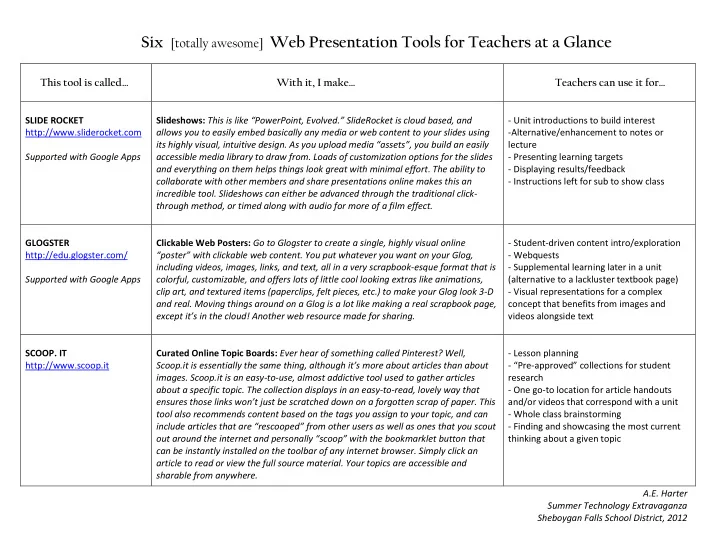
SLIDE ROCKET http://www.sliderocket.com Supported with Google Apps Slideshows: This is like “PowerPoint, Evolved.” SlideRocket is cloud based, and allows you to easily embed basically any media or web content to your slides using its highly visual, intuitive design. As you upload media “assets”, you build an easily accessible media library to draw from. Loads of customization options for the slides and everything on them helps things look great with minimal effort. The ability to collaborate with other members and share presentations online makes this an incredible tool. Slideshows can either be advanced through the traditional click- through method, or timed along with audio for more of a film effect.
- Unit introductions to build interest
- Alternative/enhancement to notes or
lecture
- Presenting learning targets
- Displaying results/feedback
- Instructions left for sub to show class
GLOGSTER http://edu.glogster.com/ Supported with Google Apps Clickable Web Posters: Go to Glogster to create a single, highly visual online “poster” with clickable web content. You put whatever you want on your Glog, including videos, images, links, and text, all in a very scrapbook-esque format that is colorful, customizable, and offers lots of little cool looking extras like animations, clip art, and textured items (paperclips, felt pieces, etc.) to make your Glog look 3-D and real. Moving things around on a Glog is a lot like making a real scrapbook page, except it’s in the cloud! Another web resource made for sharing.
- Student-driven content intro/exploration
- Webquests
- Supplemental learning later in a unit
(alternative to a lackluster textbook page)
- Visual representations for a complex
concept that benefits from images and videos alongside text
- SCOOP. IT
http://www.scoop.it Curated Online Topic Boards: Ever hear of something called Pinterest? Well, Scoop.it is essentially the same thing, although it’s more about articles than about
- images. Scoop.it is an easy-to-use, almost addictive tool used to gather articles
about a specific topic. The collection displays in an easy-to-read, lovely way that ensures those links won’t just be scratched down on a forgotten scrap of paper. This tool also recommends content based on the tags you assign to your topic, and can include articles that are “rescooped” from other users as well as ones that you scout
- ut around the internet and personally “scoop” with the bookmarklet button that
can be instantly installed on the toolbar of any internet browser. Simply click an article to read or view the full source material. Your topics are accessible and sharable from anywhere.
- Lesson planning
- “Pre-approved” collections for student
research
- One go-to location for article handouts
and/or videos that correspond with a unit
- Whole class brainstorming
- Finding and showcasing the most current