Motion Blur Detection Ben Simandoyev & Keren Damari Blur in - - PowerPoint PPT Presentation

motion blur detection
SMART_READER_LITE
LIVE PREVIEW

Motion Blur Detection Ben Simandoyev & Keren Damari Blur in - - PowerPoint PPT Presentation

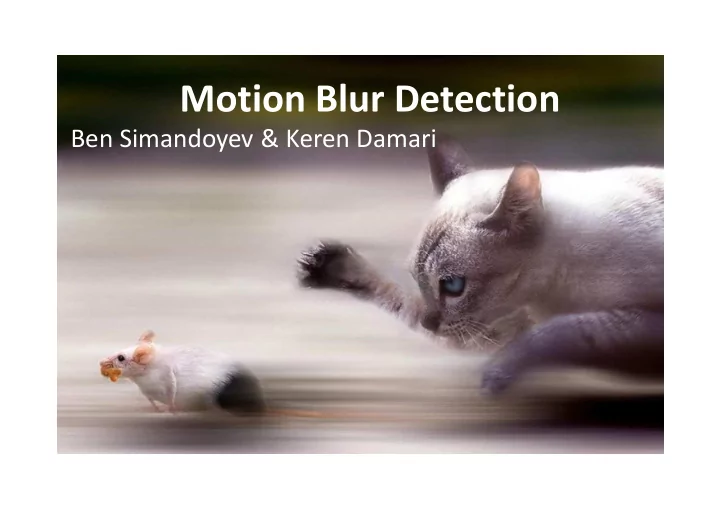
Motion Blur Detection Ben Simandoyev & Keren Damari Blur in Images There are two main types of blur Out of Focus Motion Blur Motion Blur Motion blur is usually created when the time of exposure is long relatively to the velocity of


slide-1
SLIDE 1

Motion Blur Detection

Ben Simandoyev & Keren Damari

slide-2
SLIDE 2

Blur in Images

There are two main types of blur

Motion Blur Out of Focus

slide-3
SLIDE 3

Motion Blur

Motion blur is usually created when the time

  • f exposure is long

relatively to the velocity

  • f movement.
slide-4
SLIDE 4

Motion Blur

Typically, motion blur creates smoothness in the image

  • n the direction of movement, and many edges in the

vertical direction.

slide-5
SLIDE 5

Previous Work

Most of known methods of debluring require prior knowledge uses PSF which a kernel based

  • n the angle and length of the motion.

Original Picture Blurred, angle=30, lenth=50 Deblurred Picture

slide-6
SLIDE 6

Approach and Method

We used edge detection with high sensitivity. In a motion blurred image, we expected to find large amount of parallel lines in the direction

  • f movement and very few

lines in other directions.

  • 1. Edge Detection
slide-7
SLIDE 7

Approach and Method

  • 2. Divide to grids

Since the blur could be local, we can expect part of the scene to be sharp. We divided the image matrix into grids, and looked for motion in each one of them

slide-8
SLIDE 8

Approach and Method

The next step was to find parallel lines in the edge map, we used Hough transform for lines and serached for dominant direction.

  • 3. Hough Transform
slide-9
SLIDE 9

Approach and Method

  • 3. Hough Transform

Teta=27  The angele comuted is 153

slide-10
SLIDE 10

Results

The result is a matrix represents the direction of blur detected in all parts, -1 if motion blur was not found. Here are the results as blue arrows.

slide-11
SLIDE 11

Results

Run time: 1.42586 sec Run time: 2.023569 sec

slide-12
SLIDE 12

Results

Run time: 1.71809 sec Run time: 3.25279 sec

slide-13
SLIDE 13

Results

Run time: 2.040075 sec Run time: 3.25279 sec

slide-14
SLIDE 14

Results

Run time: 1.75275 sec Run time: 1.44714 sec

slide-15
SLIDE 15

Results

Run time: 3.293323 sec Run time: 4.03007 sec

slide-16
SLIDE 16

Results

Better results can be achieved by different grid sizes, depending

  • n the pictures size, the size of the object in motion and the

motion direction change rate

Division to 36 grids Division to 64 grids

slide-17
SLIDE 17

Results

Run time: 3.293323 sec

slide-18
SLIDE 18

Conclusions

Recognition of motion blurred images gives good results, recognition of about 80% in average of the the motion direction in the grids. Few pictures require lower threshold, more sensitive edge

  • detector. The average run time for picture of size 1500X1000 is

about 3.6 seconds. The majority of images with motion blur are recognized, but there is considerable amount of images without blur that are recognized as images with motion blur. Our suggestion is to run an algorithm to identify blurred areas prior to our algorithm, and try to detect motion only in those areas.

slide-19
SLIDE 19

Conclusions

When the algorithm successfully finds motions in a grid, the returned direction is a pretty good estimation of the real motion direction in that grid. Very dark or very bright areas of motion are more difficult to identify and requires lower threshold of edge detecting. In some pictures the edge detector find false edges at the ends, therefore motion recognition is more likely to fail in those areas and give false result. Future work: when the direction of movement is known, finding the amount of movement in that direction could help with restoration of images with motion blur.