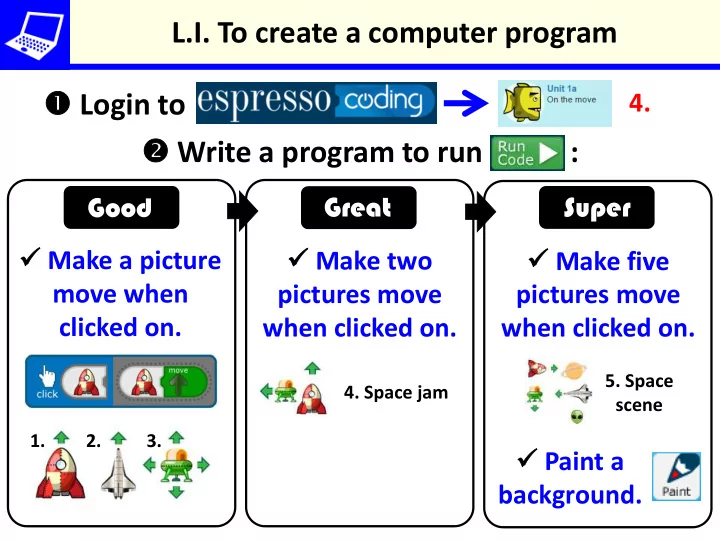
SLIDE 1 L.I. To create a computer program Login to Write a program to run :
Make two pictures move when clicked on. Make five pictures move when clicked on. Good Super Great 4. Make a picture move when clicked on. Paint a background.
- 4. Space jam
- 1. 2. 3.
- 5. Space
scene
SLIDE 2
L.I. To create a computer program Login to Write a program to run :
Choose a background. Good Super Great 6. Add pictures. Paint a background. Make them move when clicked on. Make pictures move sensibly.
SLIDE 3
L.I. To create a computer program Login to Write a program to run :
Choose a background. Good Super Great 6. Add pictures. Paint a background. Move them at the start or when clicked on. Make pictures move sensibly. Set the size of pictures.
SLIDE 4
L.I. To create a computer program Login to Write a program to run :
Choose a background. Good Super Great 6. Add pictures. Paint a background. Move them using swipes. Set the size of pictures. Add to gallery.
SLIDE 5
L.I. To create a computer program Login to Write a program to run :
Choose a background. Good Super Great 3. Make a picture move when buttons are pressed. Paint a background. Make a picture stop or hide when buttons are pressed. Add to gallery.
SLIDE 6
L.I. To create a computer program Login to Write a program to run :
Choose a background. Good Super Great 6. Add a picture. Paint a background. Make it: move, stop or hide when buttons are pressed. Set the size of a picture. Add to gallery. Add more pictures to control.
SLIDE 7
L.I. To create a computer program Login to Debug programs so they run correctly :
Explain how and why code has been changed. Debug a complex problem independently. Good Super Great Change and test code so it is correct. 7. 7.