#join X assembly to Box JellyBox Build: 16_X-Assembly Join In this - - PDF document

join x assembly to box
SMART_READER_LITE
LIVE PREVIEW

#join X assembly to Box JellyBox Build: 16_X-Assembly Join In this - - PDF document

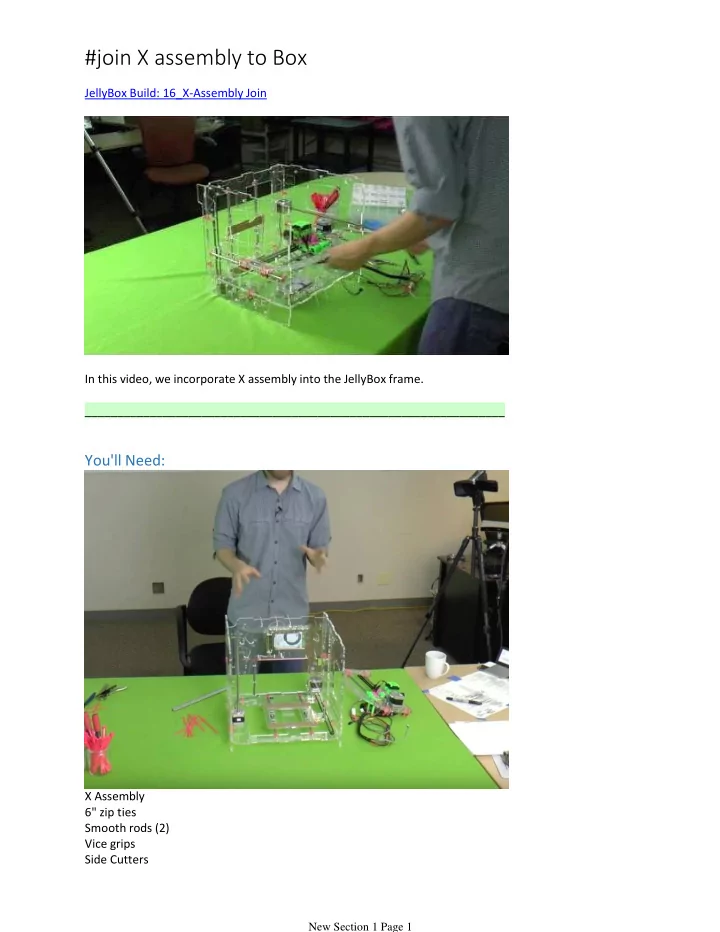
#join X assembly to Box JellyBox Build: 16_X-Assembly Join In this video, we incorporate X assembly into the JellyBox frame. _________________________________________________________________ You'll Need: X Assembly 6" zip ties Smooth


slide-1
SLIDE 1

JellyBox Build: 16_X-Assembly Join In this video, we incorporate X assembly into the JellyBox frame. _________________________________________________________________

You'll Need:

X Assembly 6" zip ties Smooth rods (2) Vice grips Side Cutters

#join X assembly to Box

New Section 1 Page 1

slide-2
SLIDE 2

Title: Prepare Loops for Smooth Rods

New Section 1 Page 2

slide-3
SLIDE 3

Loosely place zip tie loops on either side of the printer - head on the inside. These loops will hold the smooth rods.

Title: In Goes the X Assembly

New Section 1 Page 3

slide-4
SLIDE 4

New Section 1 Page 4

slide-5
SLIDE 5

A: Put the X assembly inside the box. Slide in the rods through the loops AND the bearings.

  • Careful. If you force the rods at an angle you MAY knock out some balls from the

bearings. B: The Left rod is on the inside of the box! C: The Right rod is on the outside of the box! Hand-tighten the zip ties.

Title: Secure the Smooth Rods

New Section 1 Page 5

slide-6
SLIDE 6

Place the box on its back to alleviate gravitational pull. The smooth rods should sit inside the slots. Use vice grips to pull the zip ties tight.

Title: Clean Up the Zip Ties

Use side cutters to remove the loose ends of the zip ties. Done!

New Section 1 Page 6