
SLIDE 1
How to use Microsoft Teams to participate in the STEAM 2020 online conference
- 1. Click this link to pay your registration fee.
- 2. Use your email to create a Microsoft Account if you don’t already have one.
- 3. Use your Microsoft Account to sign into Teams.
- 4. Once you have signed into Teams successfully, write us an email through
steam@gaics.org to tell us the email that you will use to sign in Teams.
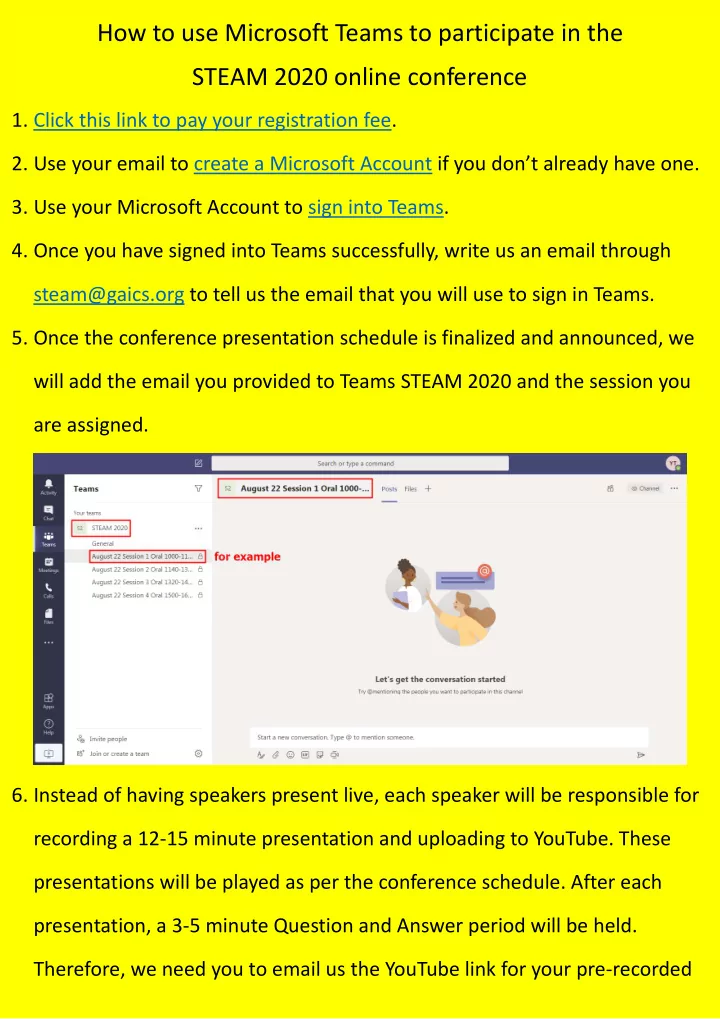
- 5. Once the conference presentation schedule is finalized and announced, we
will add the email you provided to Teams STEAM 2020 and the session you are assigned.
- 6. Instead of having speakers present live, each speaker will be responsible for