History Drawbacks of using file systems (cont.) Atomicity of - - PowerPoint PPT Presentation

history
SMART_READER_LITE
LIVE PREVIEW

History Drawbacks of using file systems (cont.) Atomicity of - - PowerPoint PPT Presentation

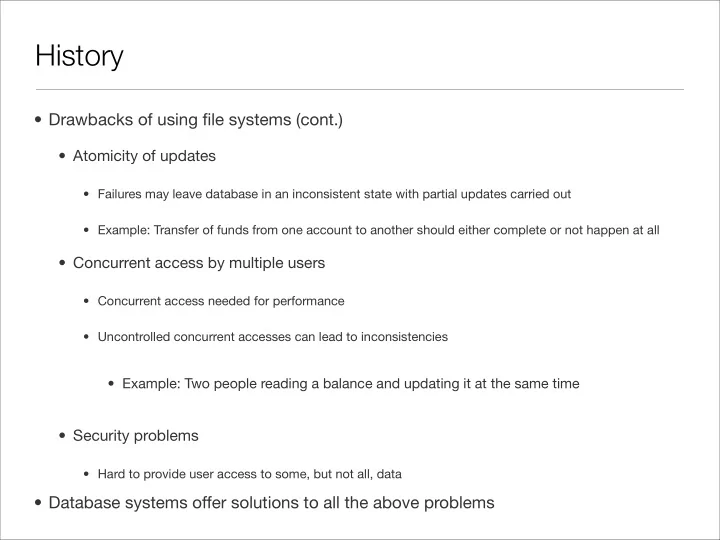
History Drawbacks of using file systems (cont.) Atomicity of updates Failures may leave database in an inconsistent state with partial updates carried out Example: Transfer of funds from one account to another should either


slide-1
SLIDE 1

History

  • Drawbacks of using file systems (cont.)
  • Atomicity of updates
  • Failures may leave database in an inconsistent state with partial updates carried out
  • Example: Transfer of funds from one account to another should either complete or not happen at all
  • Concurrent access by multiple users
  • Concurrent access needed for performance
  • Uncontrolled concurrent accesses can lead to inconsistencies
  • Example: Two people reading a balance and updating it at the same time
  • Security problems
  • Hard to provide user access to some, but not all, data
  • Database systems offer solutions to all the above problems
slide-2
SLIDE 2

Levels of Abstraction

  • Physical level: describes how a record is stored.
  • data structures used; byte level strorage
  • Logical level: describes the data stored in database, and the relationships among

the data.

  • lowest level at which programmers and admin interact with database
  • type customer = record
  • customer_id : string;
  • customer_name : string;
  • customer_street : string;
  • customer_city : integer;

end;

  • View level: application programs hide details of data types. Views can also hide

information (such as an employee’s salary) for security purposes.

slide-3
SLIDE 3

View of Data

An architecture for a database system

slide-4
SLIDE 4

Schemas and Instances

  • Similar to types and variables in programming languages
  • Schema – the logical structure of the database (at every level) ; rarely changes
  • E.g.: DB consists of information for set of customers, accounts, & their relationships
  • Analogous to type information of a variable in a program
  • Physical schema: database design at the physical level
  • Logical schema: database design at the logical level; most important
  • View schemas (subschemas)
  • Instance – the actual content of the database at a particular point in time
  • Analogous to the value of a variable
  • Physical Data Independence – the ability to modify the physical schema without

changing the logical schema

  • Applications depend on the logical schema
  • interfaces between various levels should be well defined so that changes in some parts

do not seriously influence others.

slide-5
SLIDE 5

Data Models

  • A collection of conceptual tools for describing
  • Data
  • Data relationships
  • Data semantics
  • Data constraints
  • Relational model
  • tables; most widely used
  • Entity-Relationship data model (mainly for database design)
  • Object-based data models (Object-oriented and Object-relational)
  • Semistructured data model (XML)
  • Other older models:
  • Network model
  • Hierarchical model
slide-6
SLIDE 6

Data Manipulation Language (DML)

  • Language for accessing and manipulating the data organized by the appropriate

data model

  • Retrieval, insertion, deletion, modification
  • Query: statement in DML requesting information
  • DML also known as query language (technically incorrect)
  • SQL is the most widely used query language
  • Two classes of languages
  • Procedural – user specifies what data is required and how to get those data
  • Declarative (nonprocedural) – user specifies what data is required without specifying

how to get those data

  • Abstraction: DML => physical level algorithms
  • ease of use
slide-7
SLIDE 7

Data Definition Language (DDL)

  • For defining the database schema
  • Example:

create table account ( account-number char(10), balance integer)

  • Integrity constraints
  • Domain constraints (integer, character, date)
  • Referential integrity (referenced values across relations)
  • Assertions (always valid condition)
  • “every user with loan must have >$1000 balance”
  • Authorization (read, insert, modify, delete)
  • DDL compiler generates output: a set of tables stored in a data dictionary
  • Data dictionary (table) contains metadata (i.e., data about data)
  • Database schema
  • DD consuted before reading/modifying data