
SLIDE 1
CL1 2002/3-13 1
13: Files and Data
CL1 2002/3-13 2
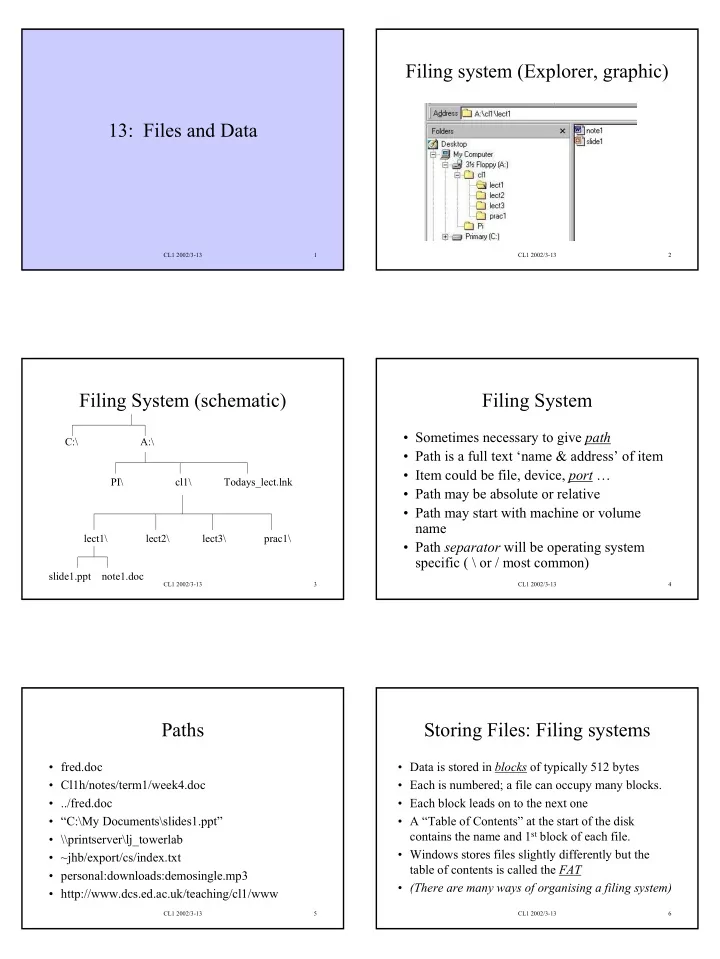
Filing system (Explorer, graphic)
CL1 2002/3-13 3
Filing System (schematic)
cl1\ lect1\ lect2\ lect3\ prac1\ slide1.ppt note1.doc PI\ A:\ Todays_lect.lnk C:\
CL1 2002/3-13 4
Filing System
- Sometimes necessary to give path
- Path is a full text ‘name & address’ of item
- Item could be file, device, port …
- Path may be absolute or relative
- Path may start with machine or volume
name
- Path separator will be operating system
specific ( \ or / most common)
CL1 2002/3-13 5
Paths
- fred.doc
- Cl1h/notes/term1/week4.doc
- ../fred.doc
- “C:\My Documents\slides1.ppt”
- \\printserver\lj_towerlab
- ~jhb/export/cs/index.txt
- personal:downloads:demosingle.mp3
- http://www.dcs.ed.ac.uk/teaching/cl1/www
CL1 2002/3-13 6
Storing Files: Filing systems
- Data is stored in blocks of typically 512 bytes
- Each is numbered; a file can occupy many blocks.
- Each block leads on to the next one
- A “Table of Contents” at the start of the disk
contains the name and 1st block of each file.
- Windows stores files slightly differently but the
table of contents is called the FAT
- (There are many ways of organising a filing system)