Electronic Resources @ Auckland Libraries What we offer From the - - PowerPoint PPT Presentation

electronic resources
SMART_READER_LITE
LIVE PREVIEW

Electronic Resources @ Auckland Libraries What we offer From the - - PowerPoint PPT Presentation

Electronic Resources @ Auckland Libraries What we offer From the comfort of your own chair you can access thousands of eBooks eAudiobooks eMagazines eNewspapers Friendly help All you need is. A library card &


slide-1
SLIDE 1

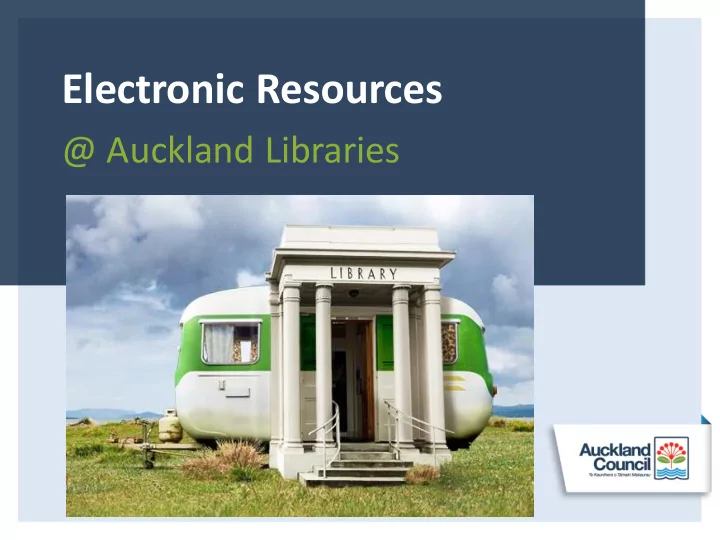
Electronic Resources

@ Auckland Libraries

slide-2
SLIDE 2

What we offer

From the comfort of your own chair you can access thousands of

  • eBooks
  • eAudiobooks
  • eMagazines
  • eNewspapers
  • Friendly help
slide-3
SLIDE 3

All you need is….

A library card & Internet access

slide-4
SLIDE 4

Your Internet access can be via

slide-5
SLIDE 5

Why use electronic resources?

  • Quick and easy
  • Shorter waiting lists
  • No overdues or lost book charges
  • Easy to take away on holiday
  • Once downloaded, read it offline
slide-6
SLIDE 6

Zinio

Read over 600 popular eMagazines online or offline.

  • Always available - no hold queues
  • No checkout periods
  • No limit to the number of

eMagazines you can check out

  • Lots of popular titles
  • A huge variety of topics including travel, technology, politics,

cooking, and more

  • eMagazines for children, teens, men, and women.
slide-7
SLIDE 7

Zinio, what it looks like

Insert name presentation here

slide-8
SLIDE 8

Zinio, back issues available

Insert name presentation here

slide-9
SLIDE 9

Zinio, inside the magazine

Insert name presentation here

slide-10
SLIDE 10

Press Reader

Insert name presentation here

  • Read today's newspapers and magazines in full-

colour, full-page format.

  • There are over 2,400 newspapers, in 60

languages.

slide-11
SLIDE 11

eBooks & eAudiobooks, how they work

  • 1. Log In
  • 2. Search
  • 3. Borrow

From the library website login to the platform. Install the platform’s app

  • n your device.

Search & discover 24/7 by title, author, category etc. Read or listen to extracts. Confirm your choice

  • r

reserve a title

slide-12
SLIDE 12

eBooks & eAudiobooks, how they work

  • 4. Download
  • 5. Enjoy
  • 6. Revisit

Download the book instantly. When a request is ready you’ll be emailed. Enjoy reading or listening to your books where ever you go. Once downloaded you don’t need an Internet connection. Revisit the platform, as they are always adding new titles. Visit lots to make the most

  • f your library

membership.

slide-13
SLIDE 13

eBook & eAudiobookPlatforms

Borrow Box EBSCOhost eBooks OneClickdigital eBooks & eAudiobooks

  • NZ & Australian authors
  • Bestselling authors

ebooks

Covers a range of info

  • business, management
  • Frommers travel
  • Study guides

eAudiobooks

  • Titles are always

available.No hold queues

  • Emphasis on strong

modern fiction

slide-14
SLIDE 14

eBook & eAudiobookPlatforms

Overdrive UlverscroftDigital Wheelers eBooks & eAudiobooks

  • Largest collection,

15,000 titles

  • Wide range fiction &

non-fiction

  • Includes Lonely Planet

eAudiobooks

  • Wide range of fiction &

non-fiction

  • Emphasis on UK authors

& narrators

eBooks

  • Range of fiction & non-

fiction

  • Emphasison NZ authors
slide-15
SLIDE 15

Getting Started at Home

www.aucklandlibraries.govt.nz Digital Library

  • Step by step instructions available on our

website

  • All information for each platform & device is
  • n our website
  • All links to apps/downloads needed are on our

website

slide-16
SLIDE 16

Having Trouble Getting Started?

Book a Librarian at your favourite library! Just remember to bring your device/devices to the library with you!

slide-17
SLIDE 17

Digital Device Workshops

  • Held twice a term at the library.

Bring your device and questions to the library and staff will share their knowledge and help with you.

slide-18
SLIDE 18

Other Electronic Resources Available

slide-19
SLIDE 19

Family History Databases

  • Ancestry, Find My Past and The Genealogist

are genealogical databases only accessible at the library and are free.

slide-20
SLIDE 20

Stuck for Reading Recommendations?

  • NextReads Newsletters

Monthly email newsletters providing reading suggestions in a variety of categories.

  • My Librarian

Get a personalised list

  • f books sent to your

inbox by the librarian

  • f your choice.