Data Transmission Surasak Sanguanpong nguan@ku.ac.th - - PDF document

data transmission
SMART_READER_LITE
LIVE PREVIEW

Data Transmission Surasak Sanguanpong nguan@ku.ac.th - - PDF document

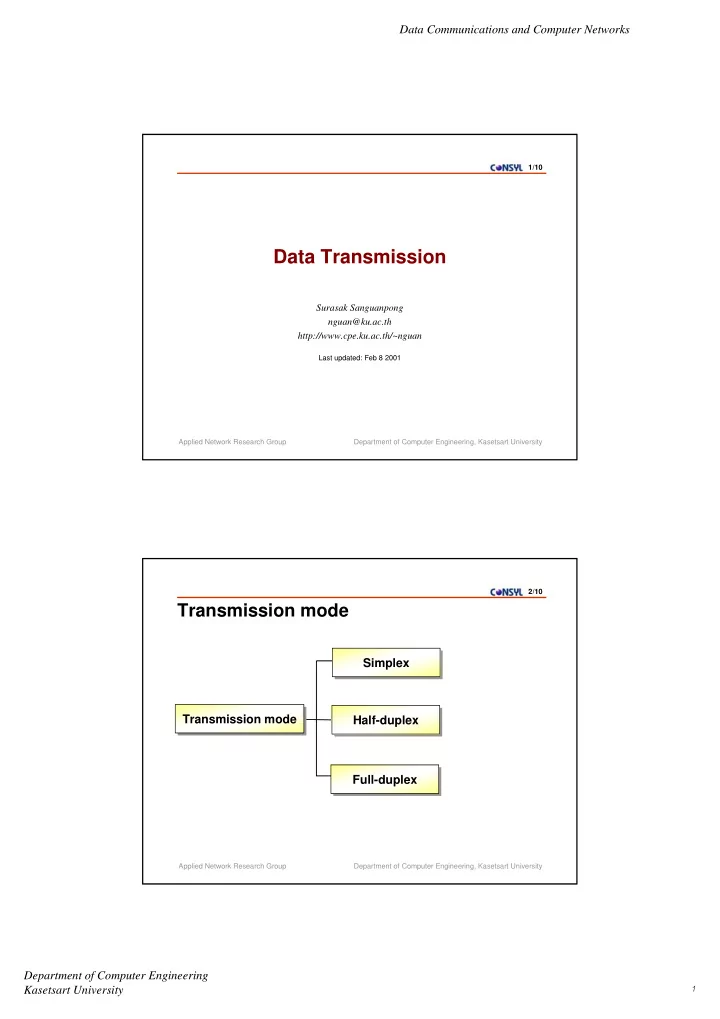
Data Communications and Computer Networks 1/10 Data Transmission Surasak Sanguanpong nguan@ku.ac.th http://www.cpe.ku.ac.th/~nguan Last updated: Feb 8 2001 Applied Network Research Group Department of Computer


slide-1
SLIDE 1

Data Communications and Computer Networks Department of Computer Engineering Kasetsart University 1

Applied Network Research Group Department of Computer Engineering, Kasetsart University 1/10

Data Transmission

Surasak Sanguanpong nguan@ku.ac.th http://www.cpe.ku.ac.th/~nguan

Last updated: Feb 8 2001 Applied Network Research Group Department of Computer Engineering, Kasetsart University 2/10

Transmission mode

Simplex Simplex Half-duplex Half-duplex Transmission mode Transmission mode Full-duplex Full-duplex

slide-2
SLIDE 2

Data Communications and Computer Networks Department of Computer Engineering Kasetsart University 2

Applied Network Research Group Department of Computer Engineering, Kasetsart University 3/10

Simplex

  • Data are only transmitted in one direction
  • Only one of the two devices on a link can transmit; the
  • ther can only receive

Unidirectional Computer Display

Hi….

pager Transmitter

Applied Network Research Group Department of Computer Engineering, Kasetsart University 4/10

Half-duplex

  • Both stations may transmit; but only one at a time (alternate

in transmitting)

  • Example devices : Walkie-Talkies

Transmit from S1 to S2 at time T1

Transmitter/Receiver Transmitter/Receiver

Transmit from S2 to S1 at time T2 S2 S1

slide-3
SLIDE 3

Data Communications and Computer Networks Department of Computer Engineering Kasetsart University 3

Applied Network Research Group Department of Computer Engineering, Kasetsart University 5/10

Full-duplex

  • Full-Duplex operation can occur in two ways :

two separate transmission path channel is divided between signals traveling in opposite

directions

Simulteneous send and receive data from each other

Transmitter/Receiver Transmitter/Receiver

S2 S1

Applied Network Research Group Department of Computer Engineering, Kasetsart University 6/10

Line Configurations

Point-to-Point Point-to-Point Multipoint Multipoint Line configurations Line configurations

slide-4
SLIDE 4

Data Communications and Computer Networks Department of Computer Engineering Kasetsart University 4

Applied Network Research Group Department of Computer Engineering, Kasetsart University 7/10

Point-to-Point

  • A transmission medium is point-to-point if it provides a

direct (dedicated) link between two devices (only two devices share the medium)

  • The entire capacity of the link is reserved for the

transmission between those two devices

Station Station A direct link between two devices A direct link between two devices

Applied Network Research Group Department of Computer Engineering, Kasetsart University 8/10

Multipoint

  • More than two devices share the same medium
  • The capacity of the link is shared

Station Station A link is shared between several devices Station Station Station

slide-5
SLIDE 5

Data Communications and Computer Networks Department of Computer Engineering Kasetsart University 5

Applied Network Research Group Department of Computer Engineering, Kasetsart University 9/10

Data Transmission

Parallel Parallel Serial Serial

Asynchronous Asynchronous

Data Transmission Data Transmission

Synchronous Synchronous

Applied Network Research Group Department of Computer Engineering, Kasetsart University 10/10

Parallel Transmission

  • Simultaneous transmission results high speed
  • Required more data lines, hence high cost
  • Usually limited to short distances because its costs and

crosstalk

Need eight data lines for sending each byte

1 1 1 1 1

slide-6
SLIDE 6

Data Communications and Computer Networks Department of Computer Engineering Kasetsart University 6

Applied Network Research Group Department of Computer Engineering, Kasetsart University 11/10

Serial Transmission

  • One bit follows another, only one data line for each

direction

  • The sender needs a parallel-to-serial converter and the

receiver needs a serial-to-parallel converter.

Need only one data line

0101101110 0100101110 0000101110 0110101110

A group of bits are sent one after another

Applied Network Research Group Department of Computer Engineering, Kasetsart University 12/10

Serial Transmission Mode

  • avoid timing problem by not sending long stream of bits
  • data are transmitted one character at a time
  • synchronization is maintained within each character with

start and stop codes

Asynchronous Asynchronous Synchronous Synchronous

Serial Serial

  • a block of bits is transmitted in a steady stream without

start and stop codes

  • synchronization is maintain by a separate clock line or

embedding clocking info in the signal

slide-7
SLIDE 7

Data Communications and Computer Networks Department of Computer Engineering Kasetsart University 7

Applied Network Research Group Department of Computer Engineering, Kasetsart University 13/10

Asynchronous Transmission

line idle start bit

7-8 data bits

parity bit line idle Direction of transmission stop bit 1-2 bits

  • Idle state : no character is being transmitted
  • Start bit : the beginning of a character (1 bit)
  • Date bits : bit to be transmitted (7-8 bits)
  • Parity bit : for error detection (None, Even or Odd)
  • Stop bit : end of byte (1, 1.5 or 2 bits)

Applied Network Research Group Department of Computer Engineering, Kasetsart University 14/10

Asynchronous Data Stream

  • No synchronization at the byte level
  • But within each byte, the synchronization with start and

stop bit is required

Varying (unpredictable) time interval between each character

slide-8
SLIDE 8

Data Communications and Computer Networks Department of Computer Engineering Kasetsart University 8

Applied Network Research Group Department of Computer Engineering, Kasetsart University 15/10

Bit missed

idle start stop 1 2 3 4 5 6 7 8 9 10 11 12 13 14 15 16

20 40 60 80 100 120 140 160 180 200 220 240 260 280 300

10 30.8 51.7 72.5 93.3 114.2 135 155.8 176.7 197.5 218.3 239.3 260 280.8

ideal sampling 1 2 3 4 5 6 7 8 9 10 11 12 13 14

missed!

20 ms bit duration and 48Hz receiver clock

Applied Network Research Group Department of Computer Engineering, Kasetsart University 16/10

Synchronous Transmission :

But their clock is somehow be synchronized!

provides a separate clock line, or embedded clocking information in the digital signal

Need another level of synchronization

flag to determine the beginning and end of the block, normally

called preamble and postamble preamble postamble data

Two categories of synchronous transmission :

  • Byte-Oriented Protocols
  • Bit-Oriented Protocols
slide-9
SLIDE 9

Data Communications and Computer Networks Department of Computer Engineering Kasetsart University 9

Applied Network Research Group Department of Computer Engineering, Kasetsart University 17/10

Byte-Oriented protocol

SYN SYN SOH header STX ETX CRC data …. ETX DLE … …. DLE ETX DLE DLE …

ETX or DLE might appear in the data portion escaping the ETX by preceding it with the a DLE (Byte stuffing technique)

also escaping a DLE with an extra DLE

View each frame as a collection of bytes

exemplified by the BISYNC (Binary Synchronous Protocol) protocol

developed by IBM in the late 1960s

also DDCMP used in DECNET, IMP-IMP in ARPANET

BISYNC example :

Applied Network Research Group Department of Computer Engineering, Kasetsart University 18/10

Bit-Oriented protocol

  • pening flag

01111110 01111101101111100 01111110 closing flag data additional bit inserted (bit stuffing technique) View each frame as a collection of bits

SDLC (Synchronous Data Link Control Protocol) developed by IBM

is an example

later standardized by the OSI as the HDLC (High-Level Data Link

Control Protocol)

PPP is an example of HDLC variation

01111110 might occur in the the body of frame any time five consecutive 1s have been sent, a 0 is insert before sending the next bit