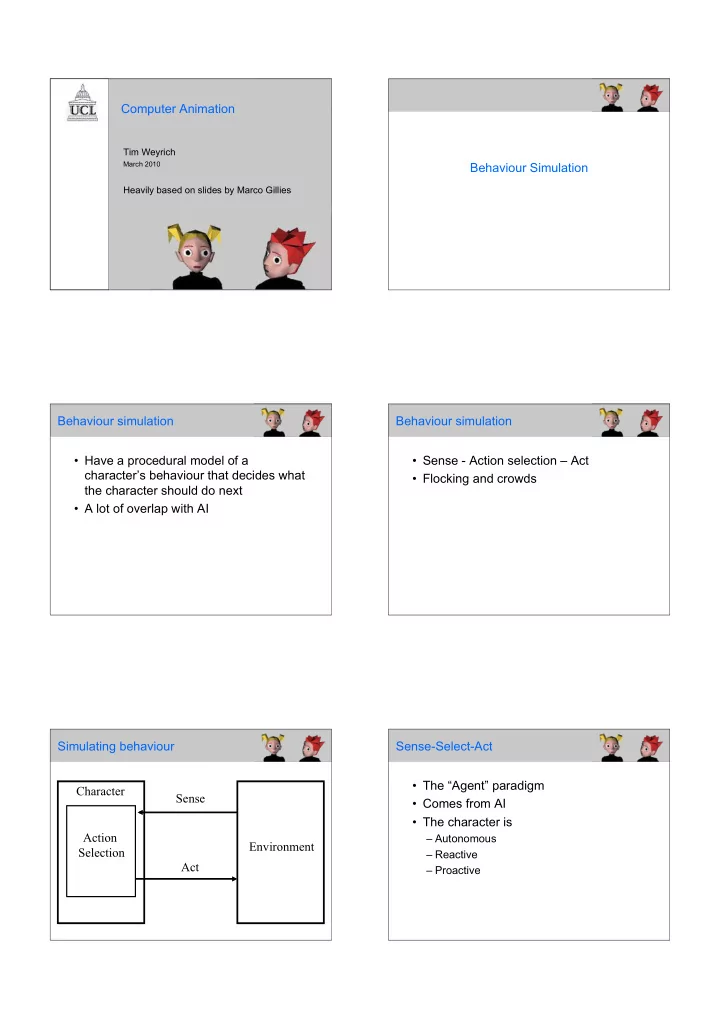
Computer Animation Tim Weyrich March 2010 Behaviour Simulation - - PDF document

computer animation
SMART_READER_LITE
LIVE PREVIEW

Computer Animation Tim Weyrich March 2010 Behaviour Simulation - - PDF document

Computer Animation Tim Weyrich March 2010 Behaviour Simulation Heavily based on slides by Marco Gillies Behaviour simulation Behaviour simulation Have a procedural model of a Sense - Action selection Act characters


slide-1
SLIDE 1

Computer Animation

Tim Weyrich

March 2010

Heavily based on slides by Marco Gillies

Behaviour Simulation Behaviour simulation

  • Have a procedural model of a

character’s behaviour that decides what the character should do next

  • A lot of overlap with AI

Behaviour simulation

  • Sense - Action selection – Act
  • Flocking and crowds

Simulating behaviour Character Environment Sense Act Action Selection Sense-Select-Act

  • The “Agent” paradigm
  • Comes from AI
  • The character is

–Autonomous –Reactive –Proactive

slide-2
SLIDE 2

Sensing

  • To act the character needs to know

about the environment

  • In a graphical world this is easy, you

have everything stored in the scene graph!

  • Need some sort of filtering rule to make

sure that a character doesn’t know stuff it shouldn’t (e.g. see stuff behind it) Action Selection

  • Decide what to do next depending on

what the character has sensed and its current state –(if the character has no state then the behaviour is called “reactive”)

  • This is the core of the behaviour

simulation

  • Can be done based on a number of

factors Action Selection

  • Satisfying drives

–Hunger, tiredness, social (e.g. The Sims)

  • Path finding

–Getting around an environment

  • Emotion

–Expressing emotion –Influencing actions

  • Goals

–Does actions which help achieve goals

Act

  • Implement the action
  • Turn the action specification into a piece
  • f animation of the type we’ve talked

about

  • Need motion specific to the action

(which isn’t known in advance)

  • 2 ways of doing it

–Inverse Kinematics –Motion capture/hand animated

Act: IK

  • If an action involves:

–Interacting with an object –Moving the hand to a particular location –Moving the hands to a particular place on the body (e.g. hands on hips)

  • Inverse Kinematics is an obvious choice

Act: IK

  • Pros

–Allows exact placement of the hands (or

  • ther body parts)

–Very flexible, allows a large range of actions

  • Cons

–Not as good quality motion as mocap or hand animated –expensive

slide-3
SLIDE 3

Act: Canned Motion

  • To get higher quality motion you need to

use canned motion

  • Either motion captured or hand

animated Act: Canned Motion

  • Pros

–High quality motion –Faster

  • Cons

–Limited range of motions –Either limits to a small number of actions –Or you end up using inappropriate motion

Act: Motion reuse

  • The best of both worlds would be to

have a way of changing motion to fit the current situation without reducing its quality

  • There are many methods to do this

(though the quality often suffers a bit) Act: Motion reuse

  • One way is to combine motions
  • E.g. if you want to walk, turning left by

20° and you have a straight walk and a 45° walk

  • Blend the two walks together (linear

interpolation

  • Turn20 = slerp(straight, turn45, 20/45)

Act: Motion reuse

  • Motions can be composed out of

smaller sub motions

  • E.g. gestures can be composed out of

small sub-gestures

  • Apply different sub-motions to different

joints

  • Or blend as before

Act: Motion reuse

  • Apply one motion “on top of” another
  • E.g. if you have a motion (walking) you

can apply a posture to it (hunched over)

  • Want to have all of both motions (not

blending or separate joints)

  • Quaternion multiplication will combine

the effects

q = q

1q2

slide-4
SLIDE 4

Act: Motion reuse

  • So we have 3 simple methods

–Blend 2 motions (interpolate) –Apply different motions to different joints –Quaternion multiplication

  • Also more complex methods

–Combining IK with canned motion –Find IK solution that is closest to the motion

Craig Reynolds - flocking

  • The first behavioural

simulation

  • Simulates the behaviour of

flocks of birds (boids), schools of fish or herds of animals

  • Extensively used in films

and other applications

  • “Flocks, herds and schools: a

distributed behavioural model” Craig Reynolds SIGGRAPH 1987

Boids: Sensing

  • The boids have direct access to the

scene graph

  • They directly sense aspects of the

behaviour of other boids in their flock

  • They also “see” a simplified

representation of objects that can act as

  • bstacles

Boids: Sensing

  • Need some filtering

to provide realistic sensing

  • (and reduce

computation)

  • Only sense other

boids within a certain distance and angle

Reynold’s 87

Boids: Action Selection

  • Craig Reynold’s work was an early

aspect of the artificial life field

  • He observed the behaviour of real

flocks of birds and tried to figure out rules of their behaviour

  • The resulting rules are surprisingly

simple Boids: Action Selection

  • Separation
  • Steer away from

flockmates that are very close

slide-5
SLIDE 5

Boids: Action Selection

  • Alignment:
  • Match direction to

the average direction of nearby flockmates Boids: Action Selection

  • Cohesion:
  • Move towards the

centre of mass of nearby flockmates Boids: Action Selection

  • There is also a rule to avoid bumping

into obstacles

  • Obstacle Avoidance:
  • Steer to avoid any obstacles in the

scene Boids: Action Selection

  • The behaviours take strict priority over

each other:

  • Obstacle Avoidance
  • Separation
  • Alignment
  • Cohesion

Boids: Act

  • boids are very simple they have a

position, orientation and velocity

  • They are moved by changing the velocity
  • Animations can be added on top

Craig Reynolds - flocking

  • Emergent Behaviour
  • These simple rules

produce surprising results

  • Here is a flock splitting to

avoid an obstacle

  • They recombine

afterwards, just like a real flock

slide-6
SLIDE 6

Boids: Movie