
SLIDE 1
Grenoble University, INRIA University of British Columbia ETH Zurich
Damien Rohmer Marie-Paule Cani Stefanie Hahmann Tiberiu Popa Alla Sheffer
Animation Wrinkling
Augmenting Coarse Cloth Simulation with Realistic-Looking Wrinkles
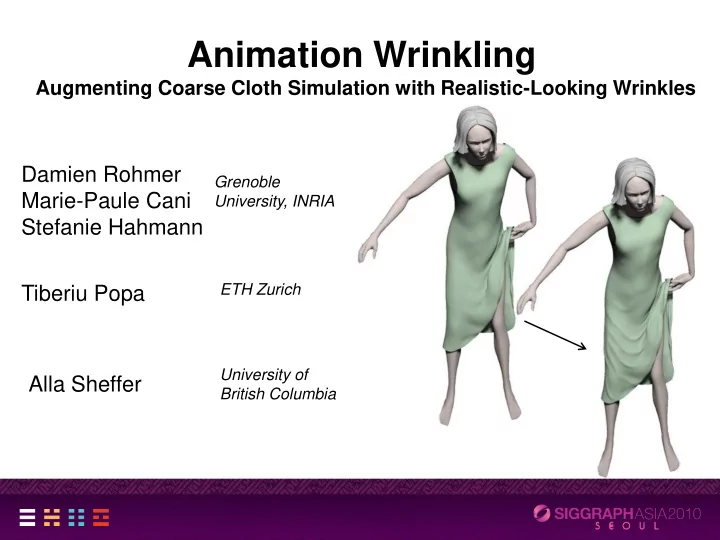
Animation Wrinkling Augmenting Coarse Cloth Simulation with - - PowerPoint PPT Presentation
Animation Wrinkling Augmenting Coarse Cloth Simulation with Realistic-Looking Wrinkles Damien Rohmer Grenoble Marie-Paule Cani University, INRIA Stefanie Hahmann ETH Zurich Tiberiu Popa University of Alla Sheffer British Columbia
Grenoble University, INRIA University of British Columbia ETH Zurich
Damien Rohmer Marie-Paule Cani Stefanie Hahmann Tiberiu Popa Alla Sheffer
Augmenting Coarse Cloth Simulation with Realistic-Looking Wrinkles
Shrek
Physically based Machine learning
[Godenthal et al., SIGGRAPH 07] [English & Bridson, SIGGRAPH 08] [Thomaszewski et al, EG 09] [Wang et al. SIGGRAPH 10] [Aguiar et al. SIGGRAPH 10]
Input models, limited variations Expensive, Control?
[Decaudin EG 06] [Cutler SCA 05] [Hadap IEEE Vis 99]
Limited deformations
[Müller SCA 10]
Texture Manual settings Cylindrical shapes Wrinkling layer Predefined shapes Teadius Incoherent wrinkles
Curves orthogonal to compression Analyse Implicit deformers
Coarse input mesh
Rest mesh deformed mesh
Eigenvalues = compression magnitude Eigenvectors = compression direction
T
Per vertex tensor field
=> Tensor space interpolation [Pennec et al. 06] Linear interpolation Tensor space interpolation
Wrinkle curve = Guide for wrinkle placement streamline
Wrinkle vector field
Magnitude: Rate of compression Orientation: ┴ Main shrinkage direction
t-dt t
Previous wrinkle curves Current wrinkle curves
t-dt t
Previous wrinkle curves Current wrinkle curves
Sum of displacements
Challenge: Close-by curves
Goal: Seamless wrinkle merge & split
Max Our solution
Wrinkle curve generates field function How: Vertices projected onto the isosurface What: Convolution surfaces
No collision bw wrinkles
1.5s/frame
Rest mesh
1.5s/frame
Rest mesh
Rest mesh
Rest mesh
High res simulation Our result
25s/frame 2s/frame
Real cloth
[Müller et al. SCA 10 ] Our result Homogeneous tesselation => Sampling artifacts Adapted triangulation
1.5s/frame
Rest mesh
1 s/frame
Rest mesh
3.5s/frame
Rest mesh
1.5s/frame
Rest mesh
1.5s/frame
Analyse directional stretch from coarse animation Use new implicit deformers to seamlessly blends wrinkle geometry
Modeling tension wrinkles
Computation time: GPU, Bump mapping
Modeling tension wrinkles
Computation time: GPU, Bump mapping
~1fps (mostly projection)