What is a good pen based application? The windows desktop and - - PDF document

what is a good pen based application
SMART_READER_LITE
LIVE PREVIEW

What is a good pen based application? The windows desktop and - - PDF document

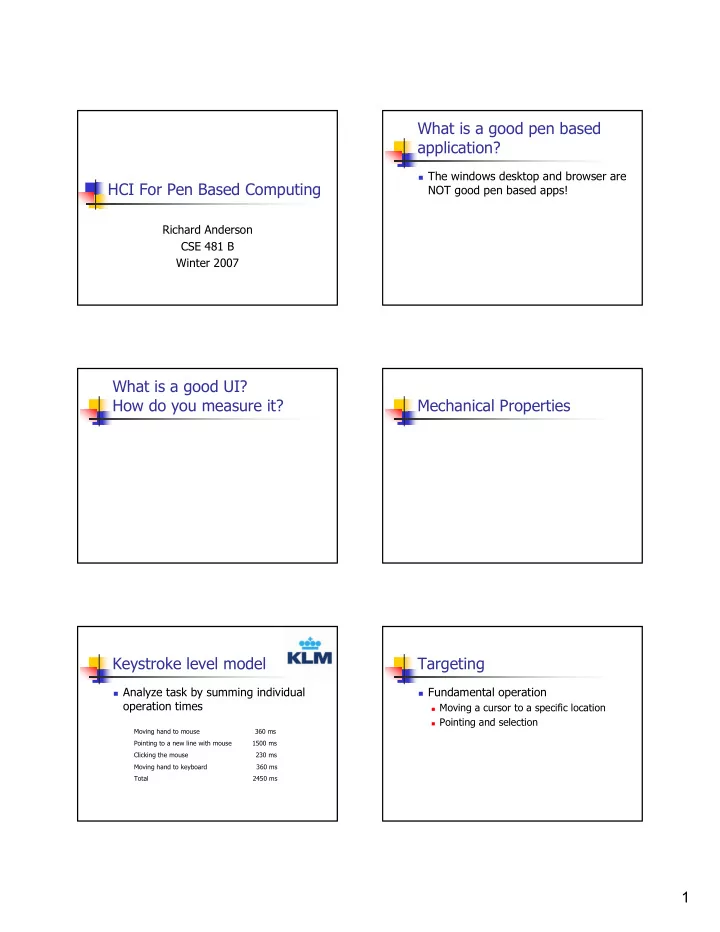
What is a good pen based application? The windows desktop and browser are HCI For Pen Based Computing NOT good pen based apps! Richard Anderson CSE 481 B Winter 2007 What is a good UI? How do you measure it? Mechanical Properties


slide-1
SLIDE 1

1

HCI For Pen Based Computing

Richard Anderson CSE 481 B Winter 2007

What is a good pen based application?

The windows desktop and browser are

NOT good pen based apps!

What is a good UI? How do you measure it? Mechanical Properties Keystroke level model

Analyze task by summing individual

  • peration times

Moving hand to mouse 360 ms Pointing to a new line with mouse 1500 ms Clicking the mouse 230 ms Moving hand to keyboard 360 ms Total 2450 ms

Targeting

Fundamental operation

Moving a cursor to a specific location Pointing and selection

slide-2
SLIDE 2

2

Experiment: measure time to move cursor to target

Target Cursor W A T(A, W) Targeting time for amplitude A and width W

Index of difficulty

How does T behave as a function of A

(W fixed)?

How does T behave as a function of W

(A fixed)?

T T W A

W A

Fitts’ Law

A task’s movement difficulty is given by

ID = log2(A / W)

ID – index of difficulty A – amplitude of the move W – width of the target region

T = a + b ID

Interpretation of Fitt’s Law

Scale invariance

Dependence on A/W

Exponential targeting

Log factor – as in binary search

Menu design

What can you say about the cost of

accessing items in the following menu

Cursor is at the top of the menu

Low level mechanisms

State machine

model

Registers

X, Y, Pressure

Pen state

Down, Hover, Out-of-

range

Pen button

Up, Down

Polling model X Y Pres

slide-3
SLIDE 3

3

Control primitives

Hover Tap Double Tap Press-and-hold Hold-through Drag Hold-drag

Mode Problem

Cognitive difficulties in remembering / keeping track

  • f modes

Which mode? Remapping operations Retaining mode across context switch

But modes are very useful

Efficient use of limited input controls

Not all modes are the same

Shift key vs. Caps Lock Mouse move vs. mouse drag Pen color

Do cars have modes?

A system has modes if it has states where the

controls have different functions.

Do cars have modes? If so, give an example

Student Submission

Pen mode solutions

Problem: How do you allow different

  • perations with a pen

Ink vs. erasing

Explicit modes

Ink vs. gesture

Recognition of gesture overrides ink

Ink vs. recognition vs. control

Area based modes

Pen mode study Yang Li et al., CHI 2005

Barrel Button Hold Non-preferential hand button Pressure Eraser

slide-4
SLIDE 4

4

Discrete selection

Choose from a finite set

Command from a menu Character from an alphabet

Repeated selection from finite sets

Hierarchical menus Commands with arguments Sequences of characters

Words Multi-digit numbers

How many distinct mechanisms can you construct to select between four choices with a pen?

Assume a pen without a button

Selection mechanisms

Crossing Pointing Writing Tapping Pressure

Basic pen operation

Crossing

Operation triggered by a stroke crossing a

line segment

CrossY: Crossing based UI

Specify operations

by drawing through

Hierarchical crossing

Principle – multiple commands without

lifting the pen

slide-5
SLIDE 5

5

Flow Menu

Use movement through octants for

control information

Item Text Shape Item Move Zoom Highlight Custom 400% 200% 100% 66.6% 50% 800% 25% Custom 400% 200% 100% 66.6% 50% 800% 25% 75.0 100.0

Abstract writing

Enter text with specialized, stroke based

recognition

Optimized for automatic recognition Not human readable Character based or word based

Cirrus (Georgia Tech)

interaction education

Quikwrite [Perlin, NYU]

c a r p

Write helloworld Graffiti (Palm)

slide-6
SLIDE 6

6

More Graffiti

Mostly single stroke Close to standard alphabet (learnability) Write only Location written for additional meaning

Selection problem

Identify one or more graphical elements

from a domain

Mechanisms

Bounding Region Geometric defined by stroke Distance from cursor

If the red circle is a selection tool, what is selected? Bubble cursor

Selection radius depends on object

proximity

Recognition UIs

UIs based on attaching meaning to ink

Gestures Diagram recognition Handwriting recognition

Free form Constrained recognition

slide-7
SLIDE 7

7

Gestures

Commands issued with a single stroke May be drawn or invisible Support from SDK

Register gestures to be recognized

UI Issues

Similar to keyboard short cuts

Speed up for experts Hard to learn / remember

Gestures

Ambiguity

Distinction between gestures Distinction between gesture and other ink

Robustness

Handling misrecognized gestures

False positive False negative

Gesture initiated actions should be undoable

Diagram recognition

Challenges to recognition

Even simple shapes are hard! Variation in drawing Ink artifacts

Text recognition

We will have a great lecture later in the

course!

Basic approach

Collect a huge amount of data Use data to train neural net

Handwriting Recognition: Identify the following words Recognition results

slide-8
SLIDE 8

8

Recognition scenarios

What level of error is tolerable How is feedback provided to the user

  • n recognition

How does the user specify corrections?

Other details

Hands, obstructions, orientation

Obstructions and handedness

Hand blocks the

screen

Accommodate left

and right handedness

Menu direction Context menus

Difficulties at the

edge of the screen

Screen orientation

Landscape vs. Portrait

mode

Surprisingly big

difference in feel of applications

Tablet PC requires rapid

  • rientations switch

Many standard desktop

apps not designed for portrait mode