to the max Jang F.M. Graat JANG Communication Amsterdam 2 whos - - PDF document

to the max
SMART_READER_LITE
LIVE PREVIEW

to the max Jang F.M. Graat JANG Communication Amsterdam 2 whos - - PDF document

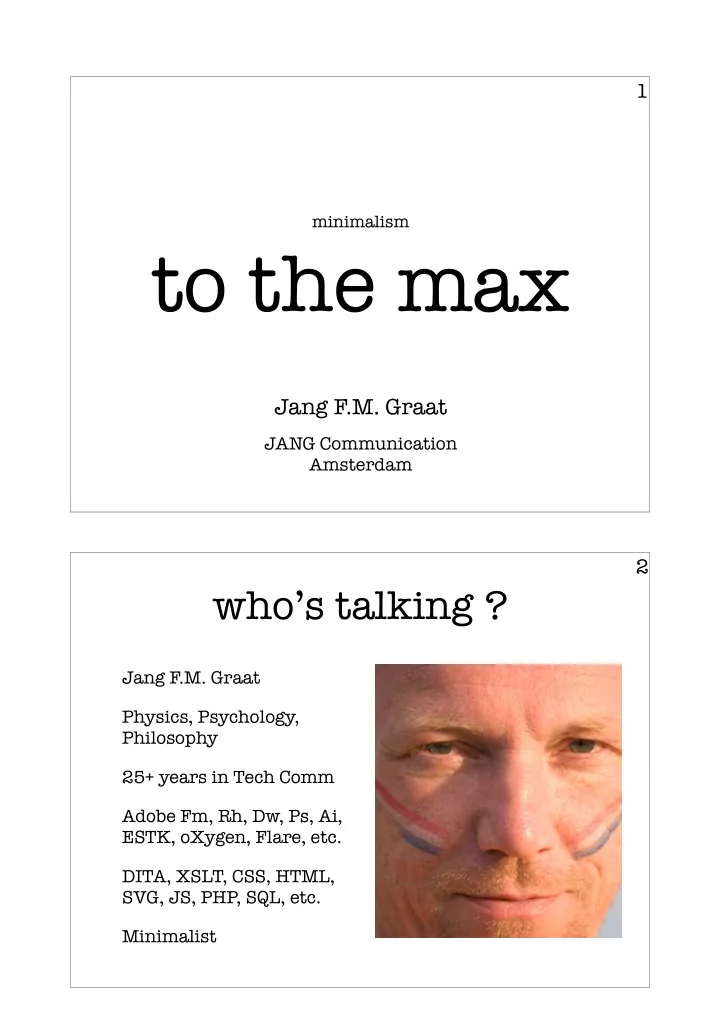
1 minimalism to the max Jang F.M. Graat JANG Communication Amsterdam 2 whos talking ? Jang F.M. Graat Physics, Psychology, Philosophy 25+ years in Tech Comm Adobe Fm, Rh, Dw, Ps, Ai, ESTK, oXygen, Flare, etc.


slide-1
SLIDE 1

minimalism


to the max

Jang F.M. Graat

JANG Communication Amsterdam

1

who’s talking ?

  • Jang F.M. Graat
  • Physics, Psychology,

Philosophy

  • 25+ years in Tech Comm
  • Adobe Fm, Rh, Dw, Ps, Ai,

ESTK, oXygen, Flare, etc.

  • DITA, XSLT, CSS, HTML,

SVG, JS, PHP, SQL, etc.

  • Minimalist

2

slide-2
SLIDE 2

minimalism

basic principles

3

reading is never the goal

4

slide-3
SLIDE 3

action-oriented

5

give the users only the information they need

6

slide-4
SLIDE 4

support error recovery

7

the problem

8

what do the users already know ?

slide-5
SLIDE 5

various user levels

9

which personas ?

10

slide-6
SLIDE 6

education, experience, ...

11

  • nly the user knows

what s/he doesn't know

12

slide-7
SLIDE 7

progressive disclosure

putting the users in control

13

users know when to ask for more info

14

slide-8
SLIDE 8

interactive media

15

links change the context

16

slide-9
SLIDE 9

wild goose chase

17

disclosable content

18

slide-10
SLIDE 10

progressive disclosure

19

UA meets UX meets UG

20

slide-11
SLIDE 11

Wikipedia:

  • "Progressive disclosure is an

interaction design technique often used in human computer interaction to help maintain the focus of a user's attention by reducing clutter, confusion, and cognitive workload. This improves usability by presenting only the minimum data required for the task at hand."

21

basic techniques

22

using web technology

slide-12
SLIDE 12

tooltips

23

expanding text

24

slide-13
SLIDE 13

drop-down content

25

layered content

26

slide-14
SLIDE 14

some guidelines

27

styling and wording create expectations

28

for more information click here.

  • more information
  • more information:

+ security settings + firewall options + privacy protection

  • import/export options
slide-15
SLIDE 15

focus of user's attention

29

consistency in styling and location of elements

30

slide-16
SLIDE 16

always supply a way back

31

things to avoid

32

slide-17
SLIDE 17

stating the obvious

33

too many options

34

slide-18
SLIDE 18

dynamic menus

35

unhelpful advice

36

slide-19
SLIDE 19

progressive disclosure

how to implement it (manually)

37 38

minimal information that is always shown

slide-20
SLIDE 20

39

RoboHelp allows drop-down text

40

inserting and editing hidden information

slide-21
SLIDE 21

41

text is marked as hotspot

42

the same process can be nested

slide-22
SLIDE 22

43

drop-down content may include images

44

the end result in a browser:

  • nly minimal info is visible
slide-23
SLIDE 23

45

the user can click on triggers to reveal drop-down content

46

progressive disclosure

slide-24
SLIDE 24

47

this method takes time

progressive disclosure

let's automate the process

48 * the described automation will be available as a plug-in for the DITA Open Toolkit

slide-25
SLIDE 25

structure + XSLT = magic

49

XPath : semantic search

50

slide-26
SLIDE 26

XSLT : makeover

51 52

task title shortdesc prolog taskbody context steps step cmd info substeps stepresult step cmd substeps step cmd info substeps

a DITA task red: mandatory green: optional

slide-27
SLIDE 27

53

DITA task in the editor

54

standard HTML output

slide-28
SLIDE 28

55

XSL allows automatic transformation

56

CSS makes specified elements initially hidden

slide-29
SLIDE 29

57

JavaScript links triggers to their target content

58

result of the XSLT

slide-30
SLIDE 30

59

  • utput in a browser

60

clicking a + symbols

  • pens the <substeps>
slide-31
SLIDE 31

61

  • ther symbols open

<info> and <result>

62

moving mouse over title reveals <shortdesc>

slide-32
SLIDE 32

63

+ symbol top right

  • pens <context>

questions ?

www.jang.nl jang@jang.nl 4everJang blogs.jang.nl

64