
SLIDE 1
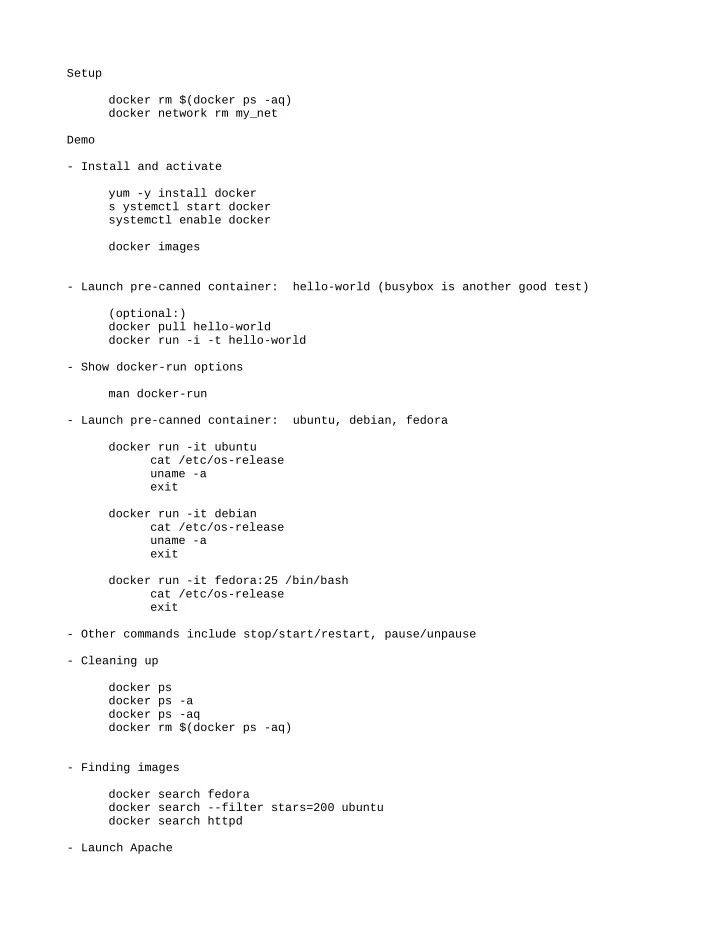
Setup docker rm $(docker ps -aq) docker network rm my_net Demo
- Install and activate
yum -y install docker s ystemctl start docker systemctl enable docker docker images
- Launch pre-canned container: hello-world (busybox is another good test)
(optional:) docker pull hello-world docker run -i -t hello-world
- Show docker-run options
man docker-run
- Launch pre-canned container: ubuntu, debian, fedora
docker run -it ubuntu cat /etc/os-release uname -a exit docker run -it debian cat /etc/os-release uname -a exit docker run -it fedora:25 /bin/bash cat /etc/os-release exit
- Other commands include stop/start/restart, pause/unpause
- Cleaning up
docker ps docker ps -a docker ps -aq docker rm $(docker ps -aq)
- Finding images
docker search fedora docker search --filter stars=200 ubuntu docker search httpd
- Launch Apache