Protection & Security Tevfik Ko ar University at Buffalo - - PDF document

protection security
SMART_READER_LITE
LIVE PREVIEW

Protection & Security Tevfik Ko ar University at Buffalo - - PDF document

CSE 421/521 - Operating Systems Fall 2011 Lecture - XXVI Protection & Security Tevfik Ko ar University at Buffalo December 6 th , 2011 1 The Security Problem Protecting your system resources, your files, identity, confidentiality,


slide-1
SLIDE 1

1

CSE 421/521 - Operating Systems Fall 2011

Tevfik Koşar

University at Buffalo

December 6th, 2011

Lecture - XXVI

Protection & Security

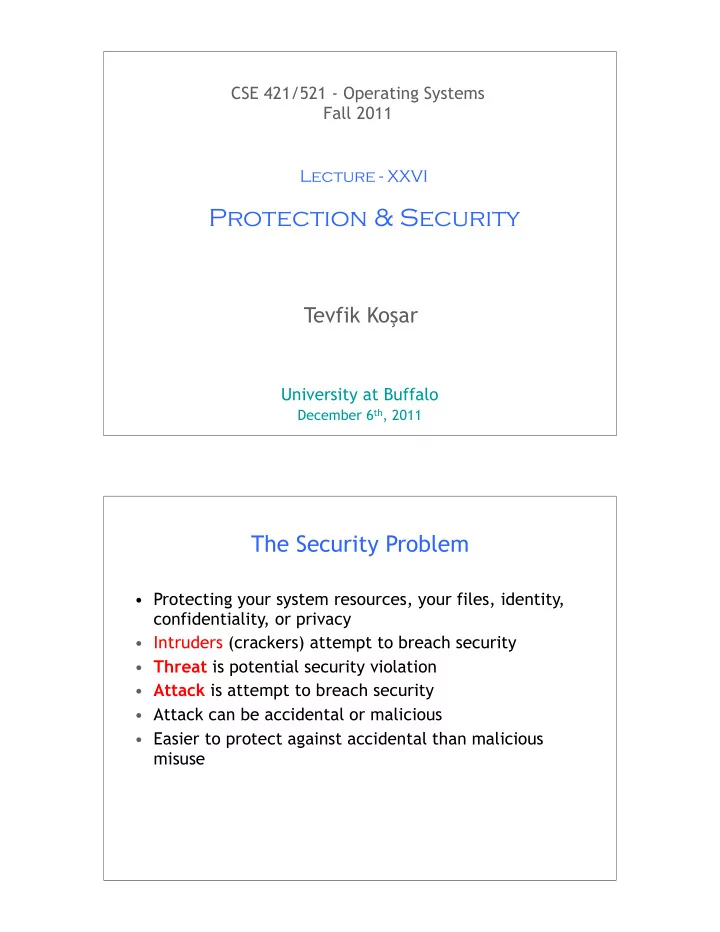
The Security Problem

  • Protecting your system resources, your files, identity,

confidentiality, or privacy

  • Intruders (crackers) attempt to breach security
  • Threat is potential security violation
  • Attack is attempt to breach security
  • Attack can be accidental or malicious
  • Easier to protect against accidental than malicious

misuse

slide-2
SLIDE 2

Security Violations

  • Categories

– Breach of confidentiality

  • information theft, identity theft

– Breach of integrity

  • unauthorized modification of data

– Breach of availability

  • unauthorized destruction of data

– Theft of service

  • unauthorized use of resources

– Denial of service

  • crashing web servers

Security Violation Methods

– Masquerading (breach authentication)

  • Pretending to be somebody else

– Replay attack (message modification)

  • Repeating a valid data

transmission (eg. Money transfer)

  • May include message

modification – Session hijacking

  • The act of intercepting an active

communication session – Man-in-the-middle attack

  • Masquerading both sender and

receiver by intercepting messages

slide-3
SLIDE 3

Program Threats

  • Trojan Horse

– Code segment that misuses its environment – Exploits mechanisms for allowing programs written by users to be executed by other users – Spyware, pop-up browser windows, covert channels

  • Trap Door

– A hole in the security of a system deliberately left in place by designers or maintainers

– Specific user identifier or password that circumvents normal security procedures

  • Logic Bomb

– Program that initiates a security incident under certain circumstances

  • Stack and Buffer Overflow

– Exploits a bug in a program (overflow either the stack or memory buffers)

Program Threats (Cont.)

  • Viruses

– Code fragment embedded in legitimate program – Very specific to CPU architecture, operating system, applications – Usually borne via email or as a macro

  • Visual Basic Macro to reformat hard drive

Sub AutoOpen() Dim oFS Set oFS = CreateObject(’’Scripting.FileSystemObject’’) vs = Shell(’’c:command.com /k format c:’’,vbHide) End Sub

slide-4
SLIDE 4

Program Threats (Cont.)

  • Virus dropper inserts virus onto the system
  • Many categories of viruses, literally many thousands of viruses:

– File (appends itself to a file, changes start pointer, returns to original code) – Boot (writes to the boot sector, gets exec before OS) – Macro (runs as soon as document containing macro is opened) – Source code (modifies existing source codes to spread) – Polymorphic (changes each time to prevent detection) – Encrypted (first decrypts, then executes) – Stealth (modify parts of the system to prevent detection, eg read system call) – Tunneling (installs itself as interrupt handler or device driver) – Multipartite (can infect multiple parts of the system, eg. Memory, bootsector,

files)

– Armored (hidden and compressed virus files)

System and Network Threats

  • Worms – use spawn mechanism; standalone program
  • Internet worm (Robert Morris, 1998, Cornell)

– Exploited UNIX networking features (remote access) and bugs in finger and sendmail programs – Grappling hook program uploaded main worm program

  • Port scanning

– Automated attempt to connect to a range of ports on one or a range of IP addresses

  • Denial of Service

– Overload the targeted computer preventing it from doing any useful work – Distributed denial-of-service (DDOS) come from multiple sites at once

slide-5
SLIDE 5

Cryptography as a Security Tool

  • Broadest security tool available

– Source and destination of messages cannot be trusted without cryptography – Means to constrain potential senders (sources) and / or receivers (destinations) of messages

  • Based on secrets (keys)

Secure Communication over Insecure Medium

slide-6
SLIDE 6

Encryption

  • Encryption algorithm consists of

– Set of K keys – Set of M Messages – Set of C ciphertexts (encrypted messages) – A function E : K → (M→C). That is, for each k ∈ K, E(k) is a function for generating ciphertexts from messages. – A function D : K → (C → M). That is, for each k ∈ K, D(k) is a function for generating messages from ciphertexts. –

Encryption

  • An encryption algorithm must provide this essential

property: Given a ciphertext c ∈ C, a computer can compute m such that E(k)(m) = c only if it possesses D(k). – Thus, a computer holding D(k) can decrypt ciphertexts to the plaintexts used to produce them, but a computer not holding D(k) cannot decrypt ciphertexts. – Since ciphertexts are generally exposed (for example, sent on the network), it is important that it be infeasible to derive D(k) from the ciphertexts

slide-7
SLIDE 7

Symmetric Encryption

  • Same key used to encrypt and decrypt

– E(k) can be derived from D(k), and vice versa

  • DES is most commonly used symmetric block-encryption algorithm

(created by US Govt)

– Encrypts a block of data at a time (64 bit messages, with 56 bit key)

  • Triple-DES considered more secure (repeat DES three times with

three different keys)

  • Advanced Encryption Standard (AES) replaces DES

– Key length upto 256 bits, working on 128 bit blocks

  • RC4 is most common symmetric stream cipher (works on bits, not

blocks), but known to have vulnerabilities

– Encrypts/decrypts a stream of bytes (i.e wireless transmission, web browsers) – Key is a input to psuedo-random-bit generator

  • Generates an infinite keystream

Secure Communication over Insecure Medium

slide-8
SLIDE 8

Asymmetric Encryption

  • Encryption and decryption keys are different
  • Public-key encryption based on each user having two

keys:

– public key – published key used to encrypt data – private key – key known only to individual user used to decrypt data

  • Must be an encryption scheme that can be made public

without making it easy to figure out the decryption scheme

– Most common is RSA (Rivest, Shamir, Adleman) block cipher

Encryption and Decryption using RSA Asymmetric Cryptography

slide-9
SLIDE 9

Asymmetric Encryption (Cont.)

  • Formally, it is computationally infeasible to derive

D(kd , N) from E(ke , N), and so E(ke , N) need not be kept secret and can be widely disseminated

– E(ke , N) (or just ke) is the public key – D(kd , N) (or just kd) is the private key – N is the product of two large, randomly chosen prime numbers p and q (for example, p and q are 512 bits each) – Select ke and kd, where ke satisfies kekd mod (p−1)(q −1) = 1 – Encryption algorithm is E(ke , N)(m) = mke mod N, – Decryption algorithm is then D(kd , N)(c) = ckd mod N

Asymmetric Encryption Example

  • For example. choose p = 7 and q = 13
  • We then calculate N = pq =713 = 91 and (p−1)(q−1) = 72
  • We next select ke relatively prime to 72 and < 72, yielding 5
  • Finally,we calculate kd such that kekd mod 72 = 1, yielding 29
  • We now have our keys

– Public key, ke, N = 5, 91 – Private key, kd , N = 29, 91

  • Encrypting the message 69 with the public key results in the

cyphertext 62 (E=695 mod 91)

  • Cyphertext can be decoded with the private key

– Public key can be distributed in cleartext to anyone who wants to communicate with holder of public key

slide-10
SLIDE 10

Cryptography (Cont.)

  • Note symmetric cryptography based on

transformations, asymmetric based on mathematical functions

– Asymmetric much more compute intensive – Typically not used for bulk data encryption – Used for authentication, confidentiality, key distribution

Key Distribution

  • Delivery of symmetric key is huge challenge

– Sometimes done out-of-band, via paper documents or conversation

  • Asymmetric keys can proliferate – stored on key ring

– Even asymmetric key distribution needs care – man-in-the- middle attack

slide-11
SLIDE 11

Man-in-the-middle Attack on Asymmetric Cryptography

Digital Certificates

  • Proof of who or what owns a public key
  • Public key digitally signed a trusted party
  • Trusted party receives proof of identification from

entity and certifies that public key belongs to entity

  • Certificate authority are trusted party – their public

keys included with web browser distributions

– They vouch for other authorities via digitally signing their keys, and so on – i.e. VeriSign, Comodo etc.

slide-12
SLIDE 12

Encryption Example - SSL

  • Insertion of cryptography at one layer of the ISO network model

(the transport layer)

  • SSL – Secure Socket Layer (also called TLS)
  • Cryptographic protocol that limits two computers to only exchange

messages with each other

– Very complicated, with many variations

  • Used between web servers and browsers for secure communication

(credit card numbers)

  • The server is verified with a certificate assuring client is talking to

correct server

  • Asymmetric cryptography used to establish a secure session key

(symmetric encryption) for bulk of communication during session

  • Communication between each computer then uses symmetric key

cryptography

21

Any Questions?

Hmm. .

slide-13
SLIDE 13

25

Acknowledgements

  • “Operating Systems Concepts” book and supplementary

material by A. Silberschatz, P . Galvin and G. Gagne

  • “Operating Systems: Internals and Design Principles”

book and supplementary material by W. Stallings

  • “Modern Operating Systems” book and supplementary

material by A. Tanenbaum

  • R. Doursat and M. Yuksel from UNR