Program Inputs Program User Interaction Data 13 13 User - - PDF document

program inputs
SMART_READER_LITE
LIVE PREVIEW

Program Inputs Program User Interaction Data 13 13 User - - PDF document

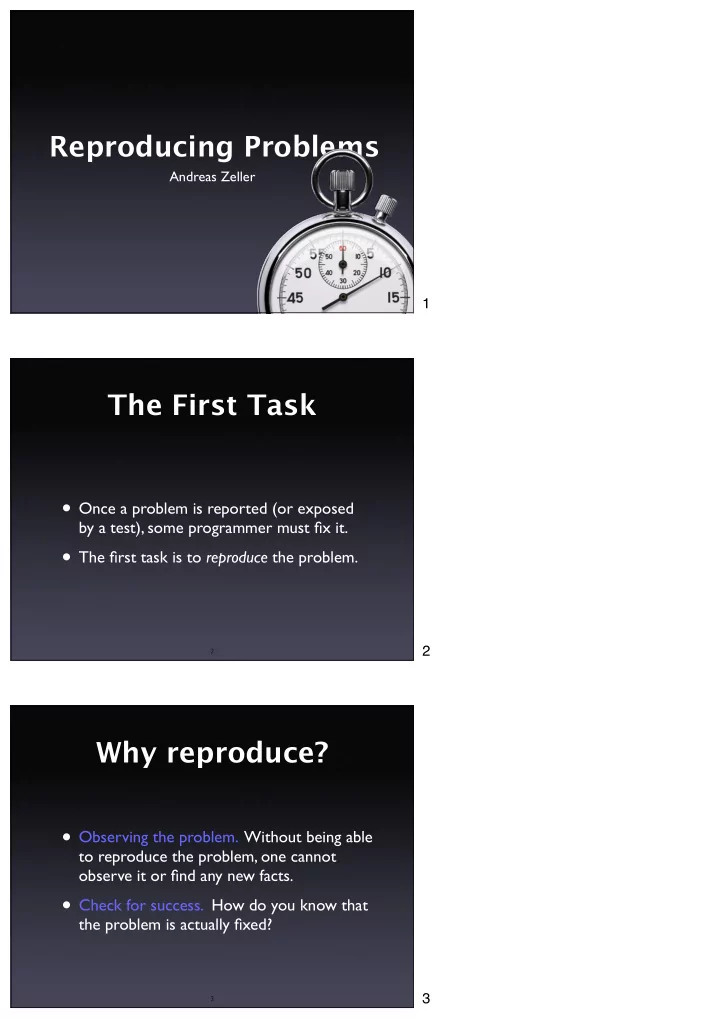
Reproducing Problems Andreas Zeller 1 The First Task Once a problem is reported (or exposed by a test), some programmer must fix it. The first task is to reproduce the problem. 2 2 Why reproduce? Observing the problem. Without


slide-1
SLIDE 1

Andreas Zeller

Reproducing Problems

2

The First Task

  • Once a problem is reported (or exposed

by a test), some programmer must fix it.

  • The first task is to reproduce the problem.

3

Why reproduce?

  • Observing the problem. Without being able

to reproduce the problem, one cannot

  • bserve it or find any new facts.
  • Check for success. How do you know that

the problem is actually fixed?

1 2 3

slide-2
SLIDE 2

4

A Tough Problem

  • Reproducing is one of the toughest

problems in debugging.

  • One must
  • recreate the environment in which the

problem occurred

  • recreate the problem history – the steps

that lead to the problem

5

Where to reproduce? Chances of Success Costs User

+

  • Developer
  • +

Reproducing the Environment

6

Iterative Reproduction

  • Start with your environment
  • While the problem is not reproduced,

adapt more and more circumstances from the user’s environment

  • Iteration ends when problem is reproduced

(or when environments are “identical”)

  • Side effect: Learn about failure-inducing

circumstances

4 5 6

slide-3
SLIDE 3

7

Setting up the Environment

  • Millions of configurations
  • Testing on dozens of different machines
  • All needed to find & reproduce problems

8

Virtual Machines

9

Reproducing Execution

  • After reproducing the environment, we must

reproduce the execution

  • Basic idea: Any execution is determined by

the input (in a general sense)

  • Reproducing input → reproducing

execution!

Source: http:// www.ci.newton.ma.us/ MIS/Network.htm

7

Source: http:// www.vmware.com/ products/server/ gsx_screens.html

8 9

slide-4
SLIDE 4

10

Program Inputs

Program Data User Interaction Communication Randomness Operating System Schedules Physics Debugging Tools

11

Program Inputs

Program Data

12

Data

  • Easy to transfer and replicate
  • Caveat #1: Get all the data you need
  • Caveat #2: Get only the data you need
  • Caveat #3: Privacy issues

10 11 12

slide-5
SLIDE 5

13

Program Inputs

Program Data User Interaction

14

User Interaction

Input Sources

Record Replay

15

Recorded Interaction

send_xevents key H @400,100 send_xevents wait 376 send_xevents key T @400,100 send_xevents wait 178 send_xevents key T @400,100 send_xevents wait 214 send_xevents key P @400,101 send_xevents wait 537 send_xevents keydn Shift_L @400,101 send_xevents wait 218 send_xevents key “;” @400,101 send_xevents wait 167 send_xevents keyup Shift_L @400,101 send_xevents wait 1556 send_xevents click 1 @428,287 send_xevents wait 3765

13 14 15

slide-6
SLIDE 6

16

Program Inputs

Program Data User Interaction Communication

17

Communication

  • General idea: Record and replay

like user interaction

  • Bad impact on performance
  • Alternative #1: Only record since last

checkpoint (= reproducible state)

  • Alternative #2: Only record “last”

transaction

18

Program Inputs

Program Data User Interaction Communication Randomness

16 17 18

slide-7
SLIDE 7

19

Randomness

  • Program behaves different in every run
  • Based on random number generator
  • Pseudo-random: save seed

(and make it configurable)

  • Same applies to time of day
  • True random: record + replay sequence

20

Program Inputs

Program Data User Interaction Communication Randomness Operating System

21

Operating System

  • The OS handles entire interaction between

program and environment

  • Recording and replaying OS interaction

thus makes entire program run reproducible

19 20 21

slide-8
SLIDE 8

22

#include <string> #include <iostream> using namespace std; string secret_password = "secret"; int main() { string given_password; cout << "Please enter your password: "; cin >> given_password; if (given_password == secret_password) cout << "Access granted." << endl; else cout << "Access denied." << endl; }

A Password Program

$ c++ -o password password.C $ ./password Please enter your password: Access granted. $ secret

23

Traced Interaction

$ c++ -o password password.C $ strace ./password 2> LOG Enter your password: Access granted. $ secret ... write(1, "Please enter your password: ", 28) = 28 read(0, "secret\n", 1024) = 7 write(1, "Access granted.\n", 16) = 16 exit_group(0) = ? cat LOG

24

How Tracing works

Program Kernel Tracer

22 23 24

slide-9
SLIDE 9

25

Replaying Traces

Program Tracer Trace File Kernel

26

Challenges

  • Tracing creates lots of data
  • Example: Web server with 10 requests/sec

A trace of 10 k/request means 8GB/day

  • All of this must be replayed to reproduce

the failure (alternative: checkpoints)

  • Huge performance penalty!

XRay + DTrace

27

25 26 27

slide-10
SLIDE 10

28

XRay + DTrace

  • DTrace: Kernel extension for capturing data
  • System interaction can be monitored
  • Captured I/O can be replayed at will
  • Focus on high performance

29

Program Inputs

Program Data User Interaction Communication Randomness Operating System Schedules

30

Accessing Passwords

  • pen(”.htpasswd”)

read(…) modify(…) write(…) close(…)

  • pen(”.htpasswd”)

read(…) modify(…) write(…) close(…) Thread A Thread B .htpasswd file

28 29 30

slide-11
SLIDE 11

31

Lost Update

  • pen(”.htpasswd”)

read(…) modify(…) write(…) close(…)

  • pen(”.htpasswd”)

read(…) modify(…) write(…) close(…) Thread A Thread B A’s updates get lost!

32

Reproducing Schedules

  • Thread changes are induced by a scheduler
  • It suffices to record the schedule (i.e. the

moments in time at which thread switches

  • ccur) and to replay it
  • Requires deterministic input replay

33

Constructive Solutions

  • Lock resource before writing
  • Check resource update time before writing
  • … or any other synchronization mechanism

31 32 33

slide-12
SLIDE 12

34

Program Inputs

Program Data User Interaction Communication Randomness Operating System Schedules Physics

35

Physical Influences

  • Static electricity
  • Alpha particles (not cosmic rays)
  • Quantum effects
  • Humidity
  • Mechanical failures + real bugs

Rare and hard to reproduce

36

Program Inputs

Program Data User Interaction Communication Randomness Operating System Schedules Physics Debugging Tools

34 35 36

slide-13
SLIDE 13

37

A Heisenbug

  • Code fails outside debugger only

int f() { int i; return i; }

In program: returns random value In debugger: returns 0

38

More Bugs Bohr Bug Heisenbug Mandelbug Schrödinbug

39

Isolating Units

  • Capture + replay unit instead of program
  • Needs an unit control layer to monitor input

Unit control layer

37

Bohr Bug = Repeatable under well-def’d conditions Heisenbug = Changes when observed Mandelbug = Causes are complex and chaotic, appears non-deterministic, but isn’t Schrödinbug = Never should have worked, and promptly fails as soon one realizes this

38 39

slide-14
SLIDE 14

40

Isolated Units

  • Databases. Replay only the interaction with

the database.

  • Compilers. Record + replay intermediate

data structures rather than the entire front-end.

  • Networking. Record + replay

communication calls.

41

A Control Example

class Map { public: virtual void add(string key, int value); virtual void del(string key); virtual int lookup(string key); };

  • How do we control this?

42

A Log as a Program

#include "Map.h" #include <assert> int main() { Map map; map.add("onions", 4); map.del("truffels"); assert(map.lookup("onions") == 4); return 0; }

  • This is a log file (and also a program)
  • How do we get this?

40 41 42

slide-15
SLIDE 15

43

Controlled Map

class ControlledMap: public Map { public: typedef Map super; virtual void add(string key, int value); virtual void del(string key); virtual int lookup(string key); ControlledMap(); // Constructor ~ControlledMap(); // Destructor };

44

Logging

void ControlledMap::add(string key, int value) { clog << "map.add(\"" << key << "\", " << value << ");" << endl; Map::add(key, value); } void ControlledMap::del(string key) { clog << "map.del(\"" << key << "\");" << endl; Map::del(key); } virtual int ControlledMap::lookup(string key) { clog << "assert(map.lookup(\"" << key << "\") == "; int ret = Map::lookup(key); clog << ret << ");" << endl; return ret; } map.add("onions", 4); map.del("truffels"); assert(map.lookup("onions") == 4);

45

Logging Fixture

ControlledMap::ControlledMap() { clog << "#include \"Map.h\"" << endl << "#include <assert>" << endl << "" << endl << "int main() {" << endl << " Map map;" << endl; } ControlledMap::~ControlledMap() { clog << " return 0;" << endl; << "}" << endl; }

43 44 45

slide-16
SLIDE 16

46

More Interaction

  • Variables (hard to detect)
  • Other units (break dependency if needed)
  • Time (record + replay, too)

Mock Objects

  • A Mock Object simulates an original object
  • Its implementation tells how to react on

specific calls (i.e. returning other mock

  • bjects)
  • Can be combined with recording, too!

47 48

Concepts

Once a problem is tracked, one must reproduce it in the own environment To reproduce a problem…

  • reproduce the environment (by adopting
  • ne circumstance after the other)
  • reproduce the execution (by controlling

the input of the program or a unit)

46 47 48

slide-17
SLIDE 17

49

Program Inputs

Program Data User Interaction Communication Randomness Operating System Schedules Physics Debugging Tools

50 This work is licensed under the Creative Commons Attribution License. To view a copy of this license, visit http://creativecommons.org/licenses/by/1.0

  • r send a letter to Creative Commons, 559 Abbott Way, Stanford, California 94305, USA.

49 50