
I
n our last article, we looked at the h a rd wa re needed to get digital data, documents and video into your comput- e r. This time, we will go in re verse and consider how to get all of that digital data out of your computer and into the consciousness of the trier of fact or
- pposing party.
Printers
T h e re is not much sense in scanning e very document if you can’t print out some or all of them for exhibits, attach- ments or anything else. Adobe A c ro b a t tends to re q u i re high-performance print- ing unless you are content to run out for coffee during the lengthy printing pro c e s s . You also will tend to use your printer to print multiple hard copies of scanned doc- uments rather than make photocopies, particularly for color images. Reprinting directly from scanned documents, especially when selecting portions of seve ral different documents as discovery or exhibits, usually is faster and easier than instructing a secre t a r y to make a complex set of photocopies and then checking to make sure the work was done corre c t l y. Generally, it’s also less expensive, after taking into account the cost of buying or leasing a photocopier, paying a charge per copy and purchasing copier supplies. If you use your printer in this man- ner, you will gain some extra efficiency 40
June/July 2004
LAW OFFICE COMPUTING
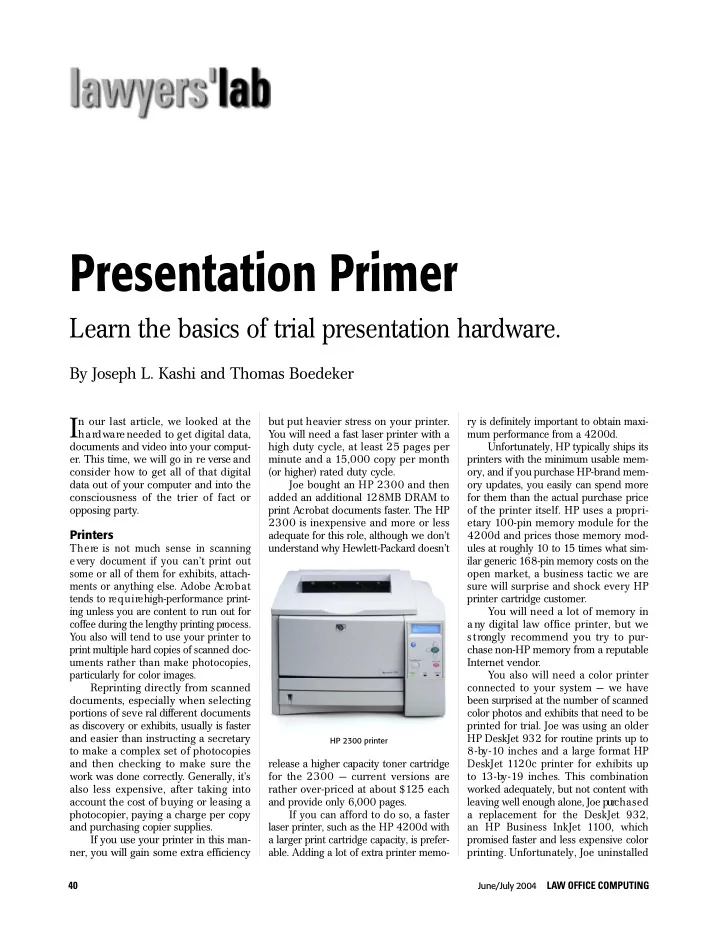
but put heavier stress on your printer. You will need a fast laser printer with a high duty cycle, at least 25 pages per minute and a 15,000 copy per month (or higher) rated duty cycle. Joe bought an HP 2300 and then added an additional 128 MB DRAM to print Ac robat documents faster. The HP 2 300 is inexpensive and more or less adequate for this role, although we don’t understand why Hewlett-Pa c k a rd doesn’t release a higher capacity toner cartridge for the 2300 — current versions are rather over-priced at about $125 each and provide only 6,000 pages. If you can afford to do so, a faster laser printer, such as the HP 4200d with a larger print cartridge capacity, is prefer-
- able. Adding a lot of extra printer memo-
Presentation Primer
Learn the basics of trial presentation hardware.
By Joseph L. Kashi and Thomas Boedeker
ry is definitely important to obtain maxi- mum performance from a 4200d. Unfortunately, HP typically ships its printers with the minimum usable mem-
- ry, and if you purchase HP - b rand mem-
- ry updates, you easily can spend more
for them than the actual purchase price
- f the printer itself. HP uses a pro p r i-
etary 100-pin memory module for the 4 200d and prices those memory mod- ules at roughly 10 to 15 times what sim- ilar generic 168-pin memory costs on the
- pen market, a business tactic we are
s u re will surprise and shock every HP printer cartridge customer. You will need a lot of memory in a ny digital law office printer, but we s t rongly recommend you try to pur- chase non-HP memory from a re p u t a b l e Internet vendor. You also will need a color printer connected to your system — we have been surprised at the number of scanned color photos and exhibits that need to be printed for trial. Joe was using an older HP DeskJet 932 for routine prints up to 8 - by - 10 inches and a large format HP DeskJet 1120c printer for exhibits up to 13 - by - 19 inches. This combination worked adequately, but not content with leaving well enough alone, Joe purc h a s e d a replacement for the DeskJet 932, an HP Business InkJet 1100, which p romised faster and less expensive color
- printing. Unfortunately, Joe uninstalled
HP 2300 printer