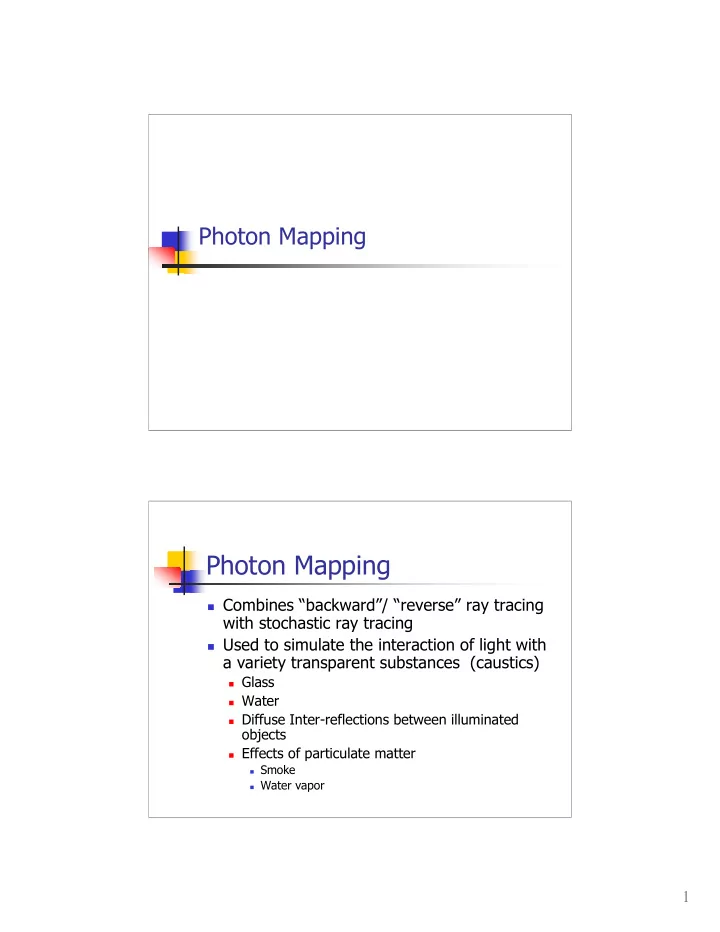
Photon Mapping Combines backward/ reverse ray tracing with - - PDF document

photon mapping
SMART_READER_LITE
LIVE PREVIEW

Photon Mapping Combines backward/ reverse ray tracing with - - PDF document

Photon Mapping Photon Mapping Combines backward/ reverse ray tracing with stochastic ray tracing Used to simulate the interaction of light with a variety transparent substances (caustics) Glass Water Diffuse


slide-1
SLIDE 1

1

Photon Mapping

Photon Mapping

 Combines “backward”/ “reverse” ray tracing

with stochastic ray tracing

 Used to simulate the interaction of light with

a variety transparent substances (caustics)

 Glass  Water  Diffuse Inter-reflections between illuminated

  • bjects

 Effects of particulate matter

 Smoke  Water vapor

slide-2
SLIDE 2

2

Photon Mapping - Motivation

Without With

Photon Mapping

 Henrik Wann Jensen 95/96  Simulates the transport of individual photons

emitted from light sources

 Photons bounce off specular surfaces  Photons deposited on diffuse surfaces  Photons collected by ray tracing from eye  http://www.ypoart.com/

slide-3
SLIDE 3

3

Spatial Subdivision

 The collected photons will need to be

stored in an efficient, 3D accessible data structure

 Spatial subdivision algorithms subdivide

the 3D space for quick and easy query.

Spatial Subdivision

 Subdivide your scene volume into hierarchical regions

 Octrees  BSP Trees  K-D Trees

 Create a tree structure that indicates for each region:

 if the region is empty  the object present at that particular region

 Used in

 Ray Tracing  Collision detection (animation)  Photon Mapping

slide-4
SLIDE 4

4

Spatial Subdivision

 Subdivision algorithm

 Recursively subdivide volume  If subregion is empty or contains a predefined #

  • f objects, then stop

 Otherwise, further subdivide.

 Continue until each subregion is empty or

contains a predefined #of objects.

 Use tree to represent subdivision hierarchy

Octrees

 Volume is subdivided into 4 equal

regions.

 Each iteration results in 8 subdivisions.

slide-5
SLIDE 5

5

Octrees

[Foley/Van Dam]

Oct(quad)trees

 Subdivisions represented as a tree [Watt/Watt,244]

slide-6
SLIDE 6

6

Oct(quad)trees

 Quadtree applet

http://donar.umiacs.umd.edu/quadtree/ points/prquad.html

Octrees

 Images from http://www.flipcode.com/tutorials/tut_octrees.shtml

slide-7
SLIDE 7

7

Octrees Octrees

slide-8
SLIDE 8

8

BSP Trees

 Binary Space Partitioning Trees (BSP

Trees)

 Like Octrees but divides space into a pair

  • f subregions

 Subregions need not be equally spaced  Planes separating regions can be placed at

  • bject boundaries.

Spatial Subdivision

 Octrees vs BSP Trees [Watt/Watt,246]

slide-9
SLIDE 9

9

BSP Trees

 BSP Trees – Each non-terminal node represents a single

partitioning plane that divides space in two

[Watt/Watt,247 ]

K-d Trees

 K-d Tree is a BSP where dividing planes

are axis aligned

 K-d Tree applet

http://donar.umiacs.umd.edu/quadtree/ points/kdtree.html

slide-10
SLIDE 10

10

Spatial Subdivision

 Advantages

 Efficient means for finding objects within your

space

 Compact representation

 Disadvantages

 Preprocessing required  If scene changes, must rebuild your tree  Not foolproof

Spatial Subdivision

 Octrees vs BSP trees

 BSP Trees are generally more balanced

than Octrees

 BSP Traversal more efficient  BSP Trees have additional storage

  • verhead as must store subdivision planes

 Now back to photon mapping

slide-11
SLIDE 11

11

Photon Mapping

 Pass 1 – Shoot and Store Photons

 photons are shot from the light into the

scene.

 Photons are allowed to interact with

  • bjects in the environment

 Where photons fall are stored in a special

data structure called a “photon map”

 1000s of photons not billions

 Statistical approximation based on density

Photon Mapping

 Shooting photons

point directional square general [Jensen 2002]

slide-12
SLIDE 12

12

Photon Mapping

 Photon Scattering

[Jensen 2002]

Photon Map

 The photon  Placed in k-d tree for efficient access

slide-13
SLIDE 13

13

Photon Mapping

 Pass 2 – Gather illumination

 Use ray tracing  Direct illumination determined by ray

tracing

 Indirect illumination determined by

stochastically sampling photon map

 Gather photon within a volume in the required

direction.

Monte Carlo methods

 Driven by chance / randomness  Rendering and Monte Carlo

 Multiple rays per pixel

 See how many reach a light

 Multiple rays from light

 See how many reach the eye

 Photon Mapping

 Goes from both sides

slide-14
SLIDE 14

14

Photon Mapping - Caustics

 Pattern of light focused on a surface after

having original light path bent by intermediate surface.

[Jensen]

Caustics

Reflective caustics Refractive caustics Yves Poissant

slide-15
SLIDE 15

15

Photon Mapping

 Three separate photon maps

 Global – photon emitted toward all objects  Caustics – specular to diffuse interactions  Volume – for volumetric effects

Photon Mapping

caustic global

slide-16
SLIDE 16

16

Example

[Jensen 1996]

Example -- Caustics

[Jensen 1996]

slide-17
SLIDE 17

17

The Light of Mies van der Rohe

2000ET

Photon Mapping in real time

 But doesn’t this take a long time.

 No, grasshopper…not with GPUs…  Let’s go to the video.

slide-18
SLIDE 18

18

Want to learn more? Summary

 Fixing ray tracing

 Spawning complex structures (cones,

cylinders, etc.)

 Stochastic sampling (distributed ray

tracing, monte carlo)

 “backwards” ray tracing (Photon Mapping)

 Questions