
SLIDE 1
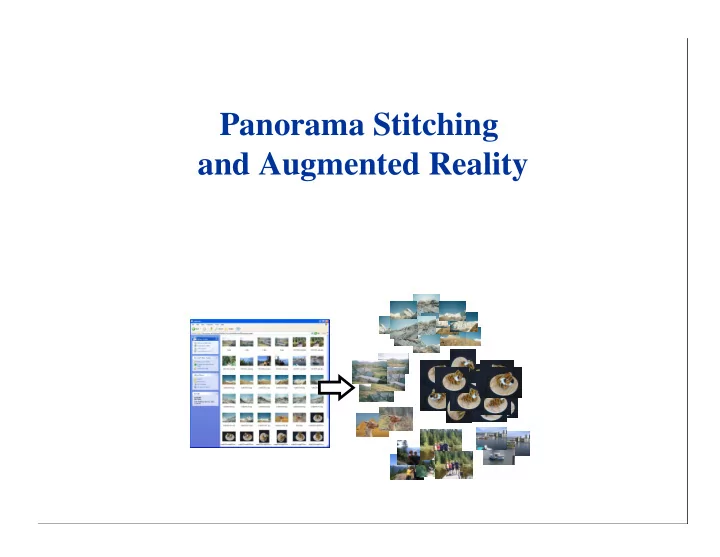
Panorama Stitching and Augmented Reality Local feature matching - - PowerPoint PPT Presentation
Panorama Stitching and Augmented Reality Local feature matching with large datasets Examples: Identify all panoramas and objects in an image set Identify all products in a supermarket Identify any location for robot
Examples: Identify all panoramas and
Identify all products in a
Identify any location for
Solve following problem for all feature vectors, x: Nearest-neighbour matching is the major computational
Linear search performs dn2 operations for n features
No exact methods are faster than linear search for d>10 Approximate methods can be much faster, but at the
4 7 6 5 1 3 2 9 8 10 11 l5 l1 l9 l6 l3 l10 l7 l4 l8 l2
l1 l8 1 l2 l3 l4 l5 l7 l6 l9 l10 3 2 5 4 11 9 10 8 6 7
Slide credit: Anna Atramentov
4 7 6 5 1 3 2 9 8 10 11 l5 l1 l9 l6 l3 l10 l7 l4 l8 l2
l1 l8 1 l2 l3 l4 l5 l7 l6 l9 l10 3 2 5 4 11 9 10 8 6 7
q
Slide credit: Anna Atramentov
Search k-d tree bins in
Requires use of a
100,000
Speedup by
New images initialised with rotation, focal length
New images initialised with rotation, focal length
Burt & Adelson 1983
Blend frequency bands over range ∝ λ
Free working demo available: Autostitch Commercial products: Serif, Kolor, others coming Show in Java applet: Browser demo
Surprise: Many users want borders to be visible
27
Applications:
– Film production (already in use) – Heads-up display for cars – Tourism – Medicine, architecture, training
What is needed:
– Recognition of scene – Accurate sub-pixel 3-D pose – Real-time, low latency
(David Lowe & Iryna Gordon) Solve for 3D structure from multiple images Recognize scenes and insert 3D objects
Shows one of 20 images taken with handheld camera
29
30
20 input images 0 iterations: error = 62.5 pixels 10 iterations: error = 4.2 pixels 20 iterations: error = 1.7 pixels 50 iterations: error = 0.2 pixels
31
– computation time increases with the number of unknown parameters – trouble converging if the cameras are too far apart (> 90 degrees)
– select a subset of about 4 images to construct an initial model – incrementally update the model by resectioning and triangulation – images processed in order determined by the spanning tree
Solve for cameras and 3D points:
Uses bundle adjustment (solution for camera
Initialize all cameras at the same location and points at
Solve depth-reversal ambiguity by trying both options
Insert object into scene:
Set location in one image, move along epipolar in other, adjust orientation