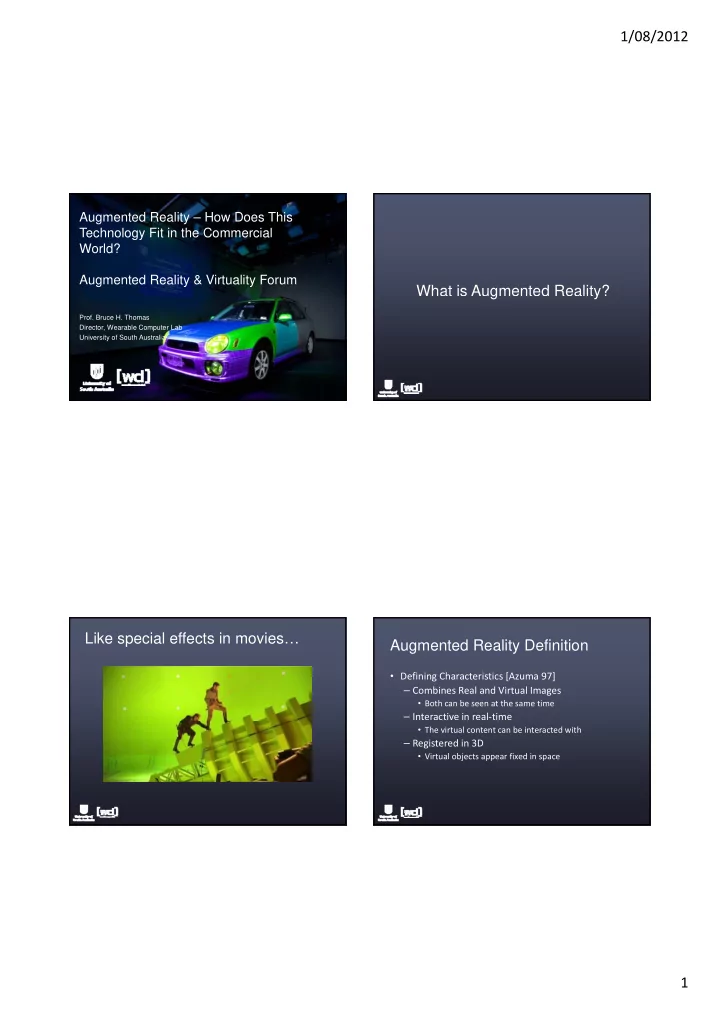
1/08/2012 Augmented Reality How Does This Technology Fit in the - - PDF document

1 08 2012
SMART_READER_LITE
LIVE PREVIEW

1/08/2012 Augmented Reality How Does This Technology Fit in the - - PDF document

1/08/2012 Augmented Reality How Does This Technology Fit in the Commercial World? Augmented Reality & Virtuality Forum What is Augmented Reality? g y Prof. Bruce H. Thomas Director, Wearable Computer Lab University of South


slide-1
SLIDE 1

1/08/2012 1

Augmented Reality – How Does This Technology Fit in the Commercial World? Augmented Reality & Virtuality Forum

  • Prof. Bruce H. Thomas

Director, Wearable Computer Lab University of South Australia

What is Augmented Reality? g y Like special effects in movies… Augmented Reality Definition

  • Defining Characteristics [Azuma 97]

– Combines Real and Virtual Images

  • Both can be seen at the same time

– Interactive in real‐time

  • The virtual content can be interacted with

– Registered in 3D

  • Virtual objects appear fixed in space
slide-2
SLIDE 2

1/08/2012 2 Augmented Reality

  • Registered virtual

information to physical world

  • Provides extra

information

  • Allows users to see the

unseeable

  • Realtime

Presenting Augmented Reality Information

Projectors / Spatial Displays Head Worn Displays Handheld Devices

Augmented Reality Examples

slide-3
SLIDE 3

1/08/2012 3

How Does Augmented Reality Technology Fit in the Commercial World?

  • Training
  • Design
  • Manufacturing
  • Logistics
  • Logistics
  • Medicine
  • Maintenance

How Does Augmented Reality Help?

  • Just in time information
  • In situ visualisation of data
  • Easier to understand information in context of the

real world real world

Mobile Phone AR

  • Mobile Phones

– camera – processor processor – display

  • AR on Mobile Phones

– Simple graphics – Optimized computer vision – Collaborative Interaction

2009 - Outdoor Information Overlay

  • Mobile phone based
  • Tag real world locations

– GPS + Compass input – Overlay graphics data on live video

  • Applications

– Travel guide, Advertising, etc

  • Wikitude, Layar, Junaio, Argon, etc..

– Android based, Public API released

slide-4
SLIDE 4

1/08/2012 4 Layar (www.layar.com)

  • Location based data

– GPS + compass location – Map + camera view p

  • AR Layers on real world

– Customized data – Audio, 3D, 2D content

  • Easy authoring
  • Android, iPhone

$784 million USD in 2014

Some Commercial AR Companies

  • ARToolworks (http://www.artoolworks.com/)

– ARToolKit, FLARToolKit, SDKs

  • Metaio (http://www.metaio.com/)

– Marketing, Industry, SDKs

  • Total Immersion (http://www.t‐immersion.com/)

Total Immersion (http://www.t immersion.com/) – Marketing, Theme Parks, AR Experiences

  • Qualcomm

(http://developer.qualcomm.com/dev/augmented‐ reality) – Mobile AR, QCAR SDK

AR Xray Vision

slide-5
SLIDE 5

1/08/2012 5 What Can You Do With AR?

  • Embed manuals in the physical world
  • Visualise virtual artefacts in context of the

environment

  • Status information in situ with physical object

Status information in situ with physical object

  • Simulate future capability
  • Physically and virtual embody future concepts

How Can You Use AR Today? Examples

  • Navigation in the outdoors
  • Visualise new designs

– Buildings – New products

  • Entertainment
  • Maintenance
  • Visualising GIS infrastructures

– Underground pipes

  • Handheld or projector displays today.

Barriers to AR

  • Head mounted displays to date have limited

particular applications – Good news is there are many large companies working on this!

Oakley Plans To Launch Its Own Brand Of AR Glasses Google Launches Augmented Reality Glasses In Beta id Software co‐founder John Carmack plans to package a 3‐D virtual reality headset with special editions of the Doom, to be sold for about $500.

Barriers to AR

  • Lack of standards
  • Applications have been too complex.
  • Visualisation have been too ambitious.
  • Developers fight the current state of the art of
  • Developers fight the current state of the art of

technology.

slide-6
SLIDE 6

1/08/2012 6 UniSA Holodeck

  • 14m x 8.5m x 4m
  • 44 Projectors
  • High Performance

Computing Computing

  • 40 Cameras
  • Wide area tracking
  • Automatic configuration
  • External load‐in

How do you design…

Appliances?

How do you design…

Appliances? Operating Theatres?

How do you design…

Appliances? Operating Theatres? Command and Control Rooms?

slide-7
SLIDE 7

1/08/2012 7 The Problem

Design Space

The Problem

Virtual Designs g Design Space

The Problem

Virtual Designs g Design Space

The Problem

Virtual Designs UniSA Holodeck g Design Space Holodeck

slide-8
SLIDE 8

1/08/2012 8 Spatial Augmented Reality in five t easy steps Step One Step Two Step Three

slide-9
SLIDE 9

1/08/2012 9 Step Four

Six Degrees of Freedom (X, Y, Z, Ψ, Θ, Φ)

Step Five Command and Control Room Design Benefits

  • Natural manner for viewing designs
  • Stakeholder buy‐in for major decisions
  • Early ergonomic measurements
  • Interactive simulations of new technology
  • Interactive simulations of new technology
slide-10
SLIDE 10

1/08/2012 10 Questions?

http://wearables.unisa.edu.au Bruce.Thomas@unisa.edu.au