
SLIDE 1
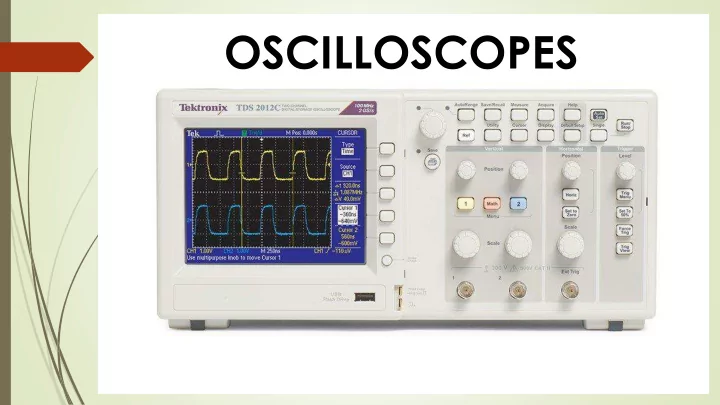
OSCILLOSCOPES Use an o-scope to: Troubleshoot and find more - - PowerPoint PPT Presentation
OSCILLOSCOPES Use an o-scope to: Troubleshoot and find more information than what you can obtain from a multimeter Debug inputs and outputs of circuits Identify noise and its effects in your circuit Determine the shape of an
Frequency (f) = The number of times per second a waveform repeats itself Period (T) = The number of seconds it takes for a waveform to repeat itself, T= 1/f Duty Cycle = The percentage of a period when a wave is positive or negative (how long a signal is on versus how long it’s off each period) Rise Time = How fast a circuit responds to signals, i.e. the duration of a wave going from a low point to a high point on a curve. Fall time is the
Amplitude = The measure of the magnitude of a signal Maximum and Minimum Voltages = How high or low the voltage of the signal is Mean and Average Voltages = Mean/Average of signals, and average of a signal’s maximum and minimum voltage
A typical passive probe
Example graph on oscilloscope
https://www.manualslib.com/manual/498235/Tektronix-Tds1000b- Series.html?page=120 https://learn.sparkfun.com/tutorials/how-to-use-an-
further
Some useful sites and videos: