
SLIDE 1
Laser Cutting for Starters
6.S063 Engineering Interaction Technologies
- Prof. Stefanie Mueller | MIT CSAIL | HCI Engineering Group
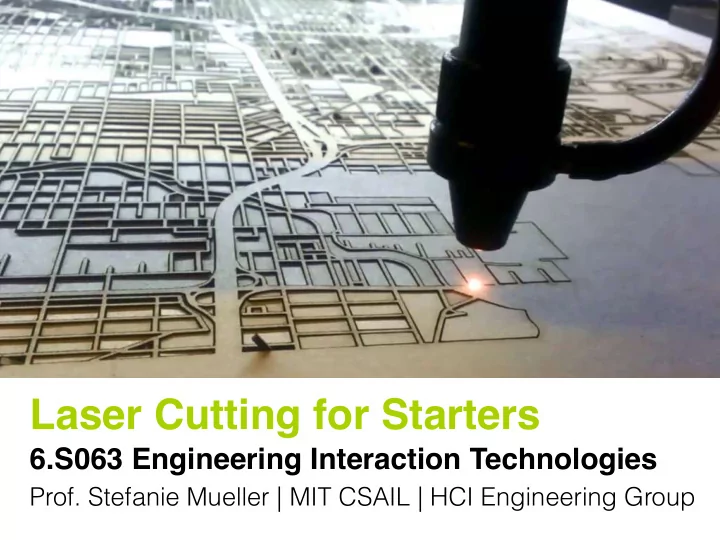
Laser Cutting for Starters 6.S063 Engineering Interaction - - PowerPoint PPT Presentation
Laser Cutting for Starters 6.S063 Engineering Interaction Technologies Prof. Stefanie Mueller | MIT CSAIL | HCI Engineering Group laser cutter benefits:: fast (good for design iteration) easy to learn and get started! how can I laser cut
Laser Cutting for Starters
6.S063 Engineering Interaction Technologies
laser cutter
benefits:: fast (good for design iteration) easy to learn and get started!
how can I laser cut something?
create a 2D vector drawing
define power, speed of laser (different for each material)
laser cutter control panel: hit cut button
(looks different for each laser cutter model)
homework until next wednesday
laser cut your own business card::
homework until next wednesday (Sept. 13) pass / no pass (not graded)
deliverables::
what we do today to get you started:
which materials to use
paper cardboard wood acrylic most common materials::
what other materials can we laser cut?
<30 second brainstorming>
<google>
food… unconventional materials…
never cut materials:: that are flammable create toxic fumes if you are not sure, ask the shop manager!
can we laser cut metal and glass? no we can’t, at least not on the machines we have, but high-power industrial laser cutters can.
where to buy materials
buy materials here in Boston (15 min on redline):
Altec Plastics 116 B St Boston, MA 02127
both cast and extruded acrylic are fine
Altec Plastics 116 B St Boston, MA 02127
https://www.acrylite-shop.com/US/us/acrylite-/fluorescent-g3g0uco8gns.html
buy materials online:
buy materials online:
https://www.acrylite-shop.com/US/us/acrylite-/fluorescent-g3g0uco8gns.html
expensive shipping (group orders?)
paper cardboard wood acrylic costs:: cheap low-fi prototyping $10-$20 per sheet $10-$20 per sheet depending on thickness
accessing laser cutters
(and beyond)
International Design Center (IDC):: card access: to the shop: 8am - 5pm, mondays - fridays to the main space: 24h, including weekends
Engineering Design Studio (EDS, 38-501):: check their calendar for ‘open hours’ http://eds.mit.edu/hours typically 9-5pm, mondays-fridays, but their times vary (no card access required)
where else can we laser cut?
< any thoughts? >
if you try a new space, please tell us about your experience :).
sign the safety hand out
sign the safety hand out first
setup your 2D drawing program
RGB is correct, CMYK is wrong document color mode:: red R = 255 G = 0 B = 0 #FF0000 line color::
wrong, if control panel shows black color
correct, if control panel shows red color this is red (I know it’s hard to see)
Adobe Illustrator:: stroke thickness = 0.0001
Inkscape:: everything correct, use as is OpenDraw (Open Office):: everything correct, use as is
if you want to use text you need to convert it to a path first
how can I test my settings?
ulsinc.com -> Support -> Software Downloads Windows only! you can also test on Jared’s machine
line is red? you are ready to laser cut! line black? your drawing settings need adjustment
in groups of 5, let’s laser cut
friday::
we will be at EDS (38-501)