
SLIDE 1
grep, awk and sed – three VERY useful command-line utilities Matt Probert, Uni of York grep = global regular expression print
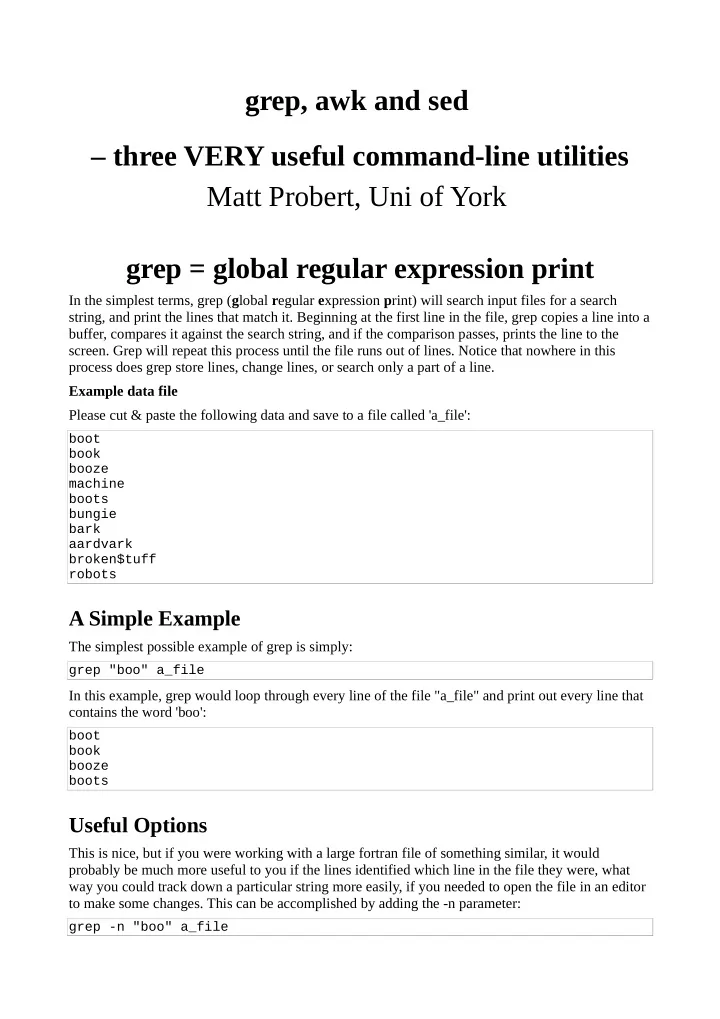
In the simplest terms, grep (global regular expression print) will search input files for a search string, and print the lines that match it. Beginning at the first line in the file, grep copies a line into a buffer, compares it against the search string, and if the comparison passes, prints the line to the
- screen. Grep will repeat this process until the file runs out of lines. Notice that nowhere in this
process does grep store lines, change lines, or search only a part of a line. Example data file Please cut & paste the following data and save to a file called 'a_file':
boot book booze machine boots bungie bark aardvark broken$tuff robots
A Simple Example
The simplest possible example of grep is simply:
grep "boo" a_file
In this example, grep would loop through every line of the file "a_file" and print out every line that contains the word 'boo':
boot book booze boots
Useful Options
This is nice, but if you were working with a large fortran file of something similar, it would probably be much more useful to you if the lines identified which line in the file they were, what way you could track down a particular string more easily, if you needed to open the file in an editor to make some changes. This can be accomplished by adding the -n parameter:
grep -n "boo" a_file