SLIDE 1
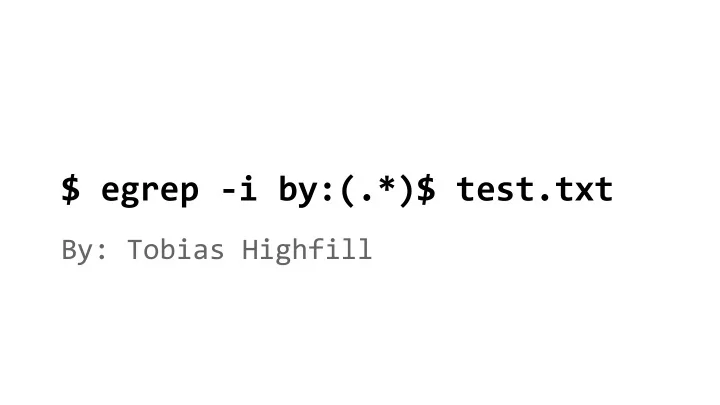
$ egrep -i by:(.*)$ test.txt By: Tobias Highfill What is grep? In - - PowerPoint PPT Presentation
$ egrep -i by:(.*)$ test.txt By: Tobias Highfill What is grep? In UNIX systems grep is a command line tool to search files using regular expressions. What are regular expressions? Regular expressions are strings used for pattern matching.
SLIDE 2
SLIDE 3
Regex crash course
- Most characters stand for themselves
- Metacharacters represent other characters
and can only be represented by escaping
- Sections of text can be captured using
parenthesis
- Characters like “*” “+” and “?” allow
segments to repeat
SLIDE 4
Example regex
by:(.*)$
- Normal characters
- Capturing group
- Repeat character (0 or more times)
- Metacharacters
○ “.” matches any character ○ “$” matches the end of the line
SLIDE 5
Different grep flavors
- grep
○ vanilla, normal
- egrep
○ extended grep with additional character support
- fgrep
○ “fast grep,” doesn’t use regex so it’s way faster
SLIDE 6
How to use grep
grep commands have three sections:
- 1. Options*
- 2. Pattern
- 3. Files*
*optional grep [OPTIONS]... PATTERN [FILES]...
SLIDE 7
Wait files are optional?
- If no files are provided grep will read the
standard input and analyze that.
- This makes grep amazing for piping.
- Don’t want to read the entire man page for a
program? Grep for keywords! man gcc | fgrep -in target
SLIDE 8
Common grep options
- -c, --count
- -e regexp, --regexp=regexp
- -f file, --file=file
- -i, --ignore-case
- -h, --no-filename
- -l, --files-with-matches
- -n, --line-number
- -s, --no-messages
- -v, --invert-match
- -x, --line-regexp
SLIDE 9
When am I ever gonna use this?
- Searching large files for pertinent information
- Searching your file system for a particular
pattern
- Great for piping!
- Finding the source code for your regex golf
solver
Source: xkcd.com/1313
SLIDE 10