Generating a Document- Oriented View of a Protg Knowledge Base - - PDF document

generating a document oriented view of a prot g knowledge
SMART_READER_LITE
LIVE PREVIEW

Generating a Document- Oriented View of a Protg Knowledge Base - - PDF document

Generating a Document- Oriented View of a Protg Knowledge Base Samson Tu, Shantha Condamoor, Mark Musen Stanford Medical Informatics Stanford University School of Medicine Seventh International Protg Conference, Bethesda, MD July 8,


slide-1
SLIDE 1

1

Generating a Document- Oriented View of a Protégé Knowledge Base

Samson Tu, Shantha Condamoor, Mark Musen Stanford Medical Informatics Stanford University School of Medicine

Seventh International Protégé Conference, Bethesda, MD July 8, 2004

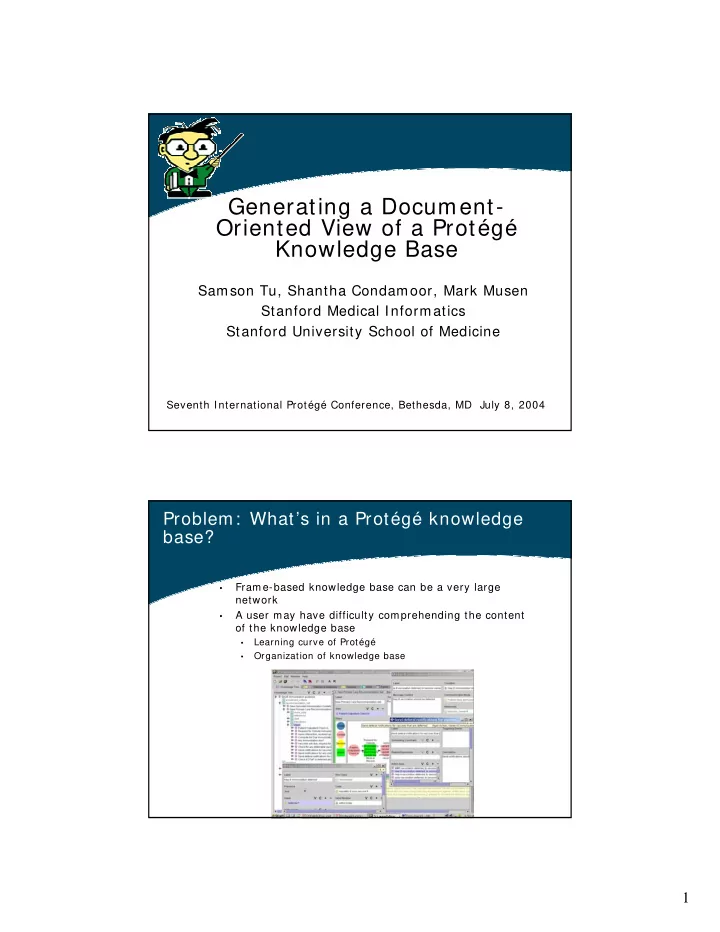
Problem: What’s in a Protégé knowledge base?

  • Frame-based knowledge base can be a very large

network

  • A user may have difficulty comprehending the content
  • f the knowledge base
  • Learning curve of Protégé
  • Organization of knowledge base
slide-2
SLIDE 2

2

Current state: Protégé allows limited views

  • f knowledge bases
  • Default classes/ instances tabs
  • Present tree-based views
  • Browse by classes and instances
  • Specialized views
  • Examples
  • Diagram/ graph widgets
  • Instance tree tab/ widget
  • Ontoviz, Jambalaya tabs
  • Java-doc HTML generator
  • Most expose a small amount of information
  • Most organized around Protégé modeling

constructs

Alternative: Domain-oriented document views

  • Expose content of knowledge bases as a documents
  • Organize documents around “rhetorical models” of

the domain

  • Chapters and sections
  • Structured text
  • Graphics and tables
  • Index and glossaries
  • Convey large amount of information
  • Allow “reading” of knowledge base
  • Domain expert: can review KB content in a more

familiar medium

  • Knowledge engineer: can review KB systematically
  • Literate knowledge engineering
slide-3
SLIDE 3

3

Outline of “KB2Doc” Work

  • Problem domain
  • Design decisions
  • First experiment
  • Results
  • Methods
  • Assessment
  • Extensions
  • Current work
  • Future possibilities

Work in progress!!

Problem domain: Guideline knowledge base

  • Context: SAGE Project (www.sageproject.net)
  • Encoding of clinical practice guidelines (example) for

purpose of providing patient-specific decision support

  • Structure of information
  • Guideline ontology and instances
  • Associated ontologies and KBs
  • Patient data model
  • Model of organization resources
  • Medical terminologies
  • Scoping decisions
  • Produce a document-oriented view of the content of a

guideline

  • In Protégé term: expose content of an instance tree (all

frames referenced directly or indirectly from a root guideline instance)

slide-4
SLIDE 4

4

Design criteria

  • The document-generation capability should be

generic

  • The document should expose the machine-readable

parts of Protégé knowledge base

  • Multiple views should be allowed
  • There should be no modification to guideline

knowledge base

  • The document should be “readable” on the web or as

printed document

  • Pseudo-natural language and domain graphics
  • Mostly linear organization
  • Trade-off between expansion of content at points of

use and repetition

First experiment: Results

SAGE immunization guideline JCimmunization.html PRODIGY guideline for patients with previous myocardial infarction Curtsey of Neill Jones (SCHIN, University of Newcastle) PriorMI.html

slide-5
SLIDE 5

5

Method of first experiment: How were the html pages generated

Guideline ontology Java Program jpeg files XML Guideline KB Annotations on guideline ontology XSLT HTML

Guideline ontology annotations: Document

  • A “document” consist of a number of “sections”
  • A “section” specifies the “root” node
  • Two types of sections
  • Expansion of instances tree from the root node

(e.g. start from instances of Guideline class)

  • Expansion of class hierarchy from the root node
slide-6
SLIDE 6

6

Generating ontology annotations: Classes

  • Select “classes of interest” for annotation
  • Automatic generation of annotations, followed by

manual editing

  • Selection and ordering of slots (for default text

generation)

XML generation

  • XML format: class and slot names as tags
  • < Decision p_id= "SAGEDiabetes_01535">
  • < label>
  • Check if microalbumin testing due
  • < / label>
  • < description>
  • Checks to see if any urine protein test has

been performed in the last yr, or if any urine protein test in ordered within the next month.

  • < / description>
  • < decision_model>
  • ....
  • < / decision_model>
  • < / Decision>
slide-7
SLIDE 7

7

Alternative annotations

  • For selected classes, define alternative

annotations

< Decision p_id= SAGEDiabetes_01535"> Check if microalbumin testing due < / Decision>

Context-sensitive XML generation

slide-8
SLIDE 8

8

Use of templates to generate text

if absence of Goal HEMOGLOBIN A1C / HEMOGLOBIN.TOTAL: MFR: PT: BLD: QN: set goal for ‘HEMOGLOBIN A1C / HEMOGLOBIN.TOTAL: MFR: PT: BLD: QN: ’ as (0, 7.0] Percent after NOW

Special treatment of graph widget

  • Guideline

recommendations depicted as graphical flowchart-like format

  • Handling of graphs
  • Generate images as jpeg

file

  • Save coordinates of nodes

in special tags

  • Transform to clickable

images in html

slide-9
SLIDE 9

9

Document-generation integration into Protégé Guideline Workbench as a tab

Generate XML and HTML views of the guideline knowledge base Specify annotations knowledge base and XSLT file

Assessment: Satisfy design criteria?

The document-generation capability should

be generic

The document should expose the machine-

readable parts of Protégé knowledge base

Multiple views should be allowed There should be no modification to guideline

knowledge base

? The document should be “readable” on the

web or as printed document

slide-10
SLIDE 10

10

Assessment

  • Clinician feedback: Not enough contextual

information about encoded guideline recommendations

  • Purpose of guideline graphs different from paper

flowcharts

  • Interpretations and encoding decisions not explicit

(no commented code)

  • Maintenance problem
  • Annotation knowledge base has to track changes

in guideline ontology

  • Simplistic document model
  • Brittle XML generation

Extensions: revised XML generation

  • XML instances based on XML schema

generated from guideline ontology

  • Schema-based transformations
  • “Protégé-independent” export format for guideline

instances

  • Export, not backend
  • Conflation of class and metaclass
  • Single inheritance of subtypes
  • Relaxation of constraints
  • Multiple allowed classes= > most-specific

superclass

  • No overridden facet constraints
slide-11
SLIDE 11

11

Extension possibilities

  • Better integration into Protégé
  • Use of Protégé’s : ANNOTATION facility
  • A wizard to guide creation of annotation

knowledge base?

  • Maintenance of annotation knowledge base
  • Document-oriented views of other large-

scale Protégé structures?

  • Glossary of terms?
  • Clinical trial protocol documents?
  • Document-oriented knowledge acquisition?

Document-oriented views of Protégé knowledge base

  • Simple annotations on Protégé ontology for

document generation

  • Results of first experiment encouraging
  • Not completely satisfactory for clinicians
  • Useful tool for knowledge engineer
  • PRODIGY document much more polished
  • Potentially rich avenue of research