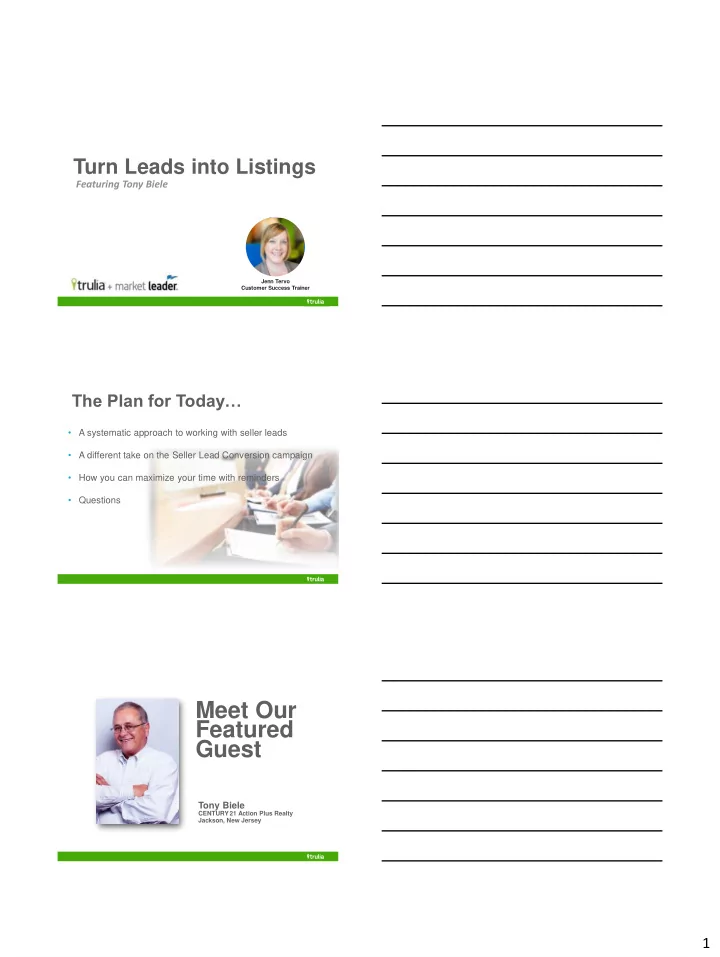
Featured Guest Tony Biele CENTURY 21 Action Plus Realty Jackson, - - PDF document

featured
SMART_READER_LITE
LIVE PREVIEW

Featured Guest Tony Biele CENTURY 21 Action Plus Realty Jackson, - - PDF document

Turn Leads into Listings Featuring Tony Biele Jenn Tervo Customer Success Trainer The Plan for Today A systematic approach to working with seller leads A different take on the Seller Lead Conversion campaign How you can maximize


slide-1
SLIDE 1

1

Turn Leads into Listings

Featuring Tony Biele

Jenn Tervo Customer Success Trainer

The Plan for Today…

  • A systematic approach to working with seller leads
  • A different take on the Seller Lead Conversion campaign
  • How you can maximize your time with reminders
  • Questions

Meet Our Featured Guest

Tony Biele

CENTURY 21 Action Plus Realty Jackson, New Jersey

slide-2
SLIDE 2

2 The Seller Lead Conversion Plan

In a nutshell…

Phase 1:

  • 7 Day Plan of Attack for Sellers
  • Initial high-touch, hands-on follow-up process

Phase 2:

  • 12 Week Campaign
  • Customized email & phone scripts

Where Can You Find it? Tony’s Method

  • Customize email templates for Phase 2
  • Copy conversion plan actions
  • Paste into a single reminder
  • Set the due-date for 1-2 days out
  • Complete required action when due
  • Delete line item and reset due date
slide-3
SLIDE 3

3

When they respond…

Campaign VS Reminder

  • Add entire Seller Lead Conversion plan as a reminder
  • When reminder is due:
  • Complete the action
  • Delete that line from the reminder
  • Reset the date and save

WHY?

More personalization gets better results.

slide-4
SLIDE 4

4

Reminders

  • Show up on dashboard when due
  • Reminder will be tied to a specific contact
  • View, edit, and save reminders on-the-go
  • Three types of reminders:
  • Phone Call
  • Meeting
  • Task

Phase 1

The First 7 Days

Day 1

  • Send pre-CMA (Seller’s Home Valuation Request)
  • Email a copy
  • Direct mail a hard copy with hand-written note
slide-5
SLIDE 5

5

Day 3

  • Call and leave message
  • Confirm they received the pre-CMA
  • Answer any questions

Day 4

  • Add weekly seller listing alerts

Day 5

  • Check to see their activity on the website
  • Send email with Market Insider link
  • Direct them to the Market Analysis tab
  • Include links to relevant articles
slide-6
SLIDE 6

6

Day 7

  • Send comparable listings in their area
  • Add to Market Insider Newsletter
  • Call again if no previous contact

All Packaged in One Reminder

Phase 2

Custom Email Series

slide-7
SLIDE 7

7

Weeks 1 – 3

  • Email Week 1: Feedback on CMA
  • Activity Week 2: Courtesy Call / Feedback
  • Activity Week 3: Skip a week

Weeks 4 – 6

  • Email Week 4: Check listing alert parameters
  • Email Week 5: Lost number – Ask for phone number (then

call 5 days later and tell them you found it)

  • Email Week 6: Establish that you are a real person and a

local expert

Weeks 7 – 9

  • Activity Week 7: Phone call to discuss Market Conditions
  • Activity Week 8: Skip a week or call & repeat week 7

(depending on level of recent contact)

  • Email Week 9: Prompt them to think about preparing their

house for sale

slide-8
SLIDE 8

8

Weeks 10 – 12

  • Activity Week 10: Skip a week
  • Email Week 11: The importance of marketing a home VS.

listing a home

  • Email (1) Week 12: Bait to generate response by faking an

article attachment

  • Email (2) Week 12: Two days later, provide link to article on

the website

Week 13 – 14 (optional)

  • Activity Week 13: Free Phone offer - $20 gift card to the 1st

50 people (they are the only one getting the offer)

  • Email Week 14: Check in and provide your contact info

Phase 3

Add to campaign

slide-9
SLIDE 9

9

What Campaign to Choose?

  • Long Term Seller
  • Short Term Seller
  • Thinking About Selling?
  • Why Choose Me?

Bringing it All Together

  • More customization can lead to better results
  • Use the campaign OR reminders to convert your sellers

− Paste all of the actions for the plan into a single reminder − Complete required action when due − Delete line item and reset due date − When they respond, stop the plan and tailor your follow-up

  • Find all of the content for the Seller Lead Conversion

Plan:

Learn.MarketLeader.com

  • Search for “Seller Lead Conversion”
  • See all of the content to put this plan into action!