
SLIDE 1
- Dr. Regina English
Best Practice: Using Technology to Address Student Attendance (9/15/15) The instructions below explain how to use Infinite Campus to create elementary attendance letters:
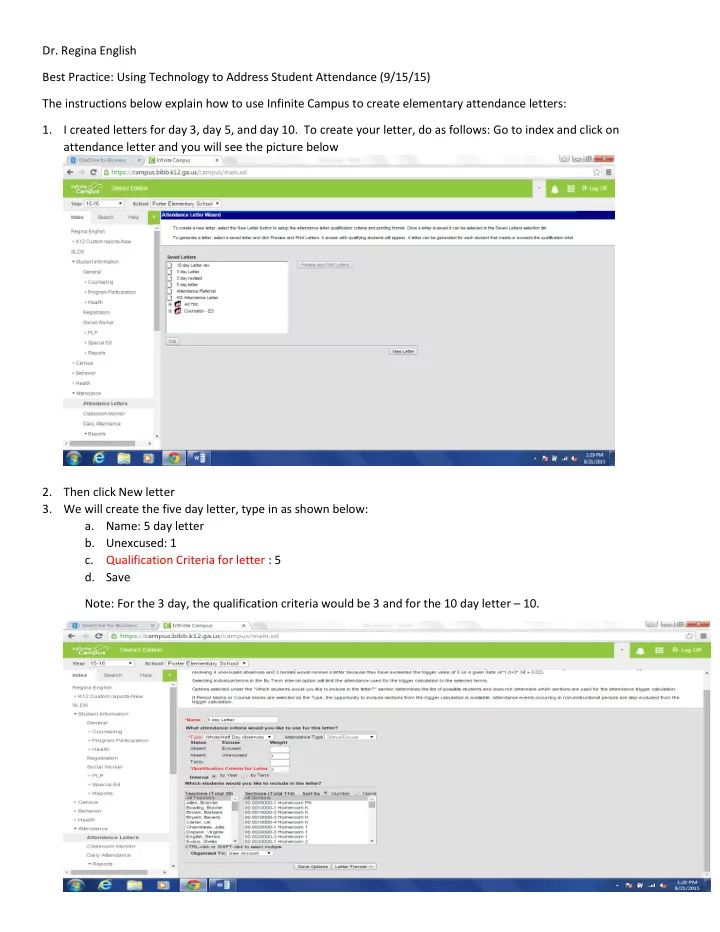
- 1. I created letters for day 3, day 5, and day 10. To create your letter, do as follows: Go to index and click on
attendance letter and you will see the picture below
- 2. Then click New letter
- 3. We will create the five day letter, type in as shown below:
- a. Name: 5 day letter
- b. Unexcused: 1
- c. Qualification Criteria for letter : 5
- d. Save