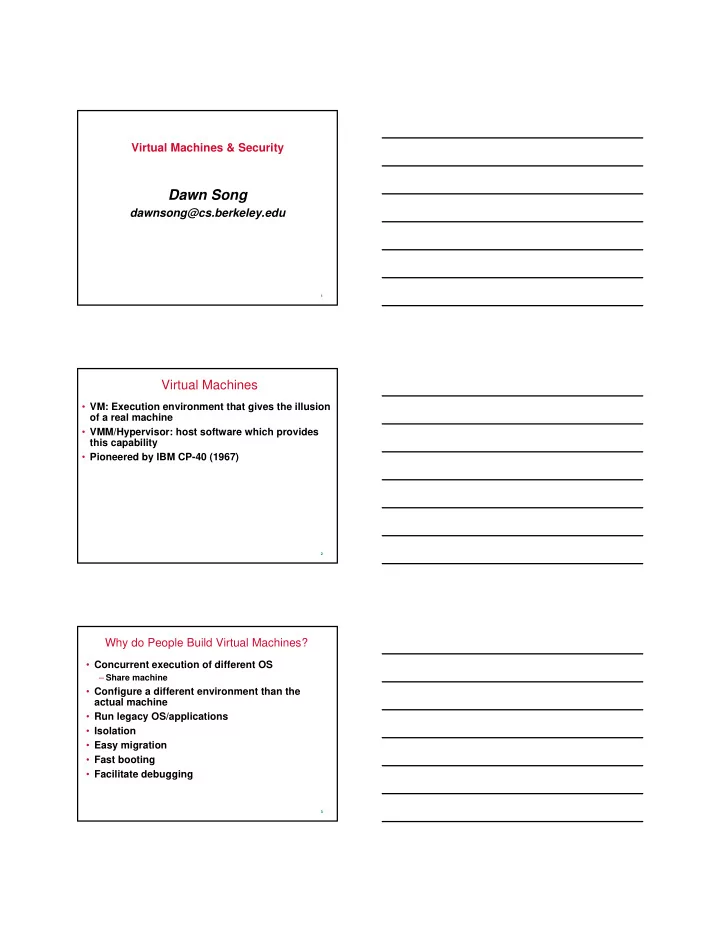
Dawn Song dawnsong@cs.berkeley.edu 1 Virtual Machines VM: - - PDF document

dawn song
SMART_READER_LITE
LIVE PREVIEW

Dawn Song dawnsong@cs.berkeley.edu 1 Virtual Machines VM: - - PDF document

Virtual Machines & Security Dawn Song dawnsong@cs.berkeley.edu 1 Virtual Machines VM: Execution environment that gives the illusion of a real machine VMM/Hypervisor: host software which provides this capability Pioneered by IBM


slide-1
SLIDE 1

1

Virtual Machines & Security

Dawn Song

dawnsong@cs.berkeley.edu

2

Virtual Machines

  • VM: Execution environment that gives the illusion
  • f a real machine
  • VMM/Hypervisor: host software which provides

this capability

  • Pioneered by IBM CP-40 (1967)

3

Why do People Build Virtual Machines?

  • Concurrent execution of different OS

– Share machine

  • Configure a different environment than the

actual machine

  • Run legacy OS/applications
  • Isolation
  • Easy migration
  • Fast booting
  • Facilitate debugging
slide-2
SLIDE 2

4

Software Virtualization

  • Emulation, full system simulation

– Simulates the complete hardware, allowing an unmodified OS for a completely different CPU to run – Examples?

  • Paravirtualization

– VM does not simulate hardware, but offers a special API that requires OS modifications – Examples?

  • Native virtualization

– VM only partially simulates some hardware to allow unmodified OS to be run within – Examples?

5

Virtualizing X86

  • X86 is not fully virtualizable
  • Requirement:

– There must be a way to automatically signal the VMM when a VM attempts to execute a sensitive instruction

» E.g., instructions that read or change sensitive registers and/or memory locations such as clock register and interrupt registers

  • Solution

– VMWare – Xen

6

VMM’s Applications to Security

  • Properties & capabilities of VMM for security

– Isolation – Inspection – Interposition

  • Security applications for VMM

– Isolation/sandboxing – IDS

» Lie detector for rootkits » Program integrity checker » Signature detector » Raw socket detector » Enforce memory access » Enforce NIC access: e.g., prevent promiscuous mode

– What’s the pros & cons of VMM-based IDS? – Other security applications?

slide-3
SLIDE 3

7

Terra: VMM on Tamper-Resistant Hardware

  • Trusted VMM

– Combining security properties of VMM & tamper-resistant hardware

  • Additional capabilities provided

– Attestation – Root secure – Trusted path

8

Attestation

  • Attestation

– Attesting to a remote entity what software was loaded

  • Why do we want attestation? What type of security

problems does attestation address?

  • Attestation chain

– Firmware -> Bootloader -> VMM -> VM, application – Why is attestation chain necessary?

  • Hardware assumptions & requirements

– Secret public/private key in secure storage – Hash & sign what’ll be loaded

  • Properties achieved by attestation

– What software was loaded (load-time attestation) – What software was run (run-time attestation)

  • Challenges for attestation

– Can only attest static part – No future gurantee (still need to solve the other problems)

9

Root Secure

  • “Even the platform administrator cannot

break the basic privacy & isolation”

  • How to achieve it?
  • Assumptions

– Hardware assumptions? – Software assumptions?

slide-4
SLIDE 4

10

Trusted Path

  • A trusted path from the user to the application

– Allows a user to establish which VM he’s interacting with – Allows a VM to ensure it is communicating with a human user – Ensures the privacy & integrity of communications btw users & VMs

  • How to achieve it?

– Virtual KVM in NetTop architecture – Compartmented mode workstation systems

  • Hardware & software assumptions?

– Device drivers?

11

Comparison with Secure Co-processor

  • IBM 4758

– Tamper-resistant PCMCIA card – CPU, memory, crypto accelerator – All sensitive computation happens in co-processor – Use host as sealed storage – Applications in privacy-preserving databases, etc.

  • How do you compare the two different

approaches?

– Enabled applications? – Security guarantees?

12

How do You Break a VMM?

  • VMM has vulnerability too

– Buffer overflows in VMWare & Xen

  • From below

– DMA, etc.

slide-5
SLIDE 5

13

Discussion

  • How does VMM architecture help improve

application/OS security? What security problems does VMM do and do not help addressing?

  • What are the important properties of VMM as a

security mechanism?

– Small TCB

  • What trust do we need from drivers in VMM

setting?

14

Star Paper Summary #2

  • Trusted Path for browser application

– How to build a secure & practical banking portal? – What are you assumptions on hardware & software? – Why does your design achieve a trusted path? – How to design it to achieve minimal trust assumptions?

  • Hand-in:

– Thu 7pm – Electronic submission – Hard-copy submission

» Inbox by door

15

Summary

  • Virtual Machines & Security
  • Slides on the web

– Accessed within Berkeley domain

  • Next class canceled: out of town