CS533 done Work or School or Modeling and Performance Describe - - PDF document

cs533
SMART_READER_LITE
LIVE PREVIEW

CS533 done Work or School or Modeling and Performance Describe - - PDF document

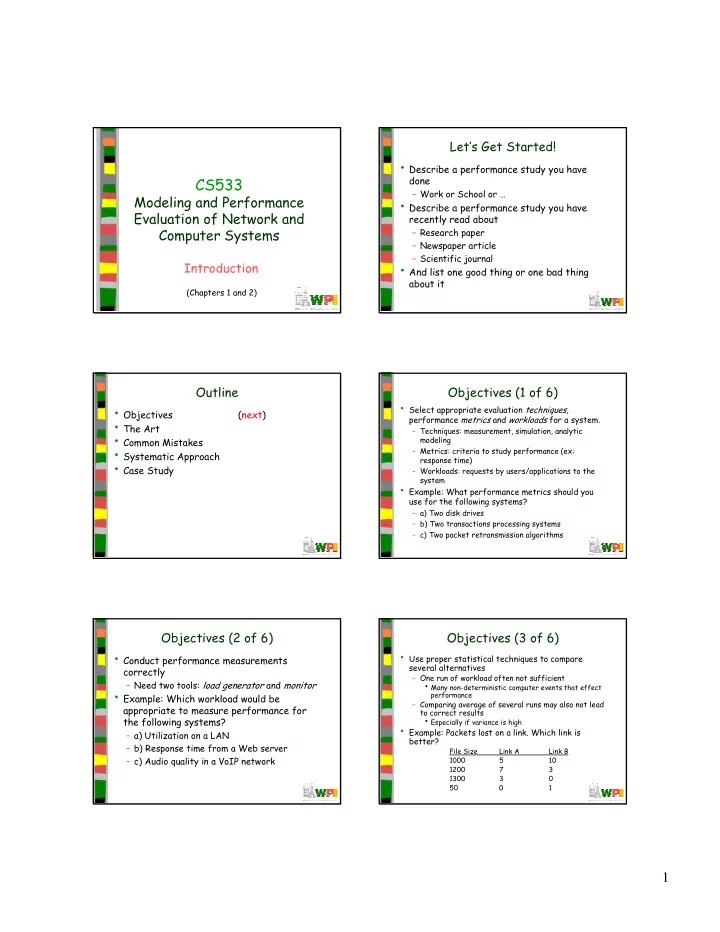
Lets Get Started! Describe a performance study you have CS533 done Work or School or Modeling and Performance Describe a performance study you have Evaluation of Network and recently read about Computer Systems


slide-1
SLIDE 1

1

CS533

Modeling and Performance Evaluation of Network and Computer Systems

Introduction

(Chapters 1 and 2)

Let’s Get Started!

  • Describe a performance study you have

done

– Work or School or …

  • Describe a performance study you have

recently read about

– Research paper – Newspaper article – Scientific journal

  • And list one good thing or one bad thing

about it

Outline

  • Objectives

(next)

  • The Art
  • Common Mistakes
  • Systematic Approach
  • Case Study

Objectives (1 of 6)

  • Select appropriate evaluation techniques,

performance metrics and workloads for a system.

– Techniques: measurement, simulation, analytic modeling – Metrics: criteria to study performance (ex: response time) – Workloads: requests by users/applications to the system

  • Example: What performance metrics should you

use for the following systems?

– a) Two disk drives – b) Two transactions processing systems – c) Two packet retransmission algorithms

Objectives (2 of 6)

  • Conduct performance measurements

correctly

– Need two tools: load generator and monitor

  • Example: Which workload would be

appropriate to measure performance for the following systems?

– a) Utilization on a LAN – b) Response time from a Web server – c) Audio quality in a VoIP network

Objectives (3 of 6)

  • Use proper statistical techniques to compare

several alternatives

– One run of workload often not sufficient

  • Many non-deterministic computer events that effect

performance

– Comparing average of several runs may also not lead to correct results

  • Especially if variance is high
  • Example: Packets lost on a link. Which link is

better?

File Size Link A Link B 1000 5 10 1200 7 3 1300 3 50 1

slide-2
SLIDE 2

2

Objectives (4 of 6)

  • Design measurement and simulation experiments to

provide the most information with the least effort.

– Often many factors that affect performance. Separate

  • ut the effects that individually matter.
  • Example: The performance of a system depends upon

three factors:

– A) garbage collection technique: G1, G2 none – B) type of workload: editing, compiling, AI – C) type of CPU: P2, P4, Sparc

How many experiments are needed? How can the performance of each factor be estimated?

Objectives (5 of 6)

  • Perform simulations correctly

– Select correct language, seeds for random numbers, length of simulation run, and analysis – Before all of that, may need to validate simulator

  • Example: To compare the performance of

two cache replacement algorithms:

– A) how long should the simulation be run? – B) what can be done to get the same accuracy with a shorter run?

Objectives (6 of 6)

  • Select appropriate evaluation techniques,

performance metrics and workloads for a system.

  • Conduct performance measurements correctly.
  • Use proper statistical techniques to compare

several alternatives.

  • Design measurement and simulation experiments

to provide the most information with the least effort.

  • Use simple queuing models to analyze the

performance of systems.

Outline

  • Objectives

(done)

  • The Art

(next)

  • Common Mistakes
  • Systematic Approach
  • Case Study

The Art of Performance Evaluation

  • Evaluation cannot be produced mechanically

– Requires intimate knowledge of system – Careful selection of methodology, workload, tools

  • No one correct answer as two performance

analysts may choose different metrics or workloads

  • Like art, there are techniques to learn

– how to use them – when to apply them

Example: Comparing Two Systems

  • Two systems, two workloads, measure

transactions per second Work- Work- System load 1 load 2 A 20 10 B 10 20

  • Which is better?
slide-3
SLIDE 3

3

Example: Comparing Two Systems

  • Two systems, two workloads, measure

transactions per second Work- Work- System load 1 load 2 Average A 20 10 15 B 10 20 15

  • They are equally good!
  • … but is A better than B?

The Ratio Game

  • Take system B as the base

Work- Work- System load 1 load 2 Average A 2 0.5 1.25 B 1 1 1

  • A is better!
  • … but is B better than A?

Outline

  • Objectives

(done)

  • The Art

(done)

  • Common Mistakes

(next)

  • Systematic Approach
  • Case Study

Common Mistakes (1 of 3)

  • Undefined Goals

– There is no such thing as a general model – Describe goals and then design experiments – (Don’t shoot and then draw target)

  • Biased Goals

– Don’t show YOUR system better than HERS – (Performance analysis is like a jury)

  • Unrepresentative Workload

– Should be representative of how system will work “in the wild” – Ex: large and small packets? Don’t test with

  • nly large or only small

Common Mistakes (2 of 3)

  • Wrong Evaluation Technique

– Use most appropriate: model, simulation, measurement – (Don’t have a hammer and see everything as a nail)

  • Inappropriate Level of Detail

– Can have too much! Ex: modeling disk – Can have too little! Ex: analytic model for congested router

  • No Sensitivity Analysis

– Analysis is evidence and not fact – Need to determine how sensitive results are to settings

Common Mistakes (3 of 3)

  • Improper Presentation of Results

– It is not the number of graphs, but the number of graphs that help make decisions

  • Omitting Assumptions and Limitations

– Ex: may assume most traffic TCP, whereas some links may have significant UDP traffic – May lead to applying results where assumptions do not hold

slide-4
SLIDE 4

4

Outline

  • Objectives

(done)

  • The Art

(done)

  • Common Mistakes

(done)

  • Systematic Approach

(next)

  • Case Study

A Systematic Approach

  • 1. State goals and define boundaries
  • 2. Select performance metrics
  • 3. List system and workload parameters
  • 4. Select factors and values
  • 5. Select evaluation techniques
  • 6. Select workload
  • 7. Design experiments
  • 8. Analyze and interpret the data
  • 9. Present the results. Repeat.

State Goals and Define Boundaries

  • Just “measuring performance” or “seeing

how it works” is too broad

– Ex: goal is to decide which ISP provides better throughput

  • Definition of system may depend upon goals

– Ex: if measuring CPU instruction speed, system may include CPU + cache – Ex: if measuring response time, system may include CPU + memory + … + OS + user workload

Select Metrics

  • Criteria to compare performance
  • In general, related to speed, accuracy

and/or availability of system services

  • Ex: network performance

– Speed: throughput and delay – Accuracy: error rate – Availability: data packets sent do arrive

  • Ex: processor performance

– Speed: time to execute instructions

List Parameters

  • List all parameters that affect performance
  • System parameters (hardware and

software)

– Ex: CPU type, OS type, …

  • Workload parameters

– Ex: Number of users, type of requests

  • List may not be initially complete, so have

working list and let grow as progress

Select Factors to Study

  • Divide parameters into those that are to

be studied and those that are not

– Ex: may vary CPU type but fix OS type – Ex: may fix packet size but vary number of connections

  • Select appropriate levels for each factor

– Want typical and ones with potentially high impact – For workload often smaller (1/2 or 1/10th) and larger (2x or 10x) range – Start small or number can quickly overcome available resources!

slide-5
SLIDE 5

5

Select Evaluation Technique

  • Depends upon time, resources and desired

level of accuracy

  • Analytic modeling

– Quick, less accurate

  • Simulation

– Medium effort, medium accuracy

  • Measurement

– Typical most effort, most accurate

  • Note, above are all typical but can be

reversed in some cases!

Select Workload

  • Set of service requests to system
  • Depends upon measurement technique

– Analytic model may have probability of various requests – Simulation may have trace of requests from real system – Measurement may have scripts impose transactions

  • Should be representative of real life

Design Experiments

  • Want to maximize results with minimal

effort

  • Phase 1:

– Many factors, few levels – See which factors matter

  • Phase 2:

– Few factors, more levels – See where the range of impact for the factors is

Analyze and Interpret Data

  • Compare alternatives
  • Take into account variability of results

– Statistical techniques

  • Interpret results.

– The analysis does not provide a conclusion – Different analysts may come to different conclusions

Present Results

  • Make it easily understood
  • Graphs
  • Disseminate (entire methodology!)

"The job of a scientist is not merely to see: it is to see, understand, and communicate. Leave out any of these phases, and you're not doing science. If you don't see, but you do understand and communicate, you're a prophet, not a scientist. If you don't understand, but you do see and communicate, you're a reporter, not a

  • scientist. If you don't communicate, but you do see

and understand, you're a mystic, not a scientist."

Outline

  • Objectives

(done)

  • The Art

(done)

  • Common Mistakes

(done)

  • Systematic Approach

(done)

  • Case Study

(next)

slide-6
SLIDE 6

6

Case Study

  • Consider remote pipes (rpipe) versus

remote procedure calls (rpc)

– rpc is like procedure call but procedure is handled on remote server

  • Client caller blocks until return

– rpipe is like pipe but server gets output on remote machine

  • Client process can continue, non-blocking
  • Goal: study the performance of

applications using rpipes to similar applications using rpcs

System Definition

  • Client and Server and Network
  • Key component is “channel”, either a rpipe
  • r an rpc

– Only the subset of the client and server that handle channel are part of the system

Client

Network

Server

  • Try to minimize effect of components
  • utside system

Services

  • There are a variety of services that can

happen over a rpipe or rpc

  • Choose data transfer as a common one,

with data being a typical result of most client-server interactions

  • Classify amount of data as either large or

small

  • Thus, two services:

– Small data transfer – Large data transfer

Metrics

  • Limit metrics to correct operation only (no

failure or errors)

  • Study service rate and resources consumed

A) elapsed time per call B) maximum call rate per unit time C) Local CPU time per call D) Remote CPU time per call E) Number of bytes sent per call

Parameters

  • Speed of CPUs

– Local – Remote

  • Network

– Speed – Reliability (retrans)

  • Operating system
  • verhead

– For interfacing with channels – For interfacing with network

  • Time between calls
  • Number and sizes

– of parameters – of results

  • Type of channel

– rpc – Rpipe

  • Other loads

– On CPUs – On network

System Workload

Key Factors

  • Type of channel

– rpipe or rpc

  • Speed of network

– Choose short (LAN) across country (WAN)

  • Size of parameters

– Small or larger

  • Number of calls

– 11 values: 8, 16, 32 …1024

  • All other parameters are fixed
  • (Note, try to run during “light” network load)
slide-7
SLIDE 7

7

Evaluation Technique

  • Since there are prototypes, use

measurement

  • Use analytic modeling based on measured

data for values outside the scope of the experiments conducted

Workload

  • Synthetic program generated specified

channel requests

  • Will also monitor resources consumed and

log results

  • Use “null” channel requests to get baseline

resources consumed by logging

– (Remember the Heisenberg principle!)

Experimental Design

  • Full factorial (all possible combinations of

factors)

  • 2 channels, 2 network speeds, 2 sizes, 11

numbers of calls

– 2 x 2 x 2 x 11 = 88 experiments

Data Analysis

  • Analysis of variance will be used to

quantify the first three factors

– Are they different?

  • Regression will be used to quantify the

effects of n consecutive calls

– Performance is linear? Exponential?