
SLIDE 1
11/27/2012
Creating Printed Circuit Boards - Part III
Xo Wang (xo@geekshavefeelings.com)
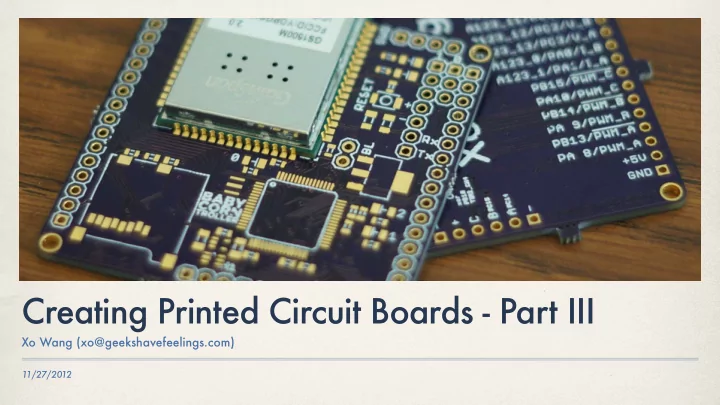
Creating Printed Circuit Boards - Part III Xo Wang - - PowerPoint PPT Presentation
Creating Printed Circuit Boards - Part III Xo Wang (xo@geekshavefeelings.com) 11/27/2012 Making boards Send it out to a fabrication house Etch it yourself Mill the board Etching 2D laser print mirrored board design Transfer
11/27/2012
Xo Wang (xo@geekshavefeelings.com)
✤ Send it out to a fabrication house ✤ Etch it yourself ✤ Mill the board
✤ 2D laser print mirrored board design ✤ Transfer toner to copper clad board ✤ Etch away copper with ferric chloride ✤ Drill through holes
✤ Good ✤ Completely DIY ✤ Cheap (consumes copper clad, etchant,
and drill bits)
✤ Bad ✤ Incredibly tedious (especially drilling) ✤ Unreliable copper removal ✤ No plated holes, soldermask, or
silkscreen
✤ Takes time
✤ CNC mill removes copper ✤ High spindle speeds (40k–100k RPM) ✤ Machines with tool changers can also
drill out through holes
✤ Board is routed out of copper clad panel ✤ On campus: Mechatronics, GVU Proto
Lab, ECE
✤ Good ✤ Automated board build ✤ Cheap (consumes copper clad and
tooling)
✤ Extremely fast (hours) ✤ Boards can be routed out ✤ Bad ✤ No plated holes (kind of), soldermask,
✤ Possible shorts from flakes of copper
✤ Send out gerber files to board fabs ✤ Processes vary, but “full service” is
feasible for even hobbyists
✤ Plated through holes ✤ Soldermask ✤ Silkscreen ✤ Routed outlines
✤ Good ✤ Highest quality ✤ Thin traces/spaces (typ. ≤8mil/8mil) ✤ Almost never get electrical problems ✤ Less work to get a prototype done ✤ Bad ✤ Speed/cost tradeoff ✤ Sometimes high minimum orders ✤ Anxiety from not DIYing
✤ First version had too many features, too
little core functionality
✤ Took a long time to design/assemble ✤ Law of prototypes—it didn’t work anyways ✤ Still costed a lot to find out ✤ Also just too large
✤ Fewer components, no features I didn’t
need
✤ Lower cost meant I could afford to
iterate boards faster
✤ The green boards had two iterations ✤ Exchange features for development time
`
✤ Go build boards!
`