
SLIDE 1
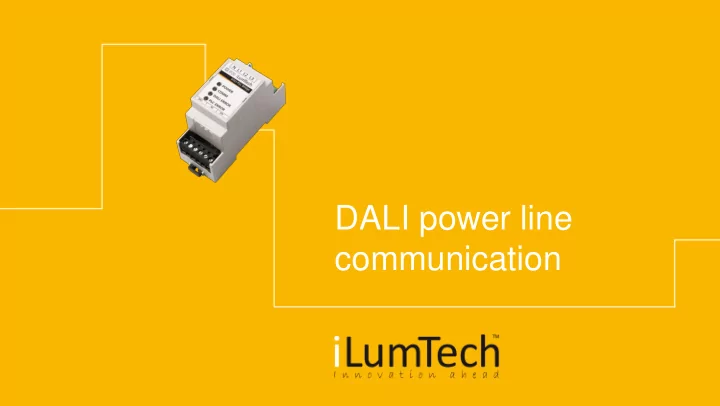
communication Content Functionality and advantages How does it - - PowerPoint PPT Presentation
DALI power line communication Content Functionality and advantages How does it work? Applications Installation Technical parameters About us DALI PLC | Content Functionality and advantages Device which
DALI PLC | Content
DALI PLC | Functionality of
commands through mains
another DALI PLC Bridge or DALI PLC-IN in the luminaire
PLC on one phase
driver works
/ Control of the luminaires with DALI driver without any DALI network / Control of the luminaires with DALI driver and implemented DALI PLC-IN
DALI PLC| How does it work? Application (1)
Standard DALI controls, interfaces + DALI power supply DALI PLC Bridge – connection between the DALI and mains DALI PLC Bridge – connection between mains and DALI luminaire DALI luminaires equipped with standard DALI drivers
DALI PLC| How does it work? Application (2)
Standard DALI controls, interfaces + DALI power supply DALI PLC Bridge – connection between the DALI and mains DALI luminaires equipped with standard DALI drivers
DALI PLC Bridge – connection the mains and group
with DALI network
DALI PLC | Installation scheme
DALI PLC| How does it work?
Standard DALI controls, interfaces + DALI Power supply DALI PLC Bridge – connection between the DALI and mains DALI luminaires equipped with standard DALI drivers
DALI PLC-IN Bridge – connection between mains and DALI luminaire, equipped in the luminaire
DALI PLC | Installation
DALI network created by DALI PLC-IN only Combination of DALLI PLC-IN and coupled DALI network
DALI PLC| Applications
Hypermarkets / factories Wherever an installation of new wiring is too expensive due to the size of the installation or costs for closing of the place Historical buildings The buildings where is forbidden to do any modification of walls, ceilings, reconstructions. Residential buildings / hotels Buildings with already existing wirings, especially with easy installation where is needed to change fix luminaires for more advanced – DALI / tunable white Street illumination DALI control of street luminaires through standard power line
DALI PLC | Technical parameters
can be connected to single network
supply is already integrated (DALI PLC-IN)
Bridge)
Bridge)
DALI PLC | Technical parameters
can be connected to single network
supply is already integrated (DALI PLC-IN)
Bridge)
Bridge)
DALI PLC | About us
iLumTech is developer and provider of a range of unique lighting control devices under the brand name Connected
including lighting, non-lighting and component manufacturers, distributors, wholesalers, installation companies and end
comprehensive services across industrial, optical, thermal, electronic, and mechanical design, all of which are supported by excellent supply-chain management, full system testing, and prototyping as well further OEM support, for more information visit www.ilumtech.eu