Beyond Memorability: Visualization Impact image memorable? - - PowerPoint PPT Presentation

beyond memorability visualization
SMART_READER_LITE
LIVE PREVIEW

Beyond Memorability: Visualization Impact image memorable? - - PowerPoint PPT Presentation

What makes an What makes a face What makes a vis Beyond Memorability: Visualization Impact image memorable? memorable? memorable? Recognition and Recall Comprehension Borkin, M., Bylinskii, Z., Kim, N.W., Bainbridge C.M., Yeh, C.S.,


slide-1
SLIDE 1

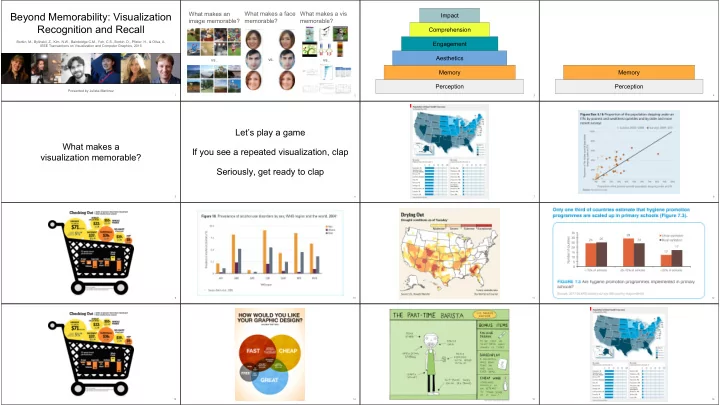
Beyond Memorability: Visualization Recognition and Recall

Borkin, M., Bylinskii, Z., Kim, N.W., Bainbridge C.M., Yeh, C.S., Borkin, D., Pfister, H., & Oliva, A. IEEE Transactions on Visualization and Computer Graphics, 2015 Presented by Julieta Martinez

1 2

What makes an image memorable? What makes a vis memorable? What makes a face memorable?

vs. vs. vs.

3

Perception Memory Aesthetics Engagement Comprehension Impact

4

Perception Memory

What makes a visualization memorable?

5

Let’s play a game

6

If you see a repeated visualization, clap Seriously, get ready to clap

7 8 9 10 11 12 13 14 15 16

slide-2
SLIDE 2

17

That’s it. Thanks!

18 19

attention check memory check likely to be a false positive

20

Data

21

Government Infographic News Science

22

“These particular web sites were chosen because each contained a large number of static visualizations that could be automatically scraped without requiring a large manual clean-up effort.”

23 24 25 26

“The annotations were done by ten Harvard University undergraduates who had completed the Harvard introductory visualization course”

27 28

data-ink ratio? bad bad medium = bad

29

Results

30

A visualization is memorable if…

31

… it has a pictogram (M=1.93 vs. M=1.14)

Thus, all results are presented with and without pictograms

32

… it is colorful

slide-3
SLIDE 3

33

… it has low data-ink ratio

34

… it is visually dense Some questions remain

  • What visual elements do

people use to

○ store into memory? ○ retrieve from memory?

  • Does giving more time

make a difference?

  • What do people

remember?

  • Same data
  • More labels
  • Less participants (33)
  • More time
  • + Eye tracking
  • + Word descriptions

35 36 37

Step 1: Encode

38

Step 2: Recognize

39

Step 3: recall

40

Does giving more time make a difference?

41

What do people look at?

42

Most recognizable Encoding Least recognizable Recognition “Percent of people born on each day of the year. X-axis is month Y-axis is day. Most popular birthdays are in late summer and early fall.”

  • Quality was rated from 0 to 3

○ 0 → incorrect or incoherent ○ 3 → visualization topic, what data or information is presented in the visualization, the main message of the visualization, and one additional specific detail about the visualization

43

Evaluating recall

“this was a chart of most common birthdays. the darker the color the more common the birthday. september was the darkest month”

Titles help!

44

So does redundancy!

Description quality

Titles improve recall quality

Description quality

Strengths and weaknesses

45

Strengths

46

  • First dataset of its kind
  • High quality, transparent
  • research. All the data is

available online.

  • Props for collecting verbal

descriptions of visualizations → machine learning (:

  • Data is very skewed
  • Who would think tables

are memorable?

  • Infographics != infovis
  • Maybe scientific

visualizations are inherently harder to understand

47

Weaknesses

Beyond Memorability: Visualization Recognition and Recall

Borkin, M., Bylinskii, Z., Kim, N.W., Bainbridge C.M., Yeh, C.S., Borkin, D., Pfister, H., & Oliva, A. IEEE Transactions on Visualization and Computer Graphics, 2015 Presented by Julieta Martinez

48