
SLIDE 1
Parent’s Handbook Accessing Google at home
For laptops (if you have a Chrome device, log into device and go straight to Google homepage):
- 1. Open a new Google homepage using Google Chrome (you may need to
download the Google Chrome app)
- 2. Click on sign in (top right corner) and enter email address then password
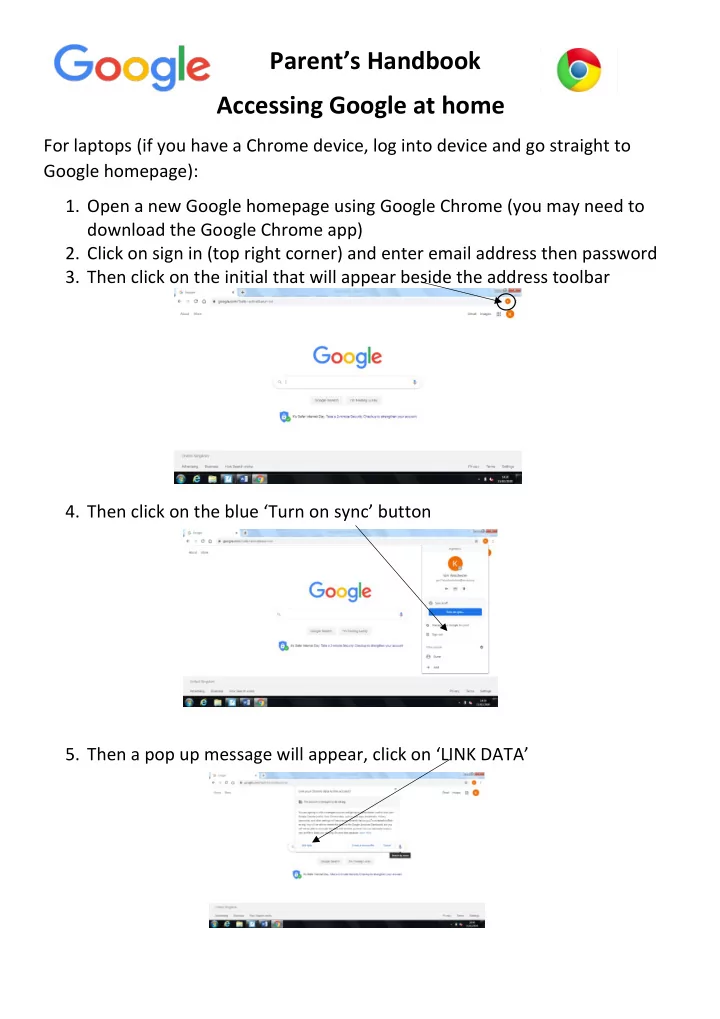
- 3. Then click on the initial that will appear beside the address toolbar
- 4. Then click on the blue ‘Turn on sync’ button
- 5. Then a pop up message will appear, click on ‘LINK DATA’