
SLIDE 1
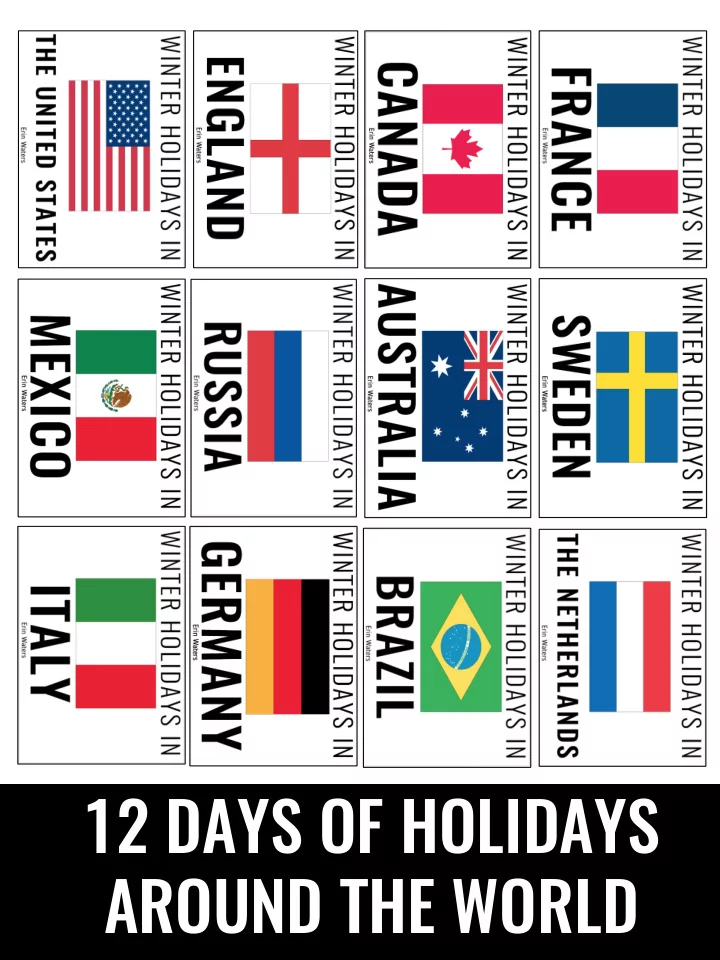
12 DAYS OF HOLIDAYS AROUND THE WORLD OLD VS. NEW This product has - - PDF document
12 DAYS OF HOLIDAYS AROUND THE WORLD OLD VS. NEW This product has recently undergone a huge transformation and makeover. The old version of this product presented technical problems for PC users, so I created a new version of this product that
This product has recently undergone a huge transformation and
problems for PC users, so I created a new version of this product that works successfully on all devices. If you purchased this product prior to the transformation, you still have access to the Google Drive file that hosts the old files; however, if you are purchasing this product December 2017 or later, you will only have access to the updated files.
*Slideshow shown might not be exact one advertised; there are 12 presentations created, and I have only used images from one in the preview. To view them all, click here.
I read so you don’t have to!
Each slideshow can be played to run automatically so all YOU have to do is click the first slide, sit back, and enjoy the show!
Go at your
Each slideshow can be played to run manually so the teacher clicks through each slide to go at your own pace.
*Slideshow shown might not be exact one advertised; there are 12 presentations created, and I have only used images from one in the preview. To view them all, click here.
*Each slideshow contains 20-30 slides that contain text and photographs to educate students about winter holidays in other countries. *When running automatically, each slide has about 3 seconds of transition time once the slide is finished; once the 3 seconds has passed, the presentation will continue to the next slide. *When running manually, there is a speaker button each slide that you press in order to hear the words read aloud. The text also appears on each slide, so you have the option of simply reading the text aloud to your students.
There are several slides per slideshow that encourage student interaction. They are outlined below: Th Think Ab About It Read aloud; Students are given 60 seconds to discuss the prompt with a classmate. Ma Make a Connection Read aloud; Students are given 60 seconds to discuss the prompt with a classmate.
Com Compreh rehen ension ion Ch Check eck These are NOT read aloud; students and teachers move through them together following the slideshow; answer key slides follow each slide.
stickers
into passports Passport “Stamps” Passport
stacks, & staple for each student
NOTE: These materials are ONLY included in the bundle; if you plan to purchase the presentations separately, you will not receive these items.
Text and photographs in this product are NOT editable; however, you are able to edit the timing of the slides if you wish (for example, making the time between each slide shorter or longer). To do this, simply navigate to the Transitions tab in PowerPoint and type in the number of seconds you’d like to be between the slides in the box marked “After:”