World Class Macros Ali Korkmaz, John Moore & Rick Shoup Our - - PDF document

world class macros ali korkmaz john moore rick shoup
SMART_READER_LITE
LIVE PREVIEW

World Class Macros Ali Korkmaz, John Moore & Rick Shoup Our - - PDF document

World Class Macros Ali Korkmaz, John Moore & Rick Shoup Our experience In the I.R. shop: Report generation for different departments annual, quarterly, monthly updates , q y, y p Ali Korkma Ali Korkmaz, John Moore z,


slide-1
SLIDE 1

World Class Macros Ali Korkmaz, John Moore & Rick Shoup Association for Institutional Research Atlanta, GA – May 30, 2009 1

Ali Ali Korkma Korkmaz, John Moore z, John Moore and and Rick Shou Rick Shoup Indiana University Center for Postsecondary Research Association for Institutional Research Atlanta, GA May 30, 2009

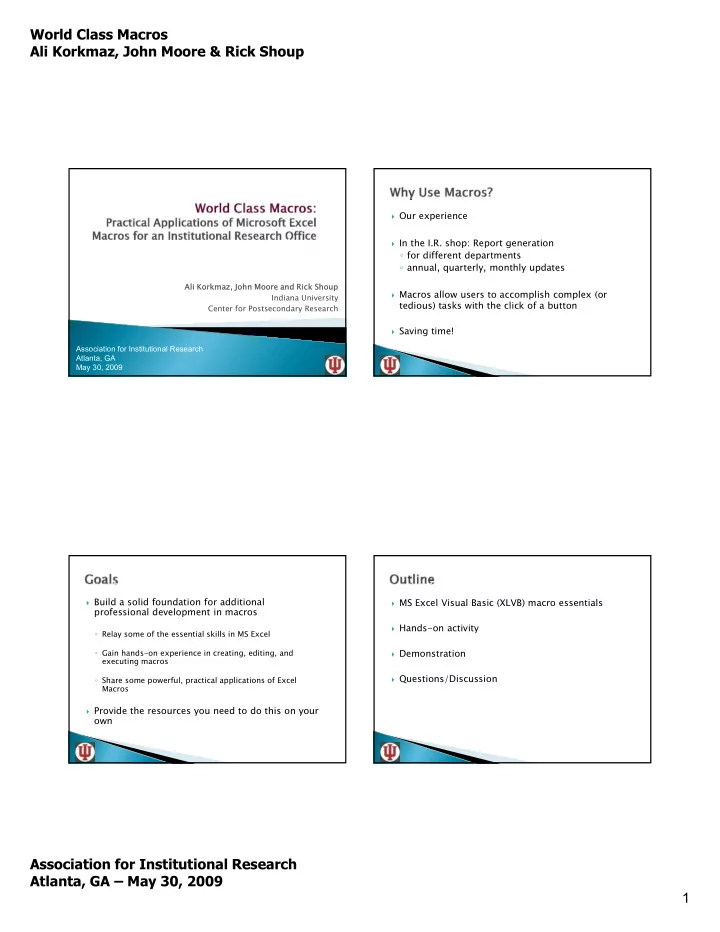
 Our experience  In the I.R. shop: Report generation

  • for different departments
  • annual, quarterly, monthly updates

, q y, y p

 Macros allow users to accomplish complex (or

tedious) tasks with the click of a button

 Saving time!  Build a solid foundation for additional

professional development in macros

  • Relay some of the essential skills in MS Excel
  • Gain hands-on experience in creating, editing, and

ti executing macros

  • Share some powerful, practical applications of Excel

Macros

 Provide the resources you need to do this on your

  • wn

 MS Excel Visual Basic (XLVB) macro essentials  Hands-on activity  Demonstration  Questions/Discussion

slide-2
SLIDE 2

World Class Macros Ali Korkmaz, John Moore & Rick Shoup Association for Institutional Research Atlanta, GA – May 30, 2009 2

 What is Excel and VB  Program/computer setup  Recording macros  Editing macros  Activating macro  Quick walk-through

By the way, we are not experts…

 Excel is a software program that allows the easy analysis and

manipulation of data using tables and formulas.

 Workbooks versus worksheets  Graphic User Interface (GUI)  Visual Basic is programming code that you can use to perform

many functions in Excel with the click of a button

 Macros are packets of Visual Basic code that perform specific

functions.

 What version of MS Excel are you using?  Accessing the Visual Basic toolbar/ribbon

  • Excel03 – View/Toolbars/Visual Basic
  • Excel07 – Office Button/Excel Options/Popular/Show

d l b h bb developer tab in the ribbon

 Set the appropriate macro security level

  • Excel03 – Tools/Macro/Security – Set to Medium
  • Excel07 – Developer/Macro Security – Disable all

macros with notification

slide-3
SLIDE 3

World Class Macros Ali Korkmaz, John Moore & Rick Shoup Association for Institutional Research Atlanta, GA – May 30, 2009 3

 Recording macros

  • Code for most MS Excel actions can be captured,

saved and “replayed”

 Keep it simple at first

  • While learning, best to record one action at a time

 Save all macros in a different workbook

  • Macro workbook in same folder as report template
  • Cut and paste from your active workbook

 Visual Basic is the command language that runs

your MS Excel macros

 Basic elements of the VB Editor

  • Project Window (Objects versus Modules)
  • Code Window

 Basic macro structure  Using comments  Creating a control button

  • Excel03 – View/Toolbars/Forms – select “button”
  • Excel07 – Developer/Insert/Form Controls – select

“button”

 Right-click, select “assign macro”, and select macro

name

 Designate worksheet for macro controls  Beware of save commands!!!

slide-4
SLIDE 4

World Class Macros Ali Korkmaz, John Moore & Rick Shoup Association for Institutional Research Atlanta, GA – May 30, 2009 4

 RECORDING core processes and/or RECYCLING

existing code

 EDITING to isolate desired code  CONSOLIDATE core processes to perform larger  CONSOLIDATE core processes to perform larger,

more complex task

 TEST and REVISE your macro  EXECUTE your final macro  No need to re-invent the wheel  Make a backup of prior macro before making any

changes

 Be aware of what parts of the template often change  Be aware of what parts of the template often change  Carefully test changes as you go  Survey Tab – Polished, formatted presentation of

alumni survey results

 Output Tab – Raw output originally generated using

SPSS

 Dept List Tab – Department and College Names,

locations of raw output, and where to save final reports

slide-5
SLIDE 5

World Class Macros Ali Korkmaz, John Moore & Rick Shoup Association for Institutional Research Atlanta, GA – May 30, 2009 5

 FETCH DEPT - Fetches the department and college

information and places it in the control panel

 FETCH OUTPUT – Finds output file for current

department, copies and pastes it into the template

 SAVE REPORT – Preps final report and saves it to

specified spot on the server

 IR offices are rarely asked to produce just one report  Macros can be created that run other macros  It is useful to be able to “loop” an application, where a

generic template is populated for each applicable entity

 Looping an application represents a HUGE saving in

time

 Report Generator  Report Checker  Auto-PDF  Folder Creation  Graph Modification

slide-6
SLIDE 6

World Class Macros Ali Korkmaz, John Moore & Rick Shoup Association for Institutional Research Atlanta, GA – May 30, 2009 6

 Increased efficiency through Excel macros can

reap tremendous dividends for an IR office.

 Microsoft Excel Visual Basic macros represent a

valuable addition to existing IR processes

 XLVB macros have several powerful, practical

applications in an IR office

 XLVB basics are straightforward to learn  Obtain the essential skills needed to create and

  • perate macros in MS Excel

 Gain hands-on experience with practical macro

applications

 Build a solid foundation for additional personal

development.

 Email:

akor akorkmaz@indiana. kmaz@indiana.edu jmoore reii ii@ind @indiana. iana.edu ts tshoup@indiana.edu up@indiana.edu

 Website:

http://www.nsse.iub.edu

Copies of this workshop’s materials as well as

  • ther papers and presentations are available

through the website