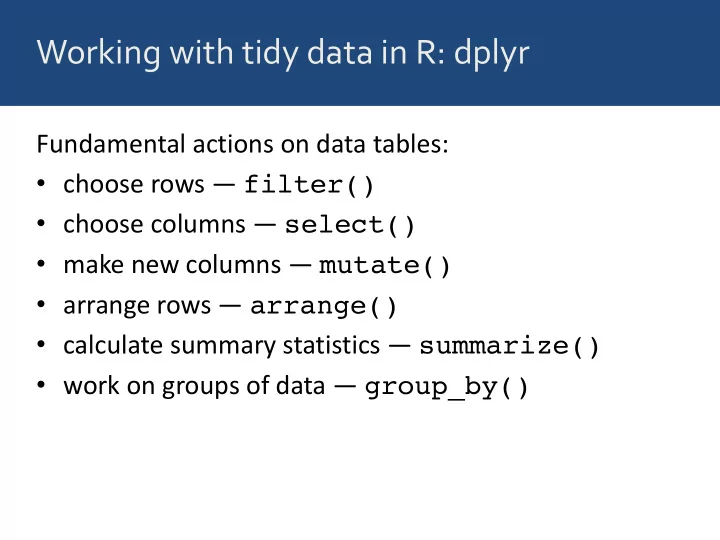
SLIDE 1 Working with tidy data in R: dplyr
Fundamental actions on data tables:
- choose rows — filter()
- choose columns — select()
- make new columns — mutate()
- arrange rows — arrange()
- calculate summary statistics — summarize()
- work on groups of data — group_by()
SLIDE 2 Working with tidy data in R: dplyr
Fundamental actions on data tables:
- choose rows — filter()
- choose columns — select()
- make new columns — mutate()
- arrange rows — arrange()
- calculate summary statistics — summarize()
- work on groups of data — group_by()
- combine tables — left_join(), ...
SLIDE 3
left_join(): combine two tables
SLIDE 4
left_join(): combine two tables
SLIDE 5
Example: Joining tables
Let’s extract two tables from msleep:
SLIDE 6
Example: Joining tables
> order_table <- select(msleep, name, order) > order_table name order 1 Cheetah Carnivora 2 Owl monkey Primates 3 Mountain beaver Rodentia 4 Greater short-tailed shrew Soricomorpha 5 Cow Artiodactyla 6 Three-toed sloth Pilosa 7 Northern fur seal Carnivora 8 Vesper mouse Rodentia 9 Dog Carnivora 10 Roe deer Artiodactyla
Let’s extract two tables from msleep:
SLIDE 7
Example: Joining tables
> awake_table <- select(msleep, name, awake) > awake_table name awake 1 Cheetah 11.90 2 Owl monkey 7.00 3 Mountain beaver 9.60 4 Greater short-tailed shrew 9.10 5 Cow 20.00 6 Three-toed sloth 9.60 7 Northern fur seal 15.30 8 Vesper mouse 17.00 9 Dog 13.90 10 Roe deer 21.00
Let’s extract two tables from msleep:
SLIDE 8
Example: Joining tables
> left_join(order_table, awake_table)
And put them back together:
SLIDE 9
Example: Joining tables
> left_join(order_table, awake_table) Joining by: "name" name order awake 1 Cheetah Carnivora 11.90 2 Owl monkey Primates 7.00 3 Mountain beaver Rodentia 9.60 4 Greater short-tailed shrew Soricomorpha 9.10 5 Cow Artiodactyla 20.00 6 Three-toed sloth Pilosa 9.60 7 Northern fur seal Carnivora 15.30 8 Vesper mouse Rodentia 17.00 9 Dog Carnivora 13.90 10 Roe deer Artiodactyla 21.00
And put them back together:
SLIDE 10
left_join(): missing values in 2nd table are set to NA
SLIDE 11
left_join(): missing values in 2nd table are set to NA
NA NA NA NA
SLIDE 12
left_join(): values from 2nd table are duplicated where necessary
SLIDE 13
left_join(): values from 2nd table are duplicated where necessary
SLIDE 14 Several different join functions are available
- left_join()
- right_join()
- inner_join()
- semi_join()
- full_join()
- anti_join()