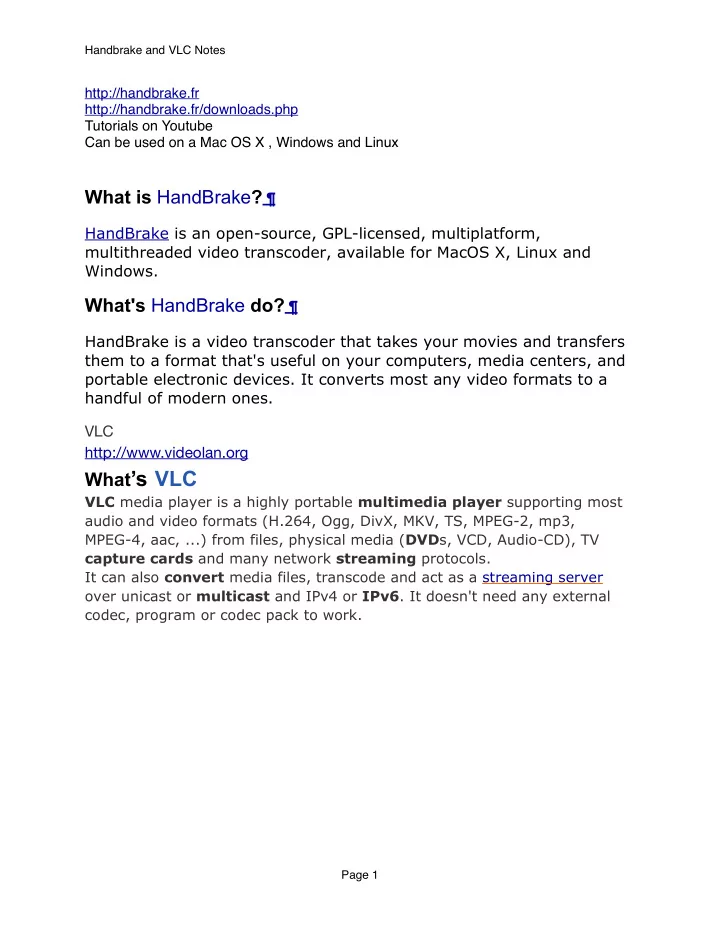
What s VLC VLC media player is a highly portable multimedia player - - PDF document

what s vlc
SMART_READER_LITE
LIVE PREVIEW

What s VLC VLC media player is a highly portable multimedia player - - PDF document

Handbrake and VLC Notes http://handbrake.fr http://handbrake.fr/downloads.php Tutorials on Youtube Can be used on a Mac OS X , Windows and Linux What is HandBrake ? HandBrake is an open-source, GPL-licensed, multiplatform, multithreaded


slide-1
SLIDE 1

http://handbrake.fr http://handbrake.fr/downloads.php Tutorials on Youtube Can be used on a Mac OS X , Windows and Linux

What is HandBrake? 

HandBrake is an open-source, GPL-licensed, multiplatform, multithreaded video transcoder, available for MacOS X, Linux and Windows.

What's HandBrake do? 

HandBrake is a video transcoder that takes your movies and transfers them to a format that's useful on your computers, media centers, and portable electronic devices. It converts most any video formats to a handful of modern ones. VLC http://www.videolan.org

What’s VLC

VLC media player is a highly portable multimedia player supporting most audio and video formats (H.264, Ogg, DivX, MKV, TS, MPEG-2, mp3, MPEG-4, aac, ...) from files, physical media (DVDs, VCD, Audio-CD), TV capture cards and many network streaming protocols. It can also convert media files, transcode and act as a streaming server

  • ver unicast or multicast and IPv4 or IPv6. It doesn't need any external

codec, program or codec pack to work.

Handbrake and VLC Notes Page 1

slide-2
SLIDE 2

I have VLC, why won't HandBrake see it? 

First off, ensure VLC is placed in your root /Applications folder, not your user home folder's ~/Applications folder. Second, VLC must be launched once after being downloaded and installed, for the system to give it permission to operate. Double-click it and click "Okay" to the warning message about it being downloaded

  • software. Once it launches, feel free to quit it.

Third, the "bitness" of VLC must match the "bitness" of HandBrake. This means 32-bit HandBrake only works with 32-bit VLC, and 64-bit HandBrake only works with 64-bit VLC. If you cannot find a 64-bit build of VLC (sometimes they break it), you can still read DVDs by mounting them with the application FairMount? before opening them with HandBrake. Finally, If you are using a PPC (G4 or G5) mac, you need to use the Universal Binary of VLC. The 32bit PPC Binary will not work.

I'm using Mac OS 10.4 and… 

  • -Sorry, HandBrake no longer supports Mac OS X versions older than

10.5. But you can still use older versions of it although they are much slower than the newest version.

Handbrake and VLC Notes Page 2

slide-3
SLIDE 3
  • 1. Click on the video source(your DVD under Devices). Then click on open.

Handbrake and VLC Notes Page 3

slide-4
SLIDE 4
  • 2. Choose format you wish video to be extracted. Extraction will begin immediately and may last

a long time depending on the length of the video and the version of the software.

Handbrake and VLC Notes Page 4