
SLIDE 1
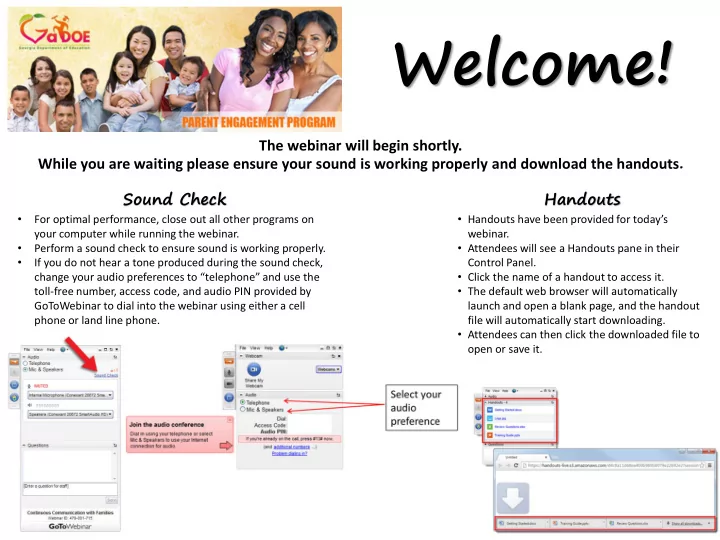
The webinar will begin shortly. While you are waiting please ensure your sound is working properly and download the handouts.
- For optimal performance, close out all other programs on
your computer while running the webinar.
- Perform a sound check to ensure sound is working properly.
- If you do not hear a tone produced during the sound check,
change your audio preferences to “telephone” and use the toll-free number, access code, and audio PIN provided by GoToWebinar to dial into the webinar using either a cell phone or land line phone.
- Handouts have been provided for today’s
webinar.
- Attendees will see a Handouts pane in their
Control Panel.
- Click the name of a handout to access it.
- The default web browser will automatically
launch and open a blank page, and the handout file will automatically start downloading.
- Attendees can then click the downloaded file to
- pen or save it.
Welcome!
Sound Check Handouts