SLIDE 1
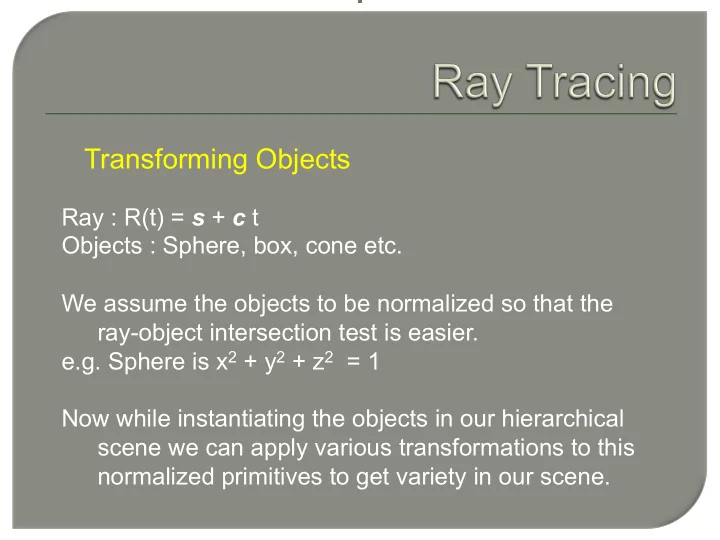
Transforming Objects
Ray : R(t) = s + c t Objects : Sphere, box, cone etc. We assume the objects to be normalized so that the ray-object intersection test is easier. e.g. Sphere is x2 + y2 + z2 = 1 Now while instantiating the objects in our hierarchical scene we can apply various transformations to this normalized primitives to get variety in our scene.
SLIDE 2
Transforming Objects
Let us say that the sphere is transformed under an Affine transformation T : M ,d i.e. q = q’M + d
q’ q T : M , d T-1 : M -1, -d
SLIDE 3
Transforming Objects
Thus ,s’ + c’t = ( s + ct ) M -1 Solving we get s’ = ( s - d ) M-1 c’ = c M-1
p p’ s + c t s’ + c’ t
SLIDE 4 Transforming Objects
For rendering we also require the normal at the point of intersection of the transformed primitive. Suppose the normalized primitive had the normal n at its point of intersection with the ray. And pa and pb be two points arbitrarily close on the normalized
( pa – pb ).n = 0 ( pa – pb ) nT = 0 After applying the transformation T: M ,d to pa and pb
( pa – pb ) M (n’)T = 0
Where n’ is the normal of the transformed object
SLIDE 5
Transforming Objects
Now
( pa – pb ) M (n’)T = 0
Let N be the transformation which gets applied to the normal of the normalized primitive. Then ( pa – pb ) M (nN)T = 0 ( pa – pb ) MNT nT = 0 This holds true when NT = M-1 i.e. N = (M-1)T Transformed objects lets us add flexibility to the basic primitives.
SLIDE 6 Constructive Solid Geometry (CSG)
S1 S2
2 1
S S ∩
Compound objects using Boolean Operations
S1 S2 ∩
SLIDE 7 Constructive Solid Geometry (CSG)
Ray inside test
S1 t1 t2 t3 t4 S2
2 1
S S ∩
SLIDE 8
Texture Mapping
SLIDE 9
Texture Mapping
How do we model the surface details? Explicit detailed geometry modeling Expensive and may be unnecessary Geometry and texture mapping Shape Details
SLIDE 10
Texture Mapping
Mapping Function
t) (s, : Texture z(u,v)) y(u,v), (x(u,v), : Object
t s u v
SLIDE 11
Texture Mapping
Mapping Function
t) (s, : Texture z(u,v)) y(u,v), (x(u,v), : Object D Ct v B As u mapping linear v) i(u, t v) h(u, s t) g(s, v t) f(s, u + = + = = = ⇔ = =
SLIDE 12
Texture Mapping
Mapping Function Forward Mapping
SLIDE 13
Texture Mapping
Pixel
Inverse Mapping
Another approach
Texture Screen
SLIDE 14
Texture Mapping
Examples Simple patterns for skin, bricks, etc. May need to repeat texture (tiling)
SLIDE 15
Texture Mapping
Examples Requires establishing correspondence between texture and surface points.